Blonde Hair Filter
Bleach is the one change you genuinely cannot undo in an afternoon. Platinum, honey, ash or beige - look at all four on your own face first.






Preview a new look
Your first look is free.
Free sample previews. Try every look on our sample faces here without registering. Your own photo needs a free account, no card: 15 credits once (a cut costs 10, a color on it 5). That covers one cut plus one color on it. No refill; further renders are paid. The optional Plus trial can be declined.


- 48,000+
- users worldwide
- 165,000+
- hairstyles tried
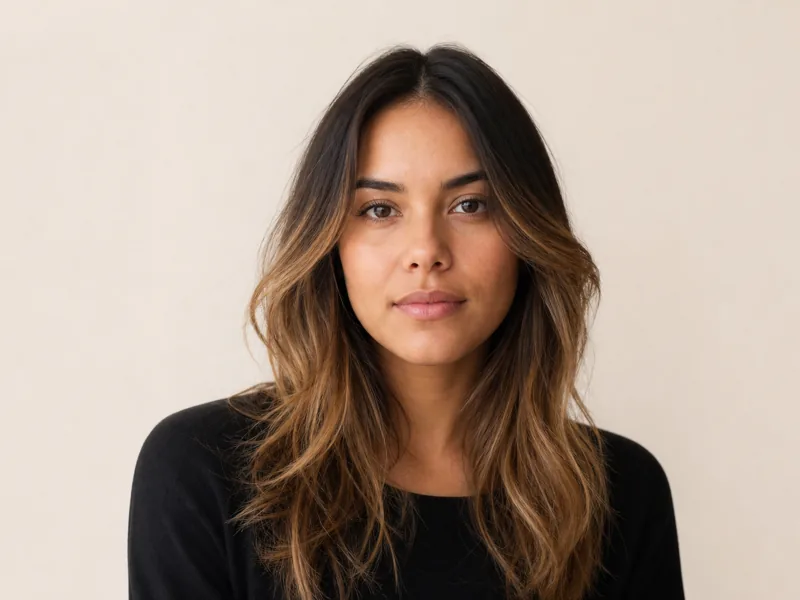
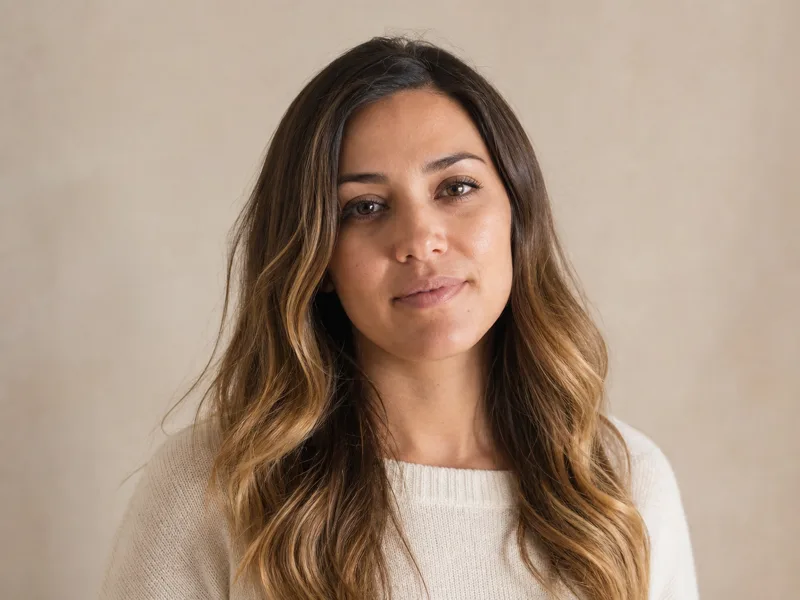
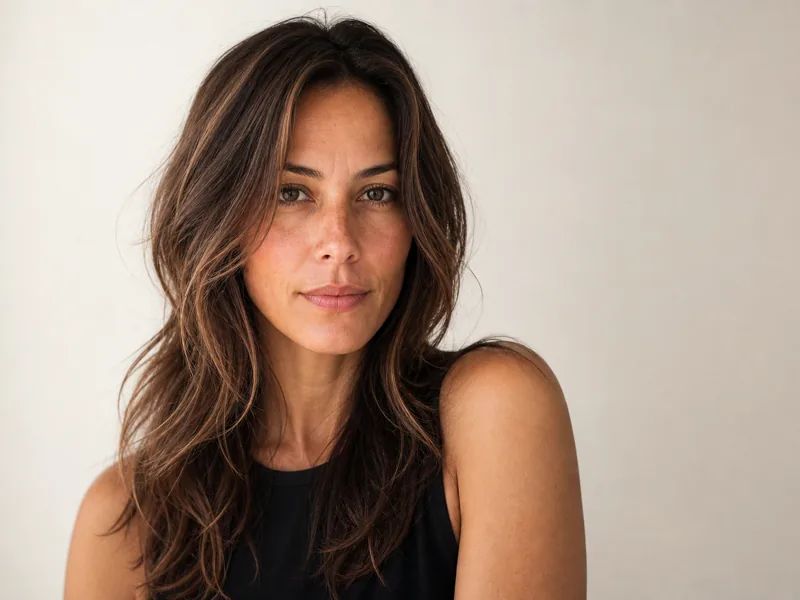
Try a hair color on a sample face
Pick a look, drag the handle to compare. Then do it with your own selfie.
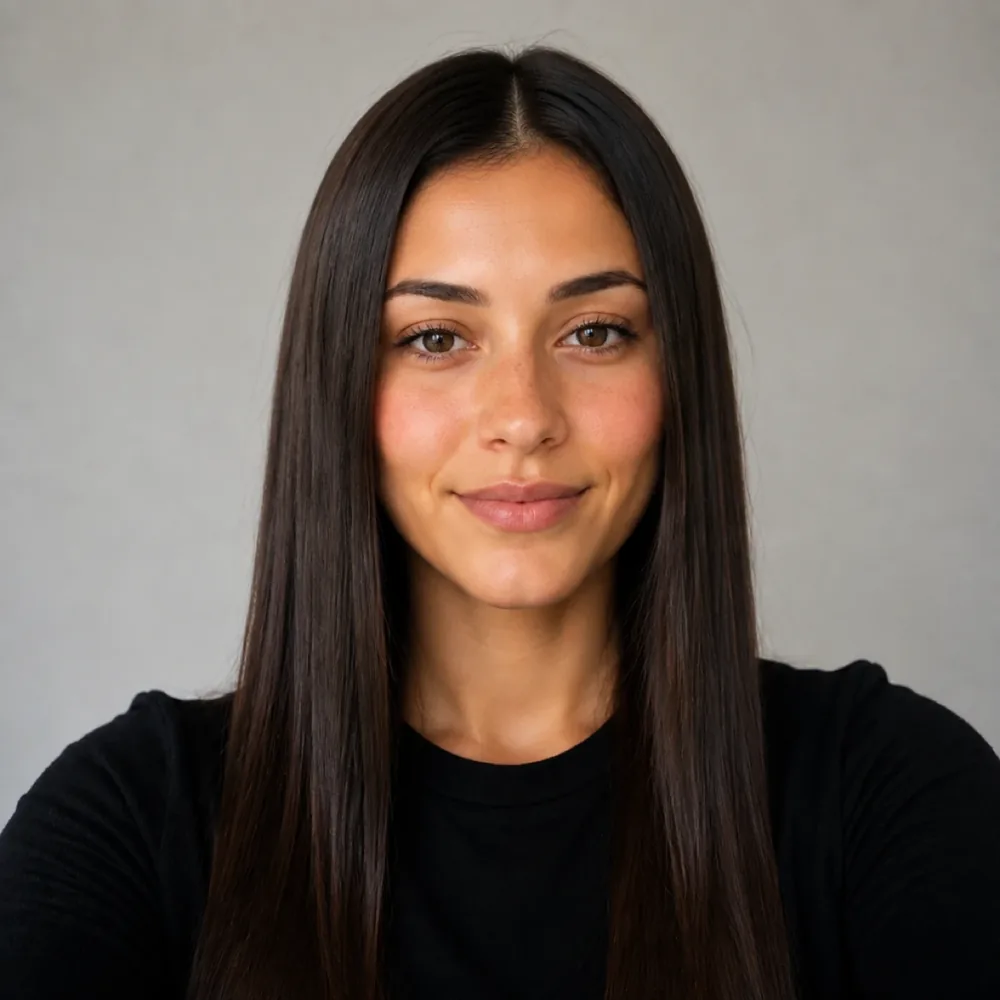
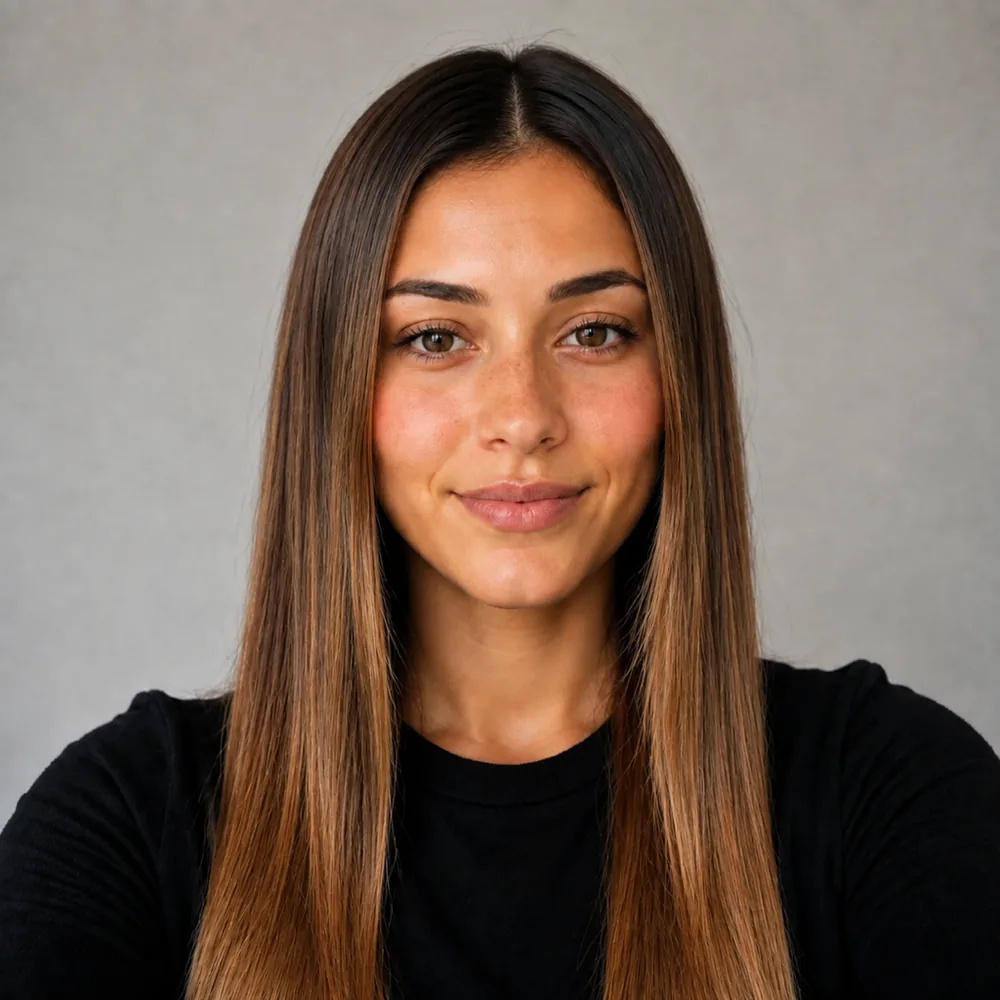
Keeping a balayage
- Back in the chair every 12 to 16 weeks.
- Color-safe shampoo, cool water.
- Wash 2 to 3 times a week.
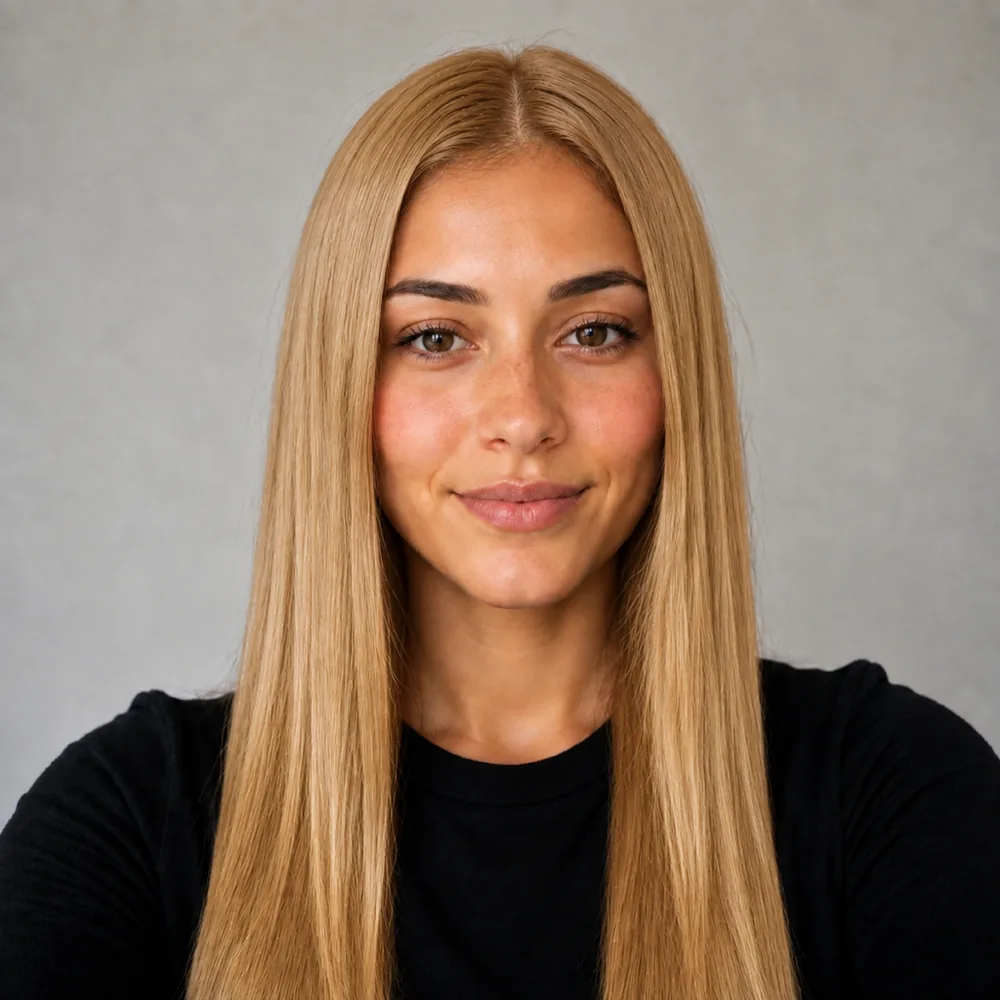
Keeping a blonde
- Back in the chair every 6 to 8 weeks.
- Purple shampoo weekly to hold the tone.
- Wash 2 to 3 times a week.
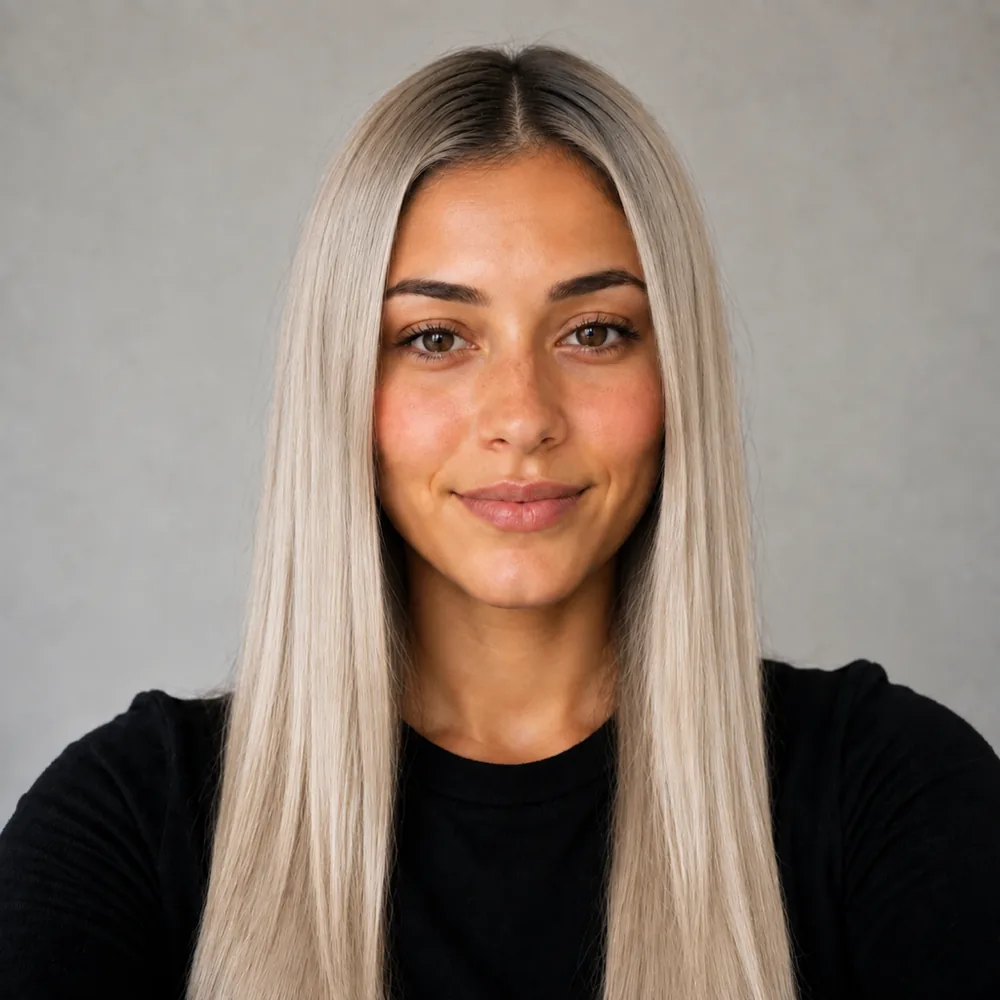
Keeping a scandi blonde
- Back in the chair every 8 to 10 weeks.
- Purple shampoo once a week, left for two minutes.
- Wash 2 times a week.
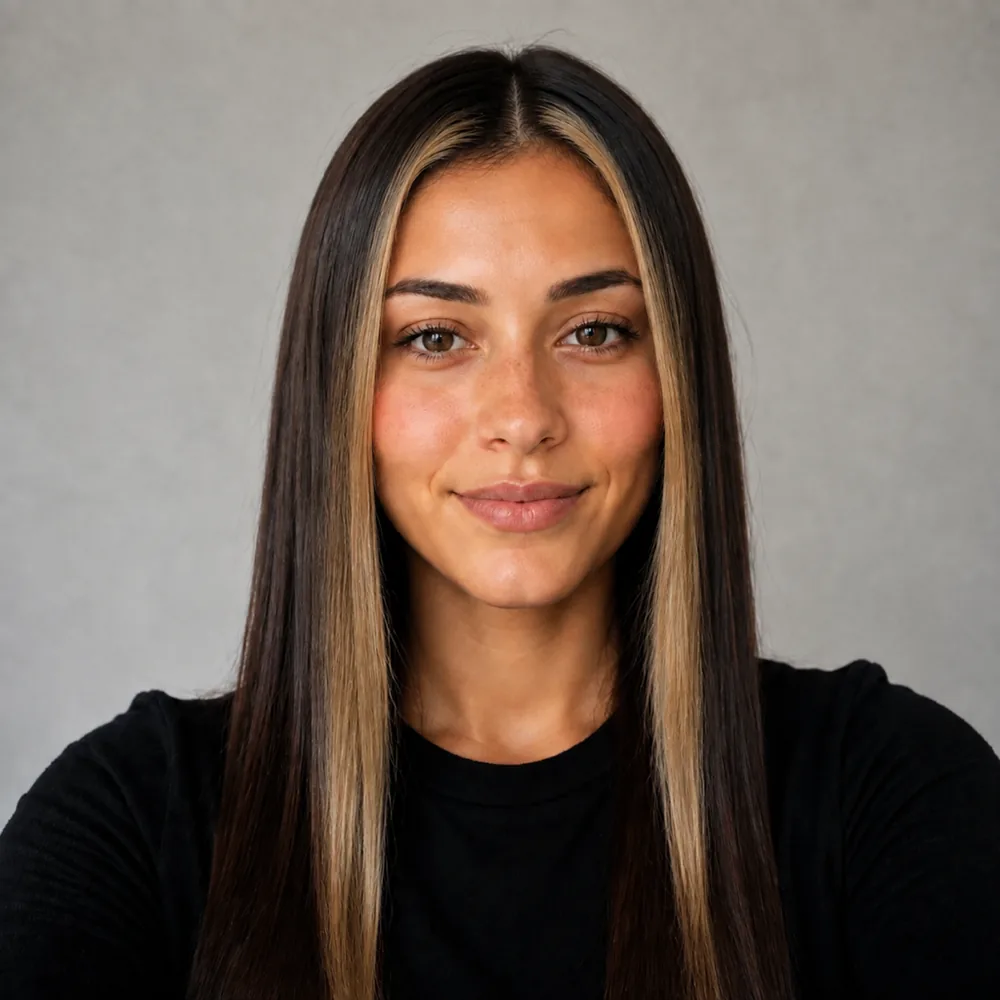
Keeping a money piece
- Back in the chair every 8 to 10 weeks.
- Purple shampoo on the front pieces only.
- Wash 2 to 3 times a week.
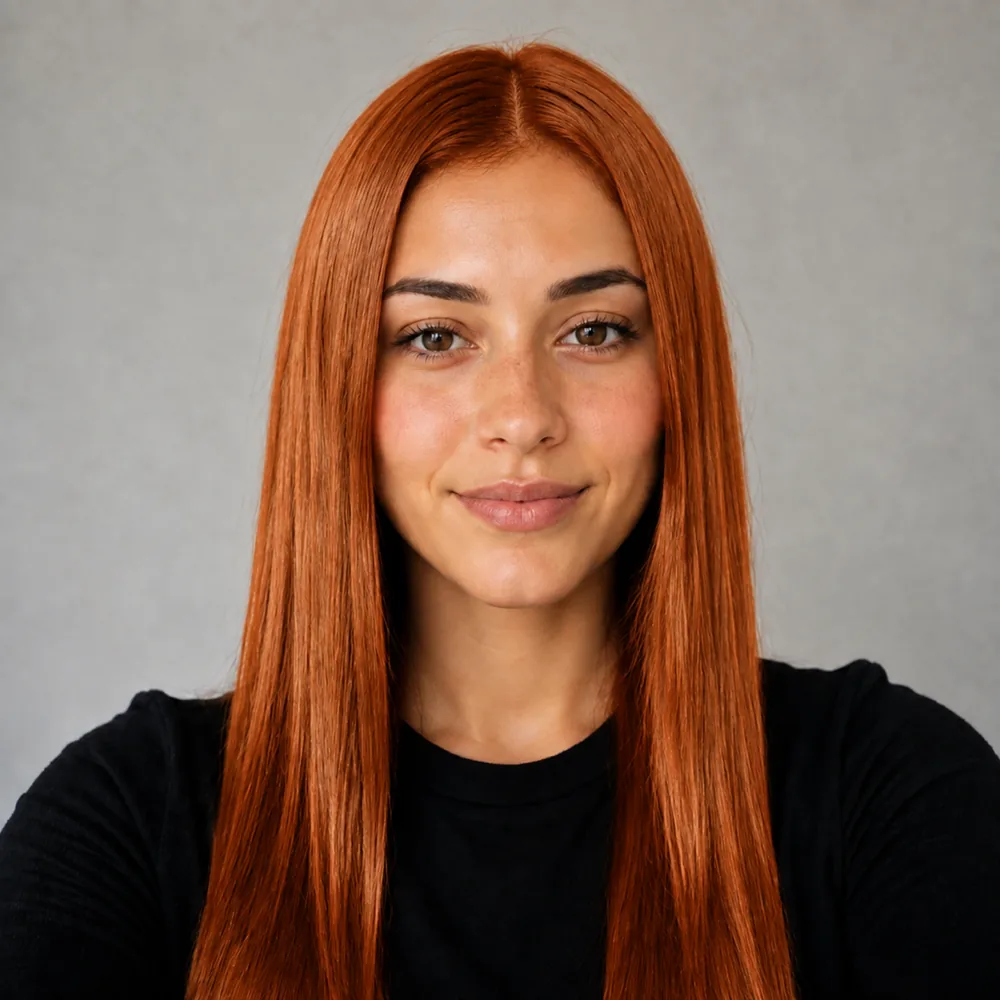
Keeping a copper
- Back in the chair every 4 to 6 weeks.
- Color-depositing conditioner every wash.
- Wash 1 to 2 times a week.
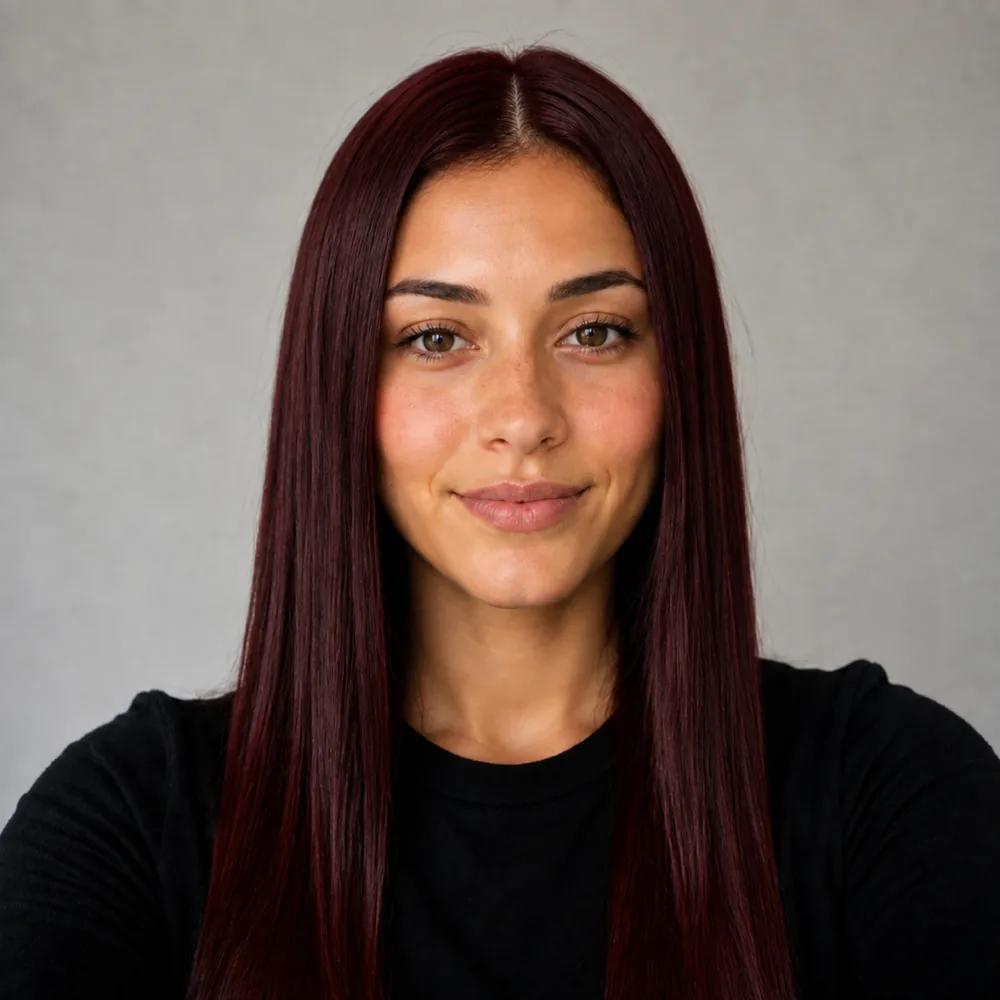
Keeping a cherry cola
- Back in the chair every 6 to 8 weeks.
- Colour-safe shampoo, cool rinse.
- Wash 2 times a week.

Keeping a old money blonde
- Back in the chair every 8 to 10 weeks.
- Colour-safe shampoo, cool rinse.
- Wash 2 to 3 times a week.
Every after is this tool's own render of a demo face, pre-generated for speed - nothing on this page renders live.
Preview a new look
Your first look is free.
Three steps
How it works
Bleach is the one change you genuinely cannot undo in an afternoon. Platinum, honey, ash or beige - look at all four on your own face first.
- 01 Your selfie
Capture the current root and lengths
Use even light without a strong warm cast. The blonde comparison should show both your starting depth and the area immediately around your face.
- 02120+ looks

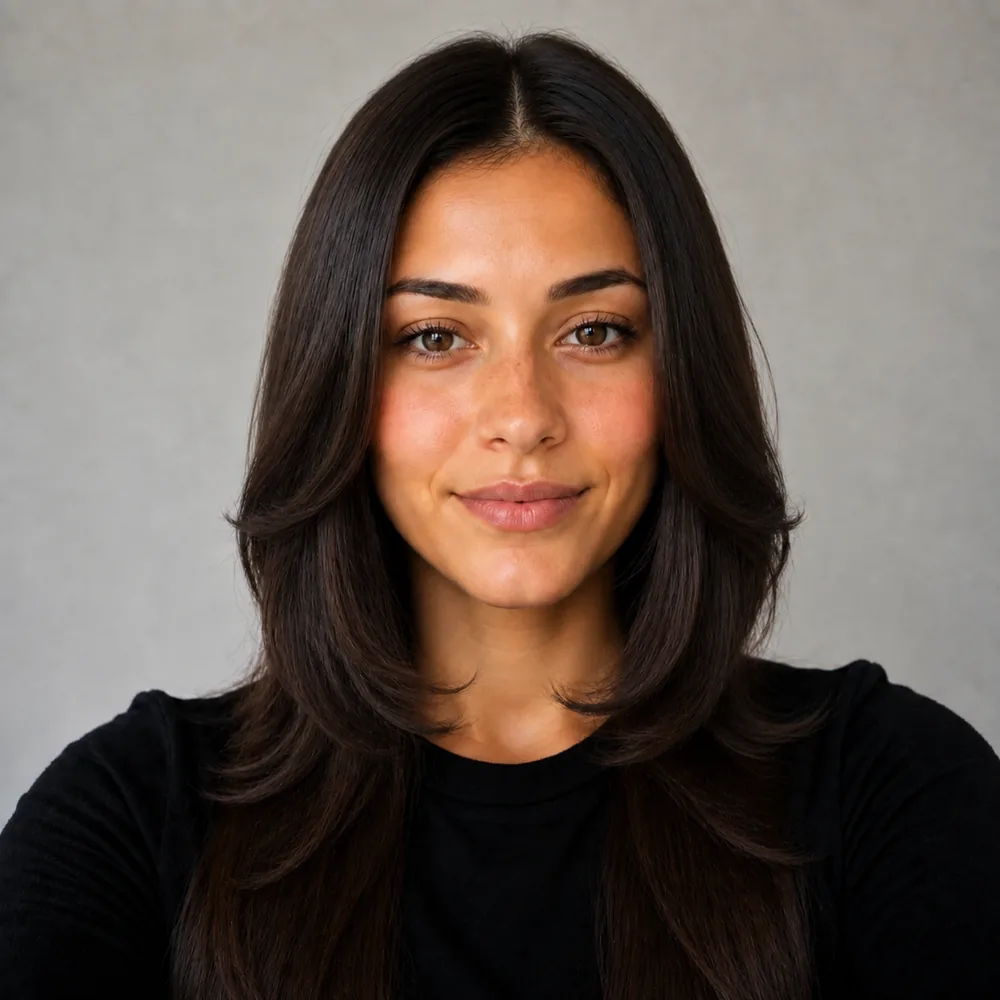


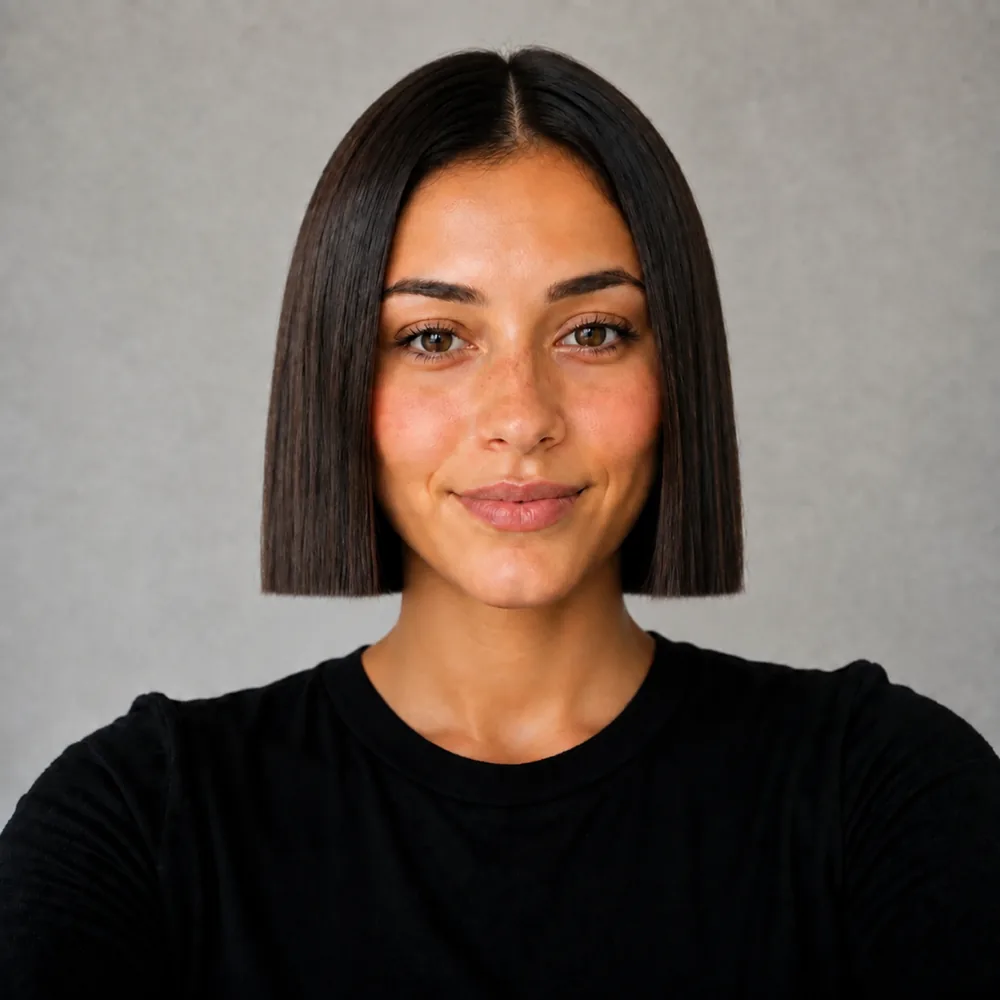
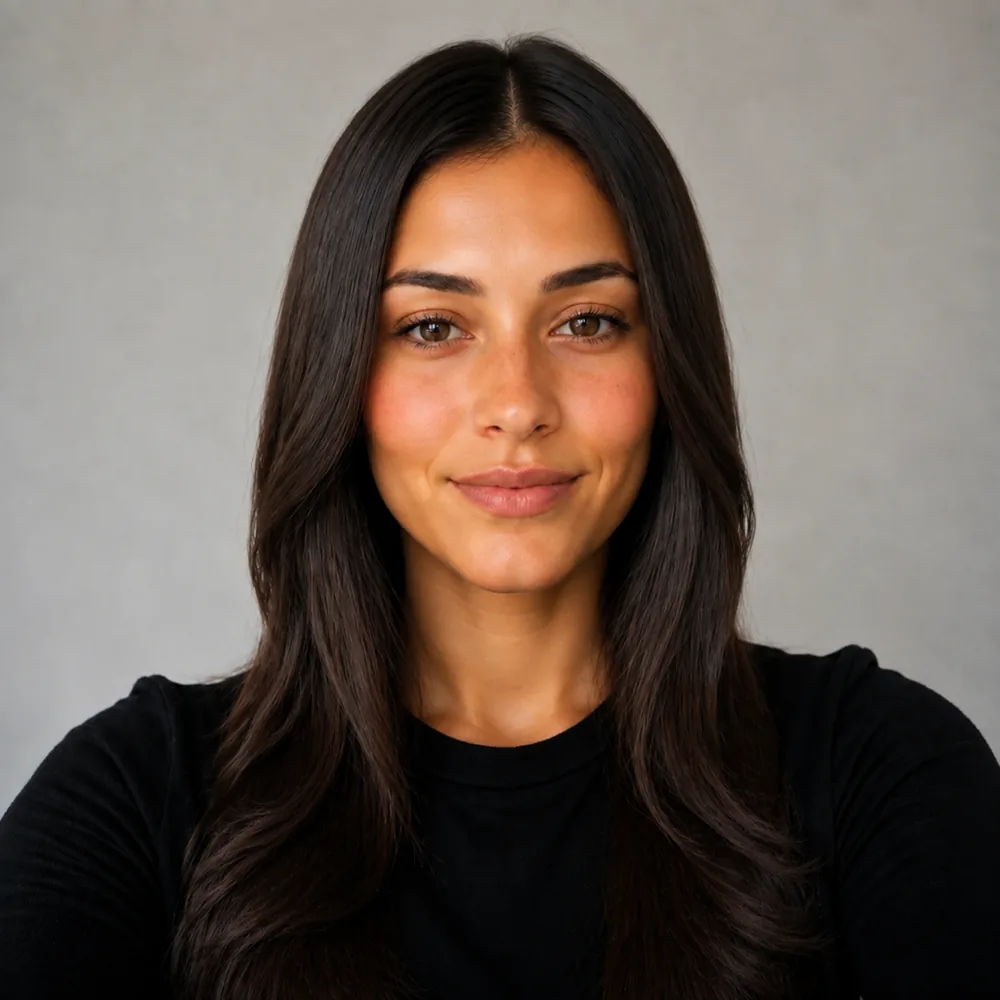
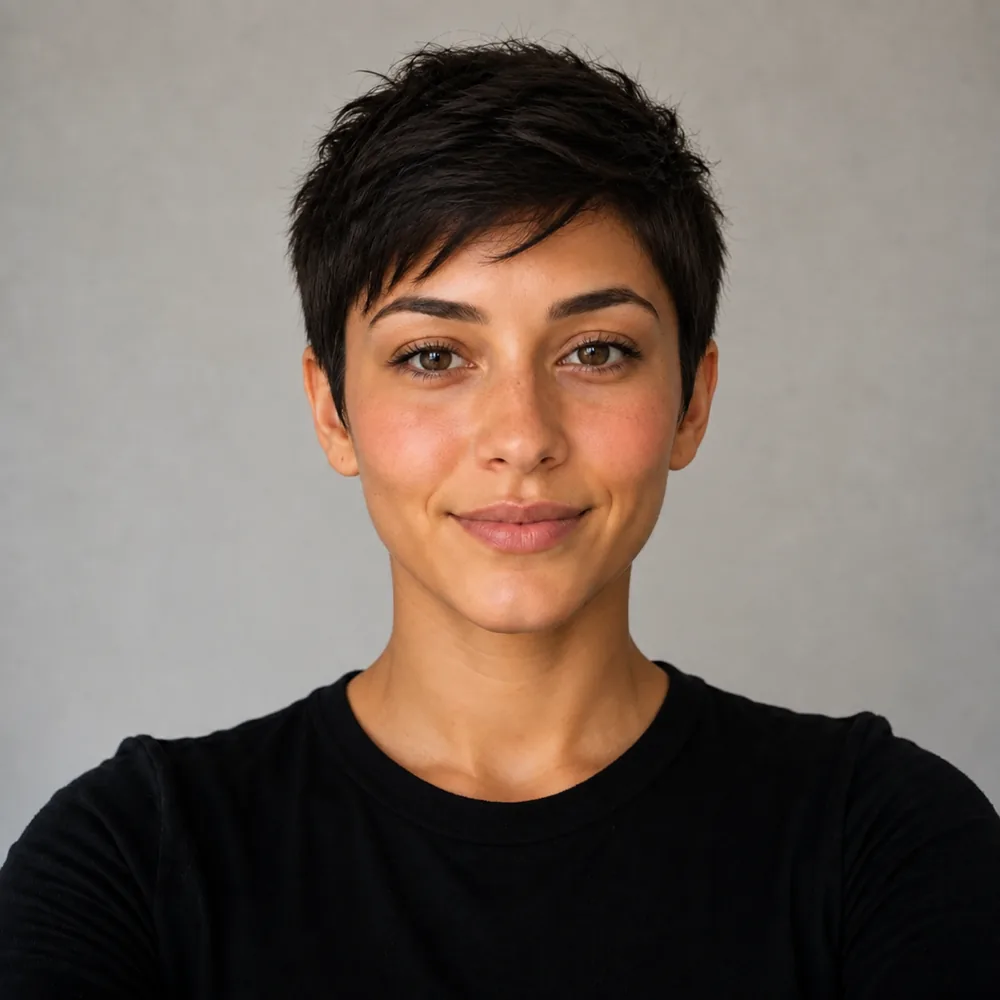

Compare blonde depth and root contrast
Choose how light you want to appear, then compare honey, beige or cooler directions. Check whether keeping depth at the root improves the frame.
- 03 Your result
Ask for a route to the blonde
Save the selected shade for your colorist and explain previous coloring. Agree on the achievable target and upkeep before committing to the service.
Blonde depth comes before the name on the swatch
Blonde covers a wide range of lightness. A deeper beige blonde can retain substantial contrast within the hair, while a pale platinum look can create a much lighter frame around the entire face. The familiar names do not always mean the same thing in every reference image. Start by looking at how light the whole head appears before deciding whether the tone should be honey, neutral or ash.
Compare the root area with the eyebrows and the lighter ends. An all-over pale result removes more dark framing than a blonde with a visible root shadow. You may like the brightness through the lengths but prefer some depth next to the forehead. That preference is easy to miss if every candidate changes both the shade and the root at once.
Choose a pair of blonde references that answer one question clearly. First establish a comfortable depth, then compare warmth within that range. The screen cannot act as a calibrated swatch, and the lighting in your source photo influences the apparent tone. Take the selected result to a colorist as a direction and explain which part matters: overall lightness, warmth near the face or the amount of root contrast. Those details survive a consultation more reliably than asking for the exact blonde in a digital image.
Decide whether blonde should begin at the scalp
A blonde result can be light from the part outward or retain a darker area near the roots. Those placements change the apparent brightness around the forehead even when the ends are equally pale. They also create different visible transitions as new growth appears. The blonde filter can make the contrast easy to see without implying that one route is right for everyone.
Look along the part in your preview, then down the first few inches beside the face. If you prefer the lighter ends but find the top too stark, a retained root area is worth discussing. If your goal is an uninterrupted pale frame, show that explicitly rather than choosing a reference with darker roots and assuming they are incidental. Placement is part of the blonde you are asking for.
The natural starting color affects how strongly future growth contrasts with the selected shade. Your render shows a chosen moment, not the sequence of root changes afterwards. Ask the colorist what the selected placement would look like as it grows, and how they would maintain the boundary. Be clear about how often you are willing to return before agreeing on the lightest version. The more useful blonde choice is the one whose root contrast you understand as well as its fresh finish.
A blonde target is not a promise of one appointment
A digital blonde transformation can replace dark lengths with pale ones immediately. It does not reproduce the work needed to reach that appearance in real hair. Earlier coloring, the current condition and differences between roots and ends can all affect the plan a colorist proposes. The preview cannot test any of those factors.
Bring the blonde image with an honest account of your color history. Include dark color applied some time ago if it remains in the lengths, rather than describing only the natural shade at the roots. Ask which parts of the reference are realistic targets for the first visit and which may need a different approach. A staged result can still be useful if you understand the intermediate color you are agreeing to wear.
Also distinguish the lightness from the final tone. A cooler-looking preview is not a formula for how to get there, and the image cannot establish how that tone will hold over time. Discuss the expected appearance between appointments and what a refresh would mean for your chosen blonde. The point of the filter is to decide whether you like the destination enough to have that conversation. It should not turn the cleanest, palest render into an assumed result regardless of the starting hair.
Which blonde actually works on your face
Four blondes
Icy platinum, cool ash, buttery honey, soft beige. The gap between them is mostly toner, and it decides whether your skin reads warm or drained.
Skin tone
Your complexion stays exactly as photographed, so you can see whether ash washes you out or honey warms you, instead of guessing from a swatch card.
Partial or full
A money piece at the front, lightened mid-lengths only, or all-over bleach. Less lift means less upkeep and far less stress put on the hair.
Root upkeep
Platinum shows a root inside about six weeks. Put it next to a shadow root or soft beige and decide what you will genuinely maintain.
Questions about the Blonde Hair Filter
Straight answers, no hedging.
Decide the comfortable depth first, then compare tones within it. A very pale result can look different mainly because it removes dark framing, even if the warmth is the feature you thought you were judging.
It retains depth near the part and forehead while allowing brighter lengths. Compare that frame with a more uniformly light top to see whether your preference is for blonde ends or an all-over pale appearance.
No. The image does not assess previous pigment or the condition of different sections. A colorist needs your history and an examination to discuss the route, including any intermediate shade you may need to wear.
The natural roots do not describe the full length's history. Earlier color may still affect what the colorist finds farther down. A digital blonde surface hides those differences instead of testing them.
It is a visual direction, not a product or formula recommendation. Ask the colorist how that cooler appearance relates to your starting hair and what it might look like between refresh appointments.
Inspect the lightest area beside the forehead and compare it with a version that keeps more root depth. The overall frame may explain your reaction more clearly than looking only at the ends or the shade name.
Other tools to explore

Link to this tool
Free sample previews, free to link or embed. No permission needed.
https://hairstyleatlas.com/blonde-hair-filterExplore more try-on tools
Same selfie, a different change. Every tool below runs on the photo you already uploaded.
Find your blonde depth.
Then choose the tone.
Compare pale, beige and warmer blonde directions with the root contrast you want to keep.