













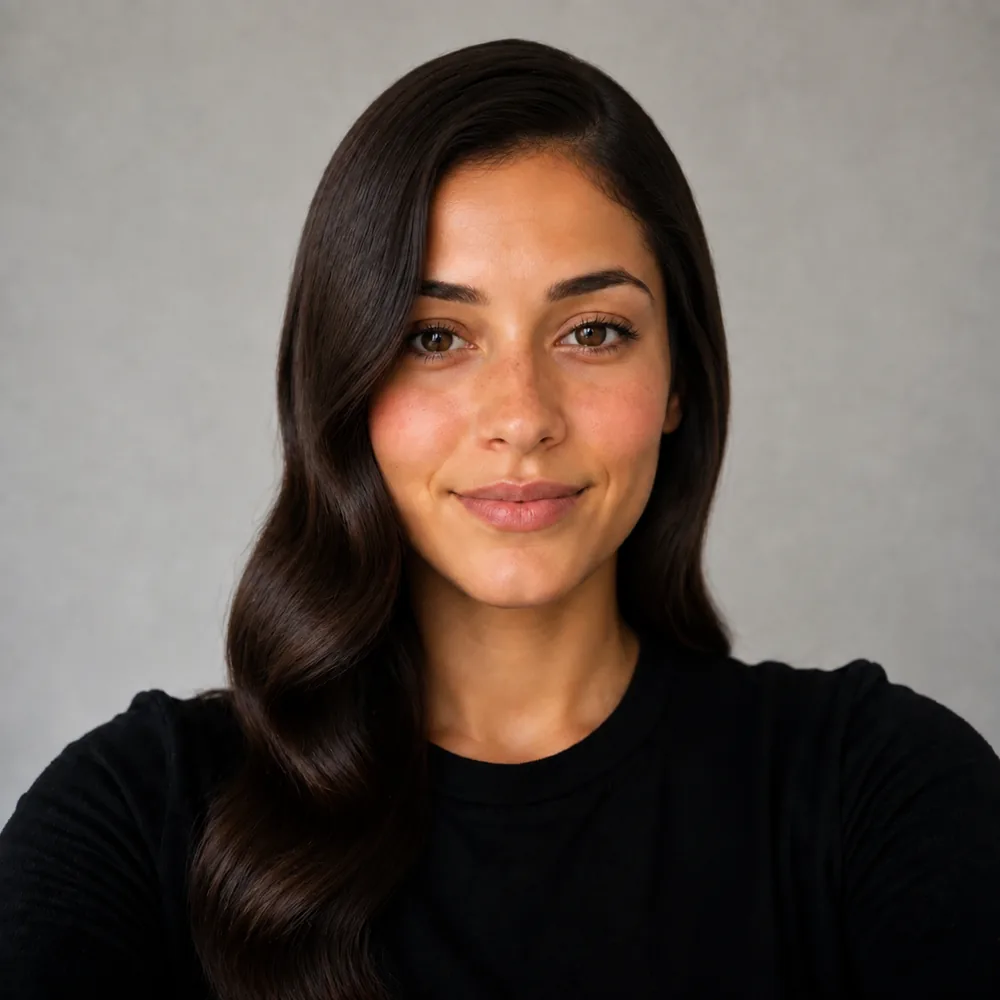
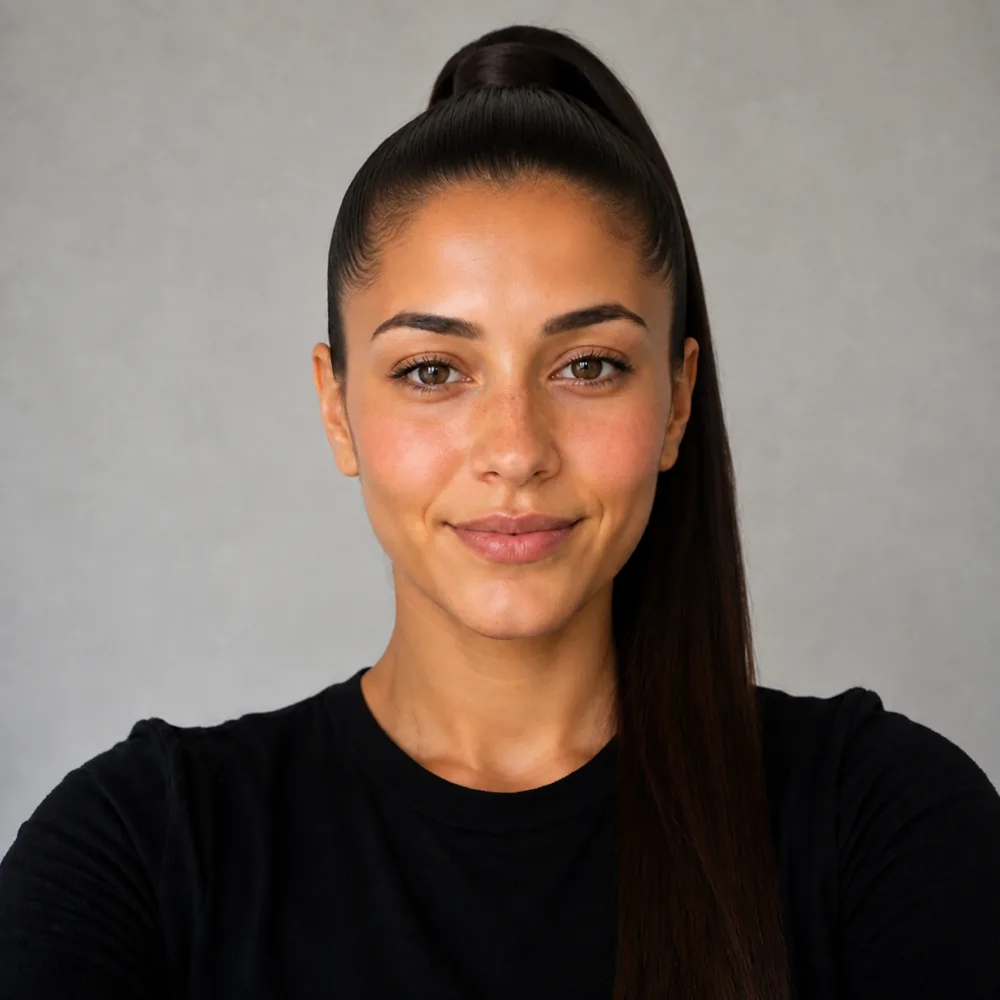
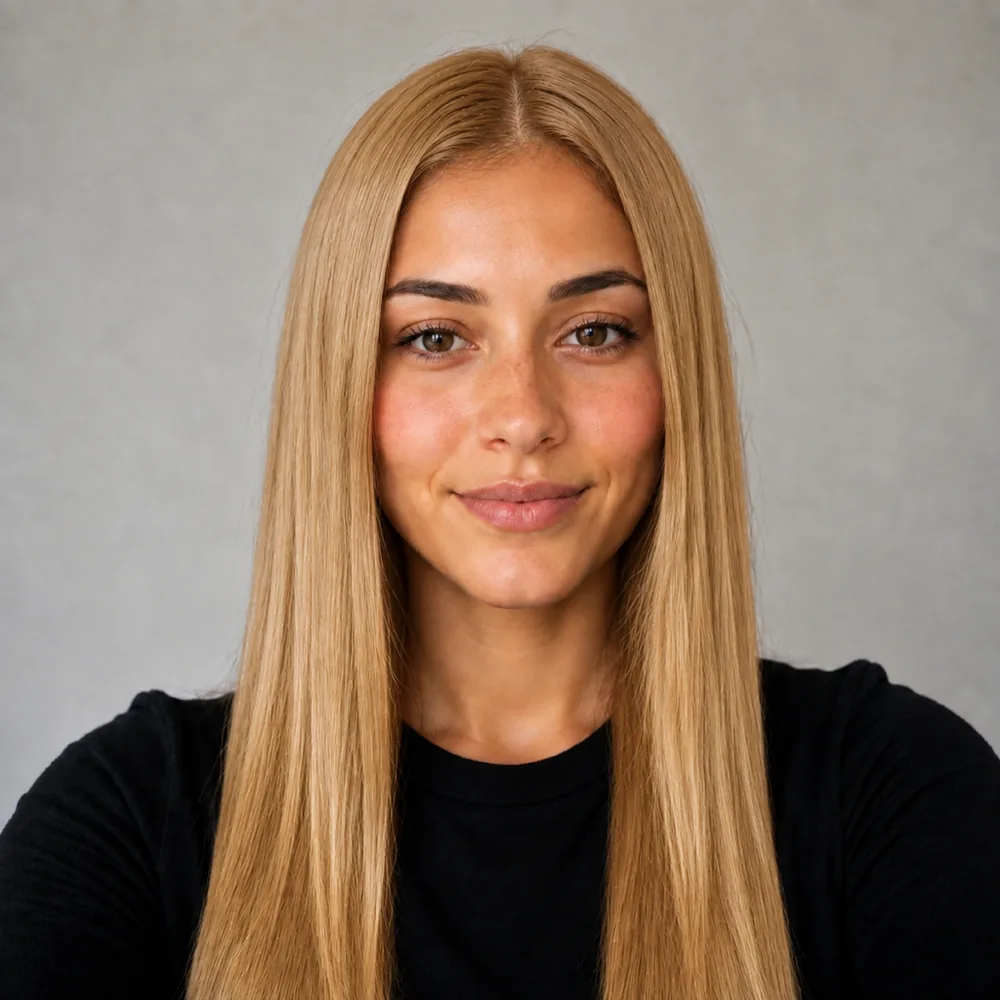
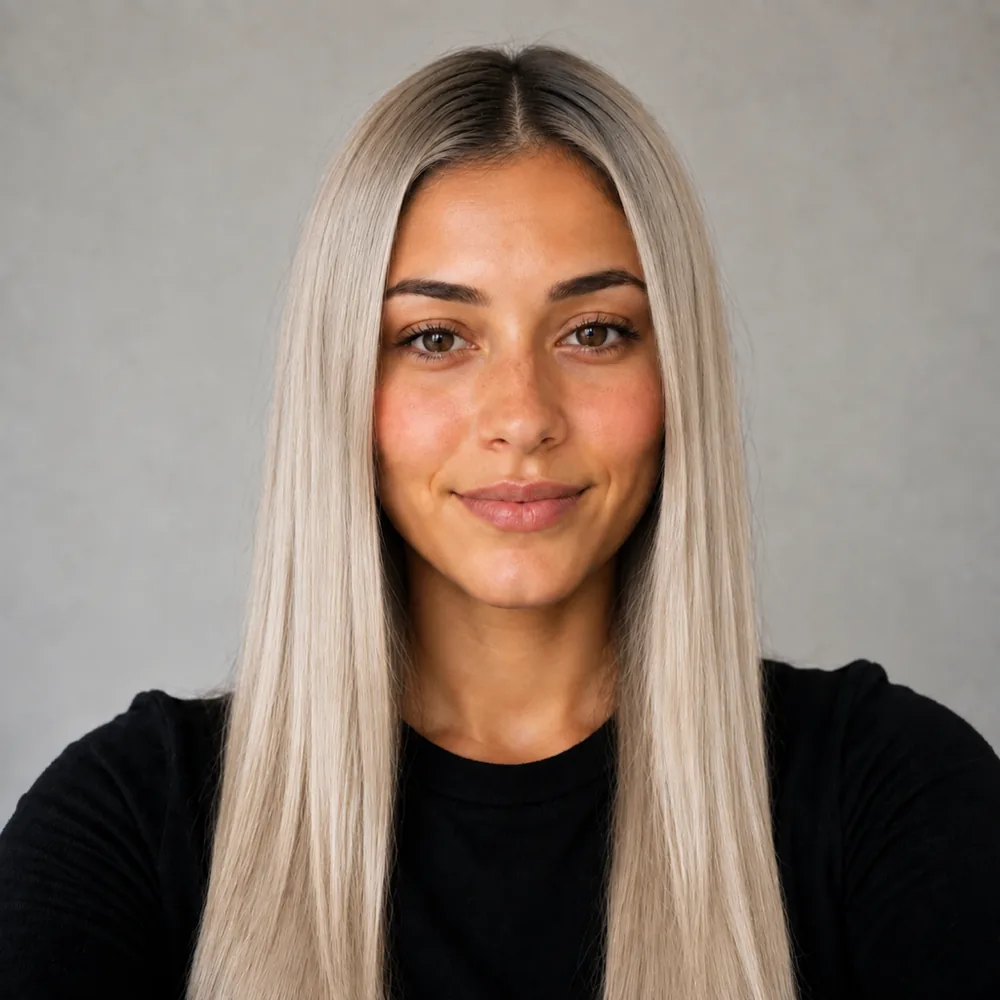
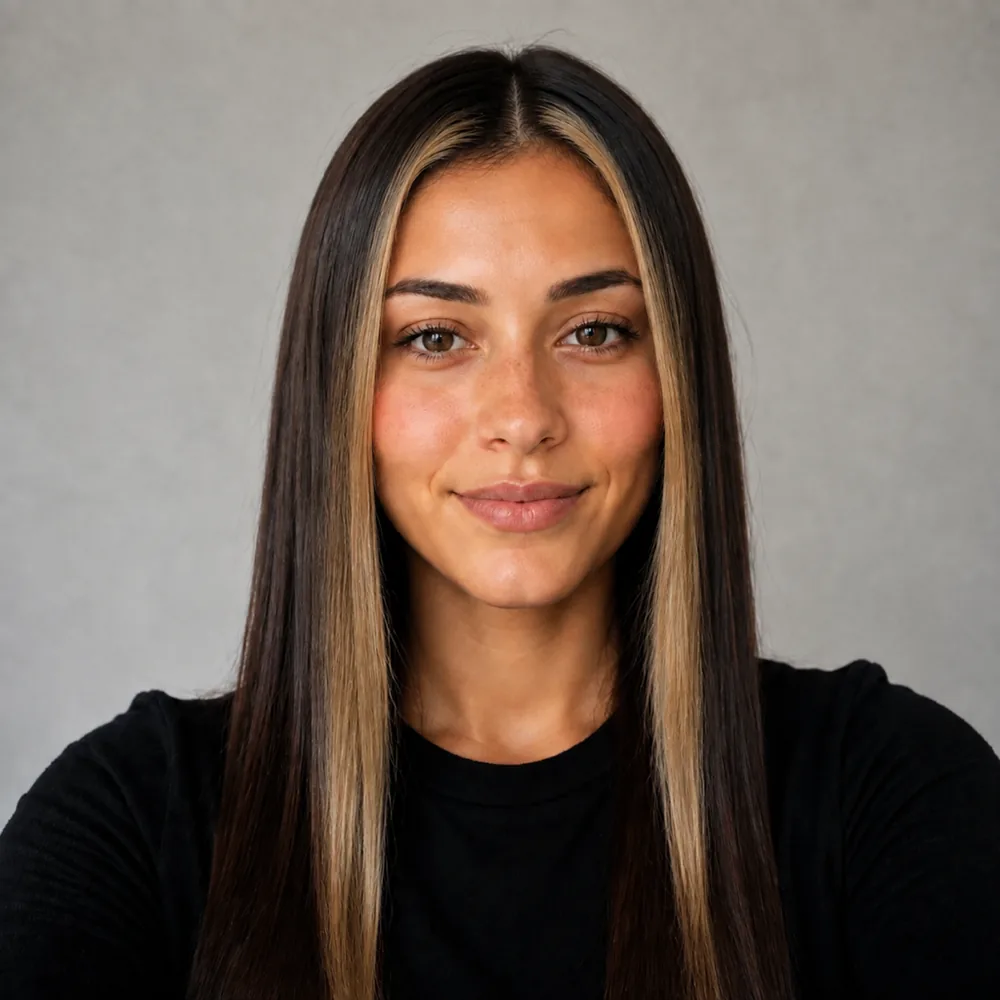
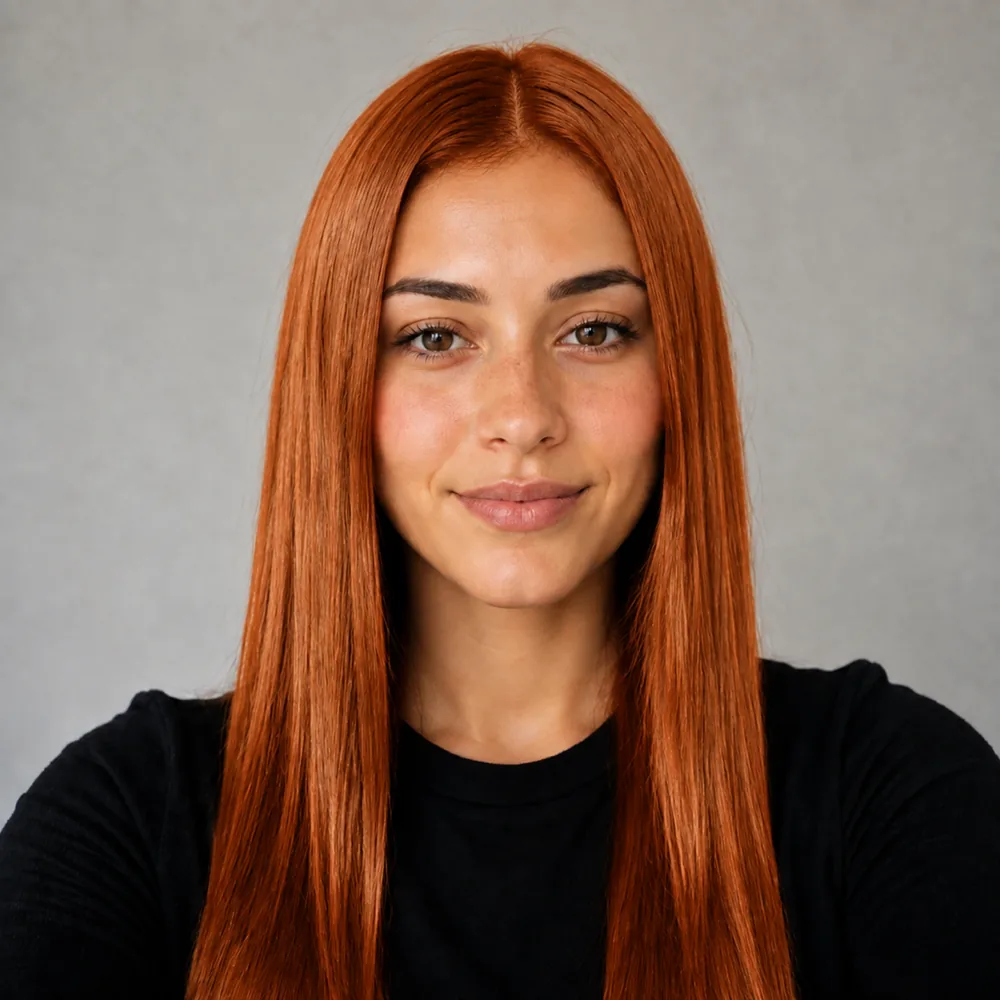
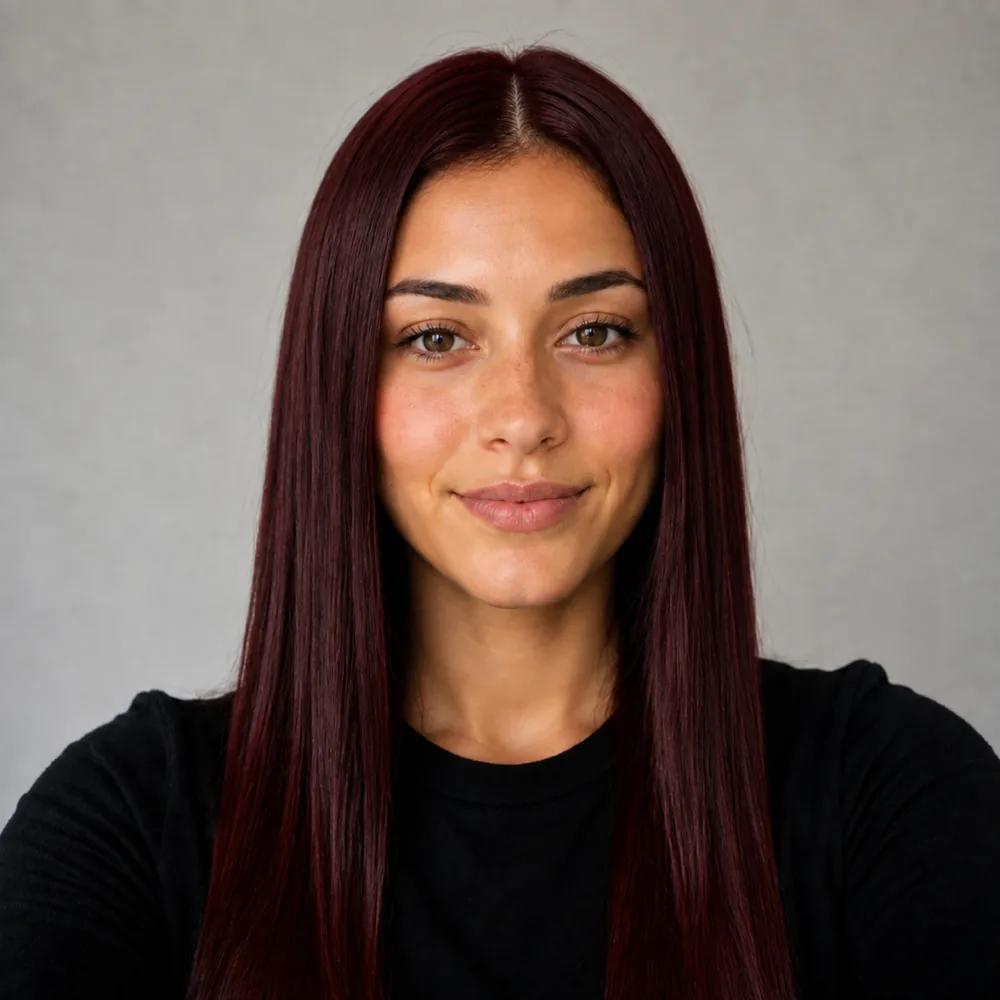






AI Hairstyle Changer

Upload one selfie and swap your hair for any cut in the atlas. Your face, skin tone and lighting stay exactly as they are - only the hair changes.

American Crew Reuzel Wahl Uppercut Deluxe Baxter of California Bulldog Skincare Olaplex Wella Moroccanoil L'Oréal ghd Cantu

Preview a new look

Your first look is free.

Try a haircut free

Free sample previews. Try every look on our sample faces here without registering. Your own photo needs a free account, no card: 15 credits once (a cut costs 10, a color on it 5). That covers one cut plus one color on it. No refill; further renders are paid. The optional Plus trial can be declined.

Taylor Swift with soft bangs and long hair pinned loosely back
48,000+
users worldwide
165,000+
hairstyles tried

Try it yourself

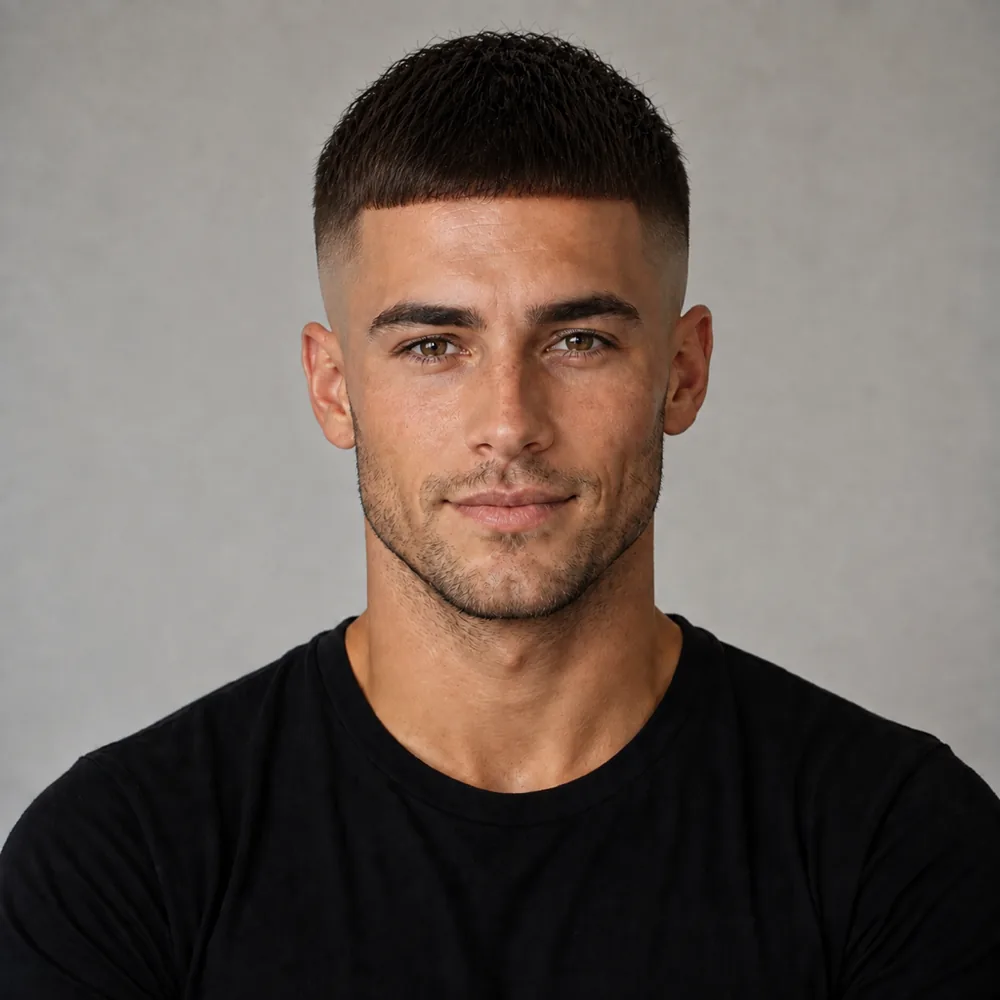
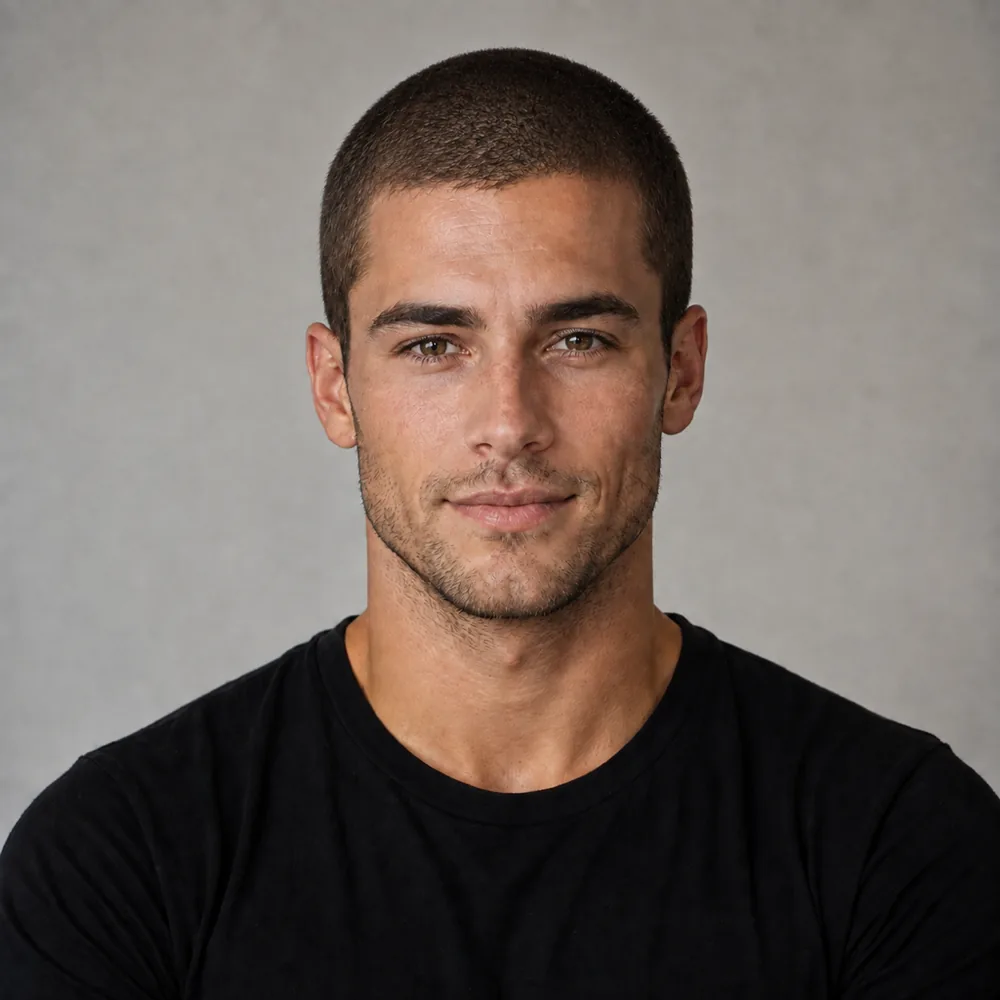
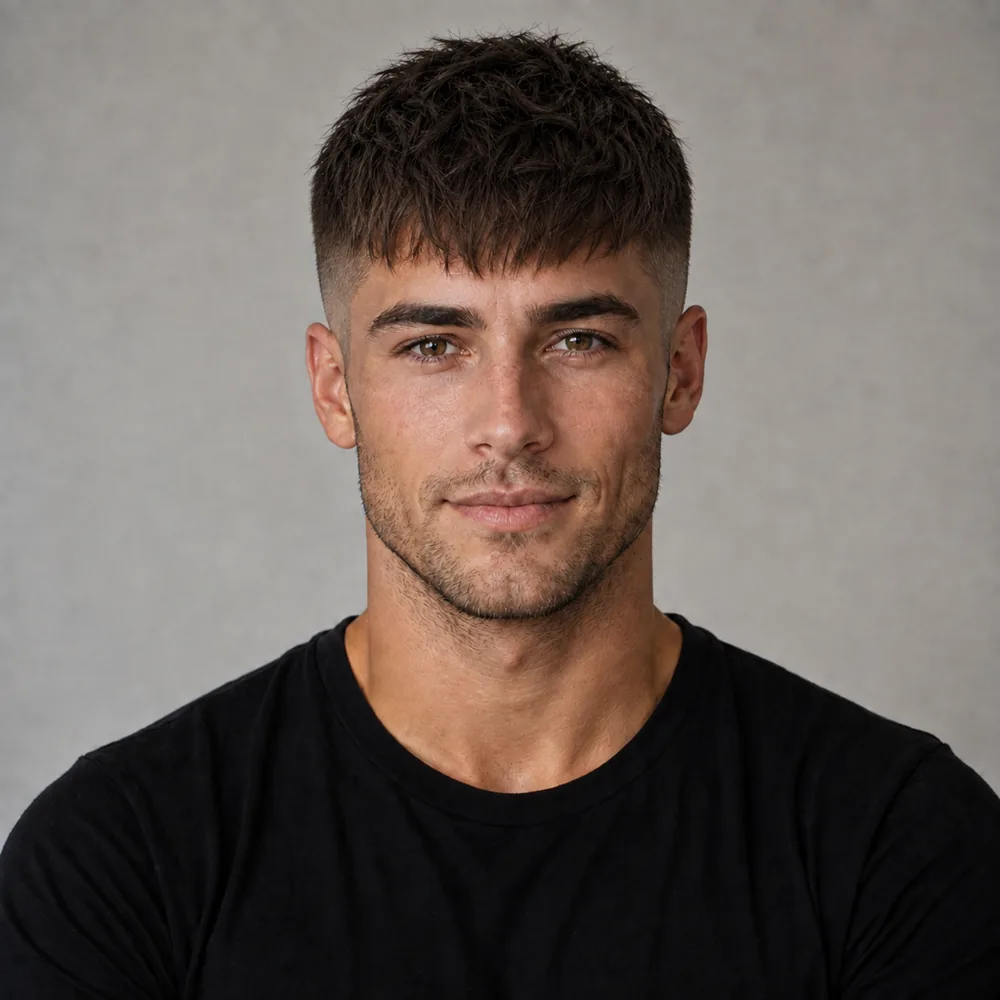
Pick a look, drag the handle to compare. Then do it with your own selfie.

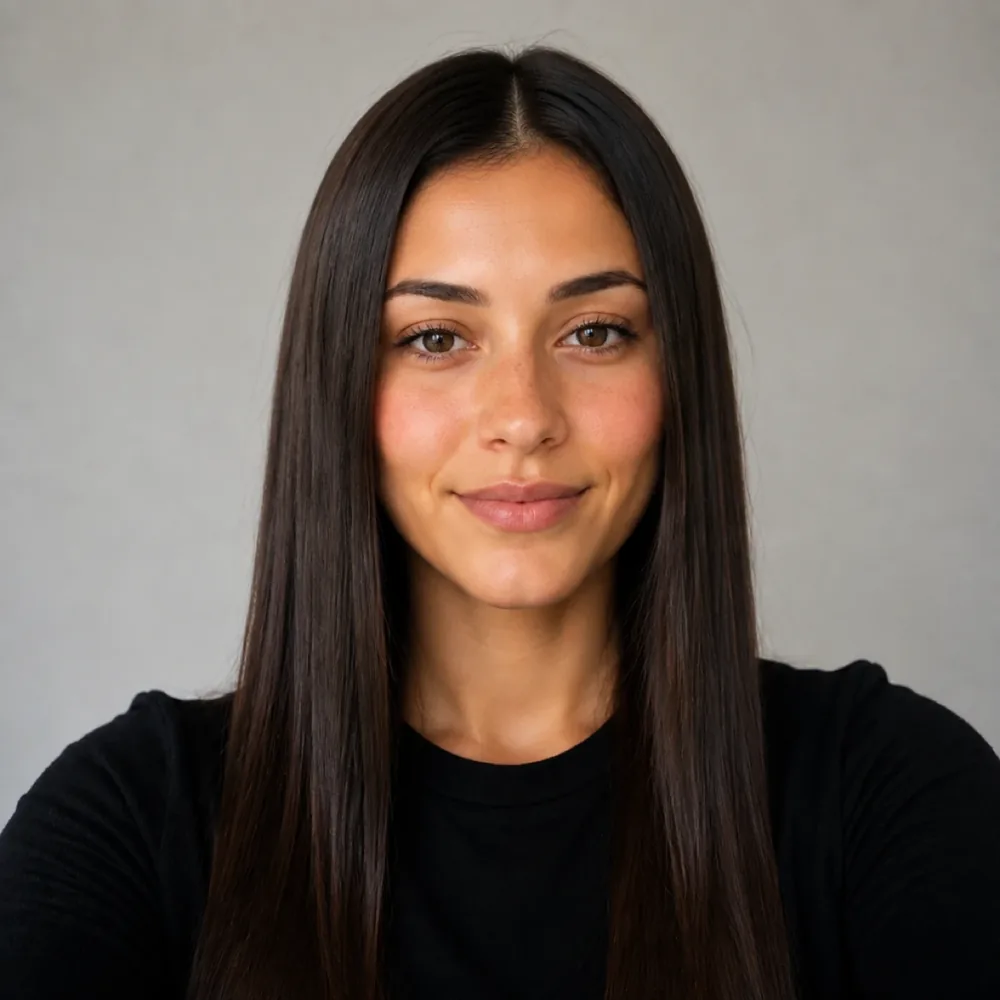
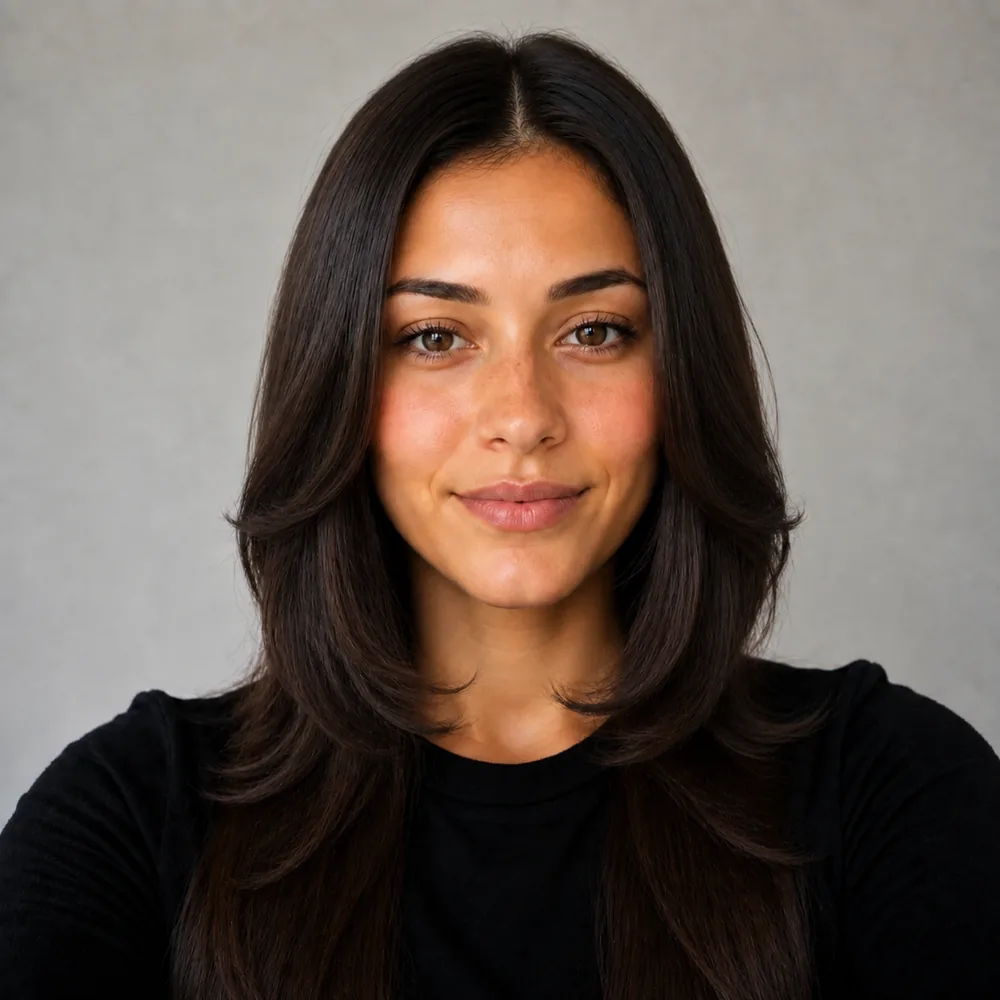
Every after is this tool's own render of a demo face, pre-generated for speed - nothing on this page renders live.

Preview a new look

Your first look is free.

Try a haircut free

Three steps

How it works

Upload one selfie and swap your hair for any cut in the atlas. Your face, skin tone and lighting stay exactly as they are - only the hair changes.

  1. 01
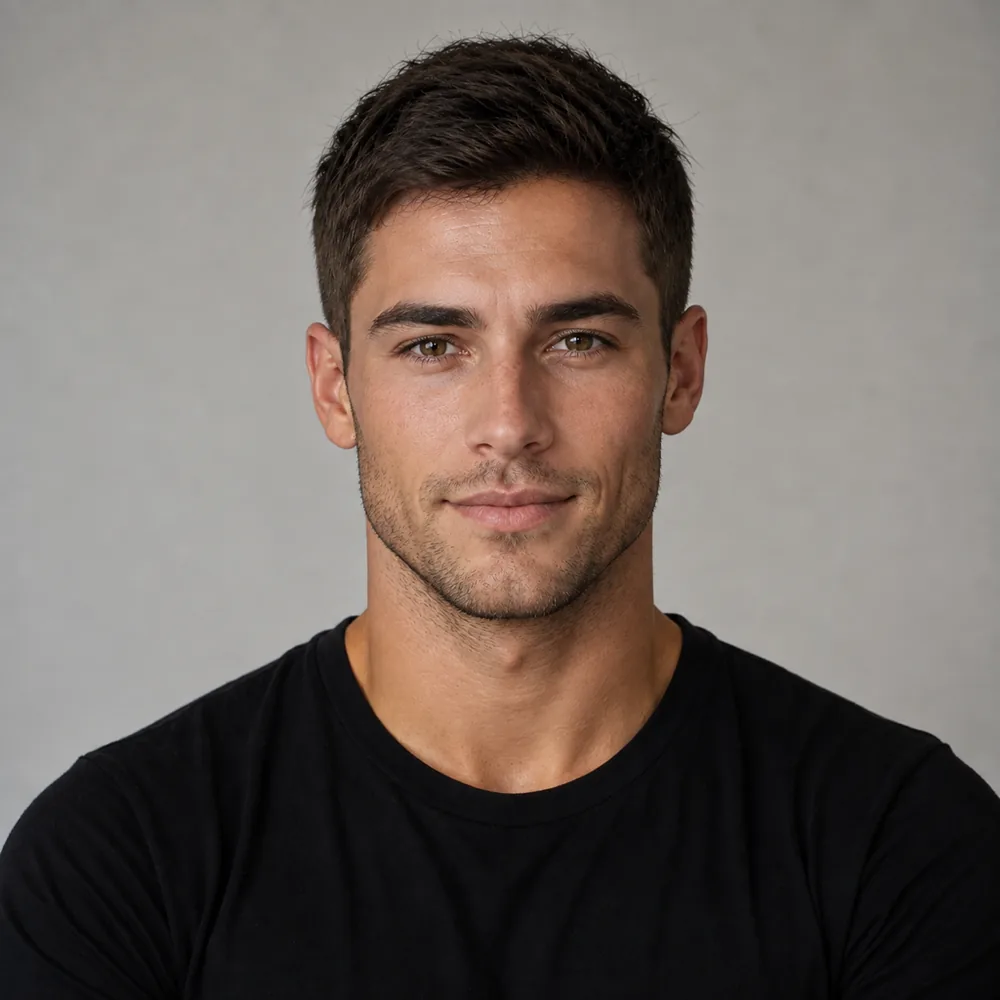
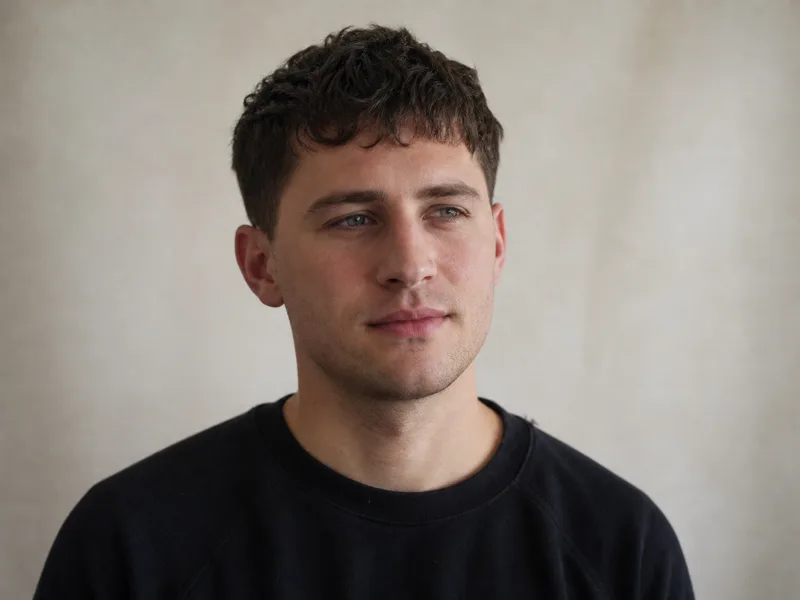
    Noah before, with short dark brown hair and groomed stubble Your selfie

    Choose one reliable reference photo

    Start the hairstyle changer with a clear face and readable hair boundary. This photograph will anchor comparisons across the different haircut shapes.

  2. 02
    120+ looks

    Simulate one change at a time

    Compare length or front direction before changing the color too. Keep a short list of results and note exactly which feature works in each.

  3. 03
    Noah with a textured crop and faded sides Your result

    Take the shortlist to the appointment

    Show your stylist the original and the selected simulations. Explain the lengths you need to keep and ask what adjustments your texture requires.

Use the haircut simulator to change one decision at a time

An AI hairstyle changer can make several differences in one image: length, part, texture and color. That flexibility is useful when you already know the finished combination you want. When you are still choosing, it can obscure the reason you prefer one result. A shorter cut in a brighter shade may win because of the shade rather than the cut.

Start your haircut simulation with one question. Keep the color familiar while comparing a cropped outline with a longer one, or keep the length similar while testing a center part against a side part. Once that choice is clearer, move to the next variable. You do not need to exhaust the catalogue to learn something useful from the first comparison.

Check the original photograph beside the results as well. Your face is the reference point; if an image seems to alter your features or expression, do not let that change decide the haircut. Select a clearer source photo or set that result aside. The purpose of a generic haircut simulator is to make different haircuts comparable on you. It is most effective as a structured way to narrow candidates, rather than a stream of unrelated transformations where the most polished image automatically becomes the winner.

Turn several simulated haircuts into one workable shortlist

A catalogue gives you more names than a haircut consultation needs. Choose a few candidates that test genuinely different outlines: one close to your current cut, one with a meaningful length change and one with a different front direction. That small shortlist gives the hairstyle changer a clear job. It can show which kinds of change interest you before you spend time comparing minor variations.

Write down what survives from each result. Perhaps the shorter perimeter feels right but the fringe is too heavy. Perhaps the longer style has useful movement but more width than you want. Those observations are a better brief than saving ten images without explaining what you like in any of them. A stylist cannot know whether the color, layers or overall mood is the important part.

The generic simulator also helps when you do not yet know the haircut's name. Use the visible features to describe it: ends at the jaw, an open forehead, compact sides, or length that can tuck behind the ears. Then let the stylist translate that outline into their working language. Naming the cut is useful, but agreeing on its boundaries matters more. Your final shortlist should contain options you can explain in those concrete terms, including the parts you want changed before anyone copies them.

What a haircut simulation leaves for the chair

A simulated haircut is an image of a possible shape, not an examination of your hair. It cannot feel density, find every growth-direction change or watch a section spring back after being released. Those missing observations matter when a cut depends on a smooth perimeter, a lifted front or a fringe that must fall consistently.

Bring the original selfie as well as the selected result. The pair lets a stylist see what was changed and question details that may not translate directly. Ask where the proposed shape would need adjustment: perhaps the crown needs more length, the front needs a different part, or the lower edge needs more retained weight. Those are productive changes to the brief, not evidence that the preview was pointless.

Also describe practical limits that no hairstyle changer can read from pixels. You may need to tie the hair back, wear it under work equipment, or finish styling without heat. A convincing simulated bob does not establish ponytail reach, and a high quiff does not establish a workable morning routine. The image earns its place by making the appearance concrete. The consultation completes the decision by checking whether that appearance fits your hair and your day. Keep both parts of the process before treating any one render as the finished specification.

What a hairstyle changer is actually for

A hairstyle changer is only worth anything if the person in the result is still recognizably you. Hair is the one part of your appearance you cannot put back the same afternoon: returning from a bob or growing out bangs depends on the length you want back. Most people decide from a photo of a stranger with a different jaw and better lighting, then find out in the mirror. This hairstyle changer runs the other way round. Your photo is the fixed part. Your face, your bone structure, your skin tone and the light in the room you shot in all stay exactly as they were, and only the hair is redrawn. Same head, different cut. Then you judge it honestly. A haircut simulation can turn an open-ended search into a small set of shapes. Start with a few distinct shapes and hold color steady while judging them, so a brighter shade or a more polished finish does not obscure which haircut you actually prefer.

Every length

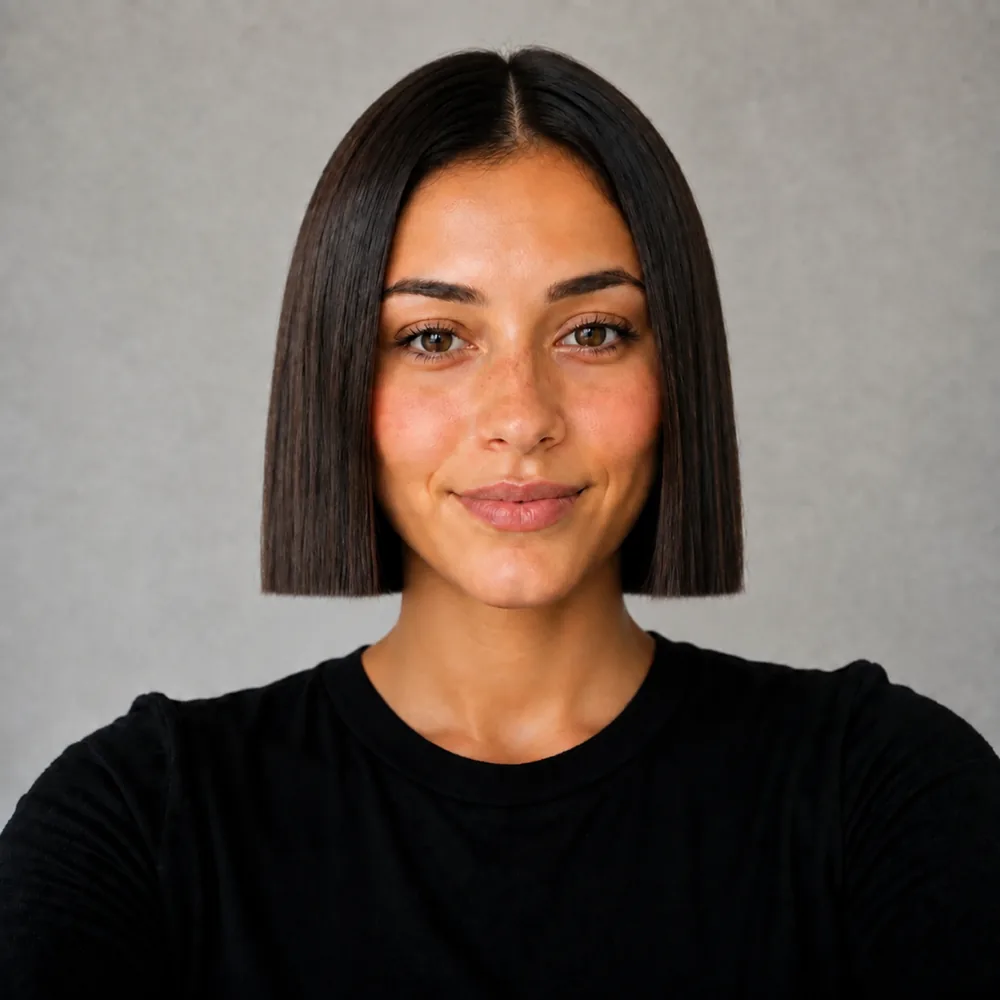
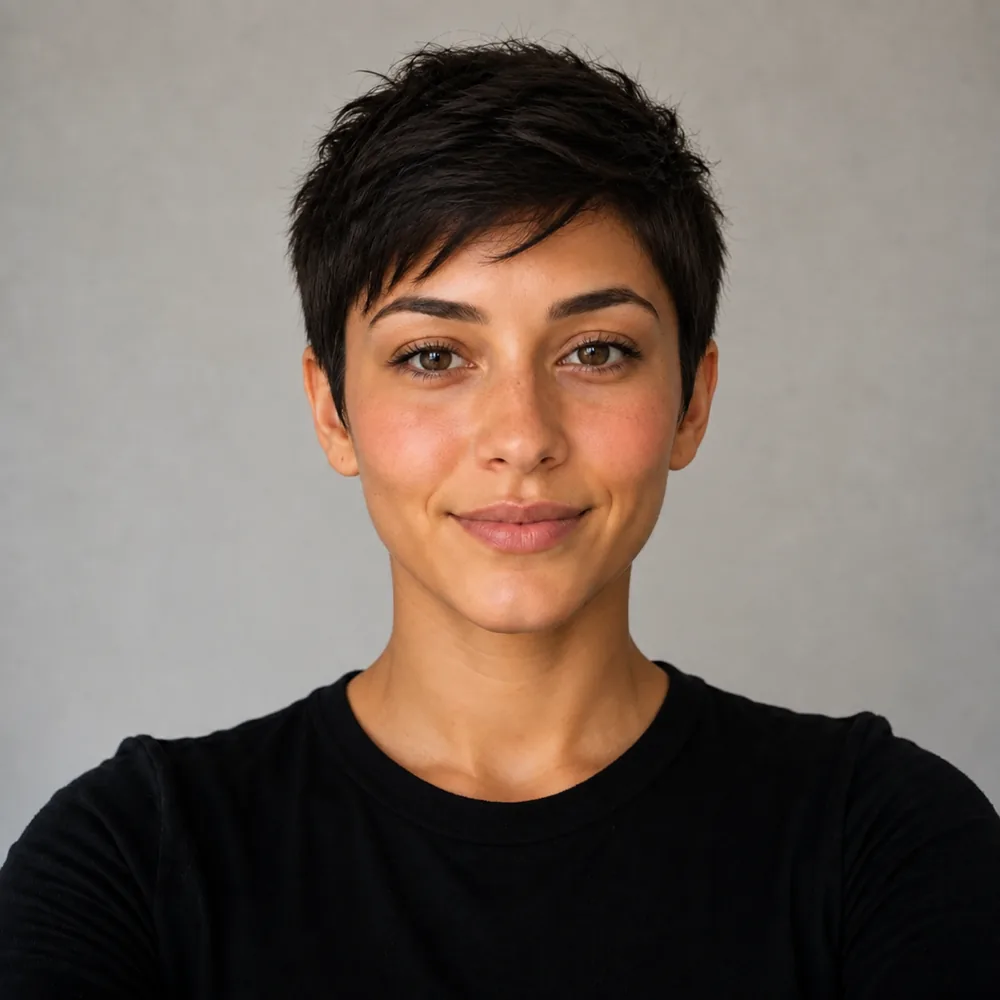
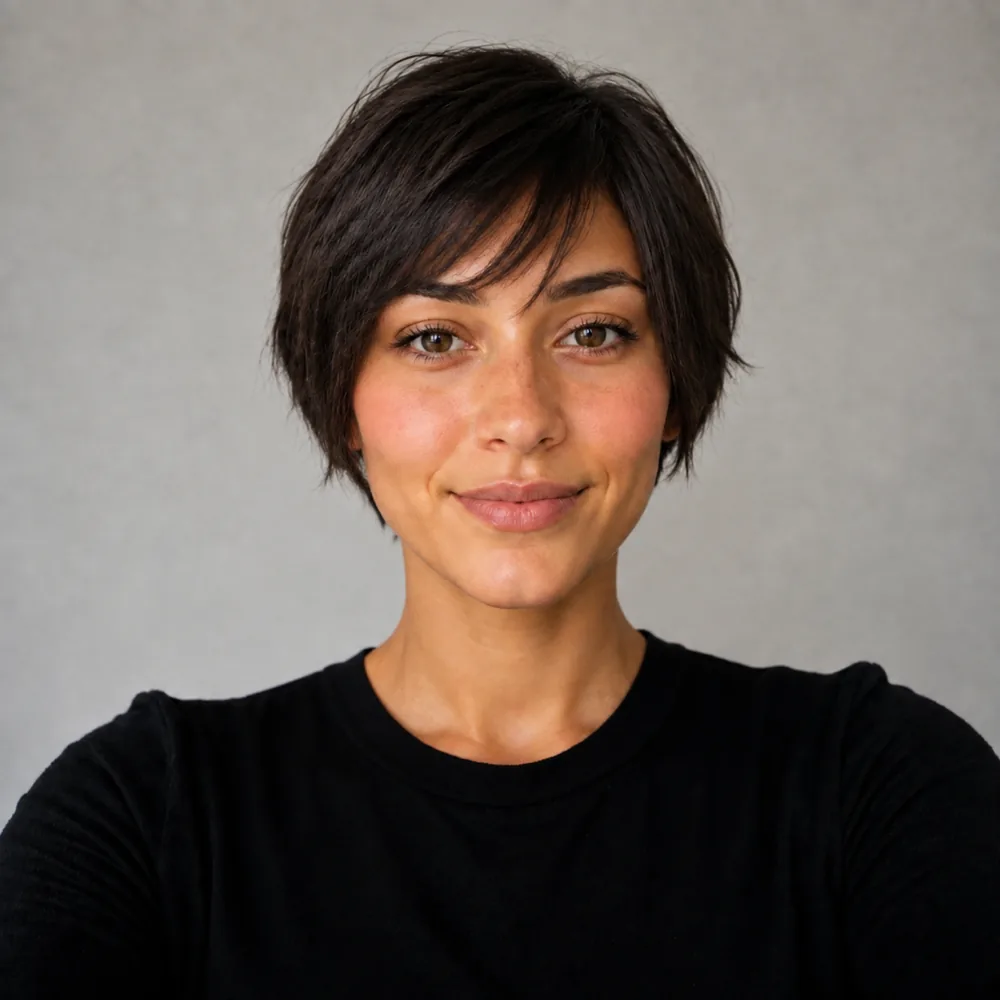
Chin-length blunt bob, textured pixie, wolf cut, curtains, a mid taper fade. Length, shape and bangs all change in one pass instead of six appointments.

Only the hair

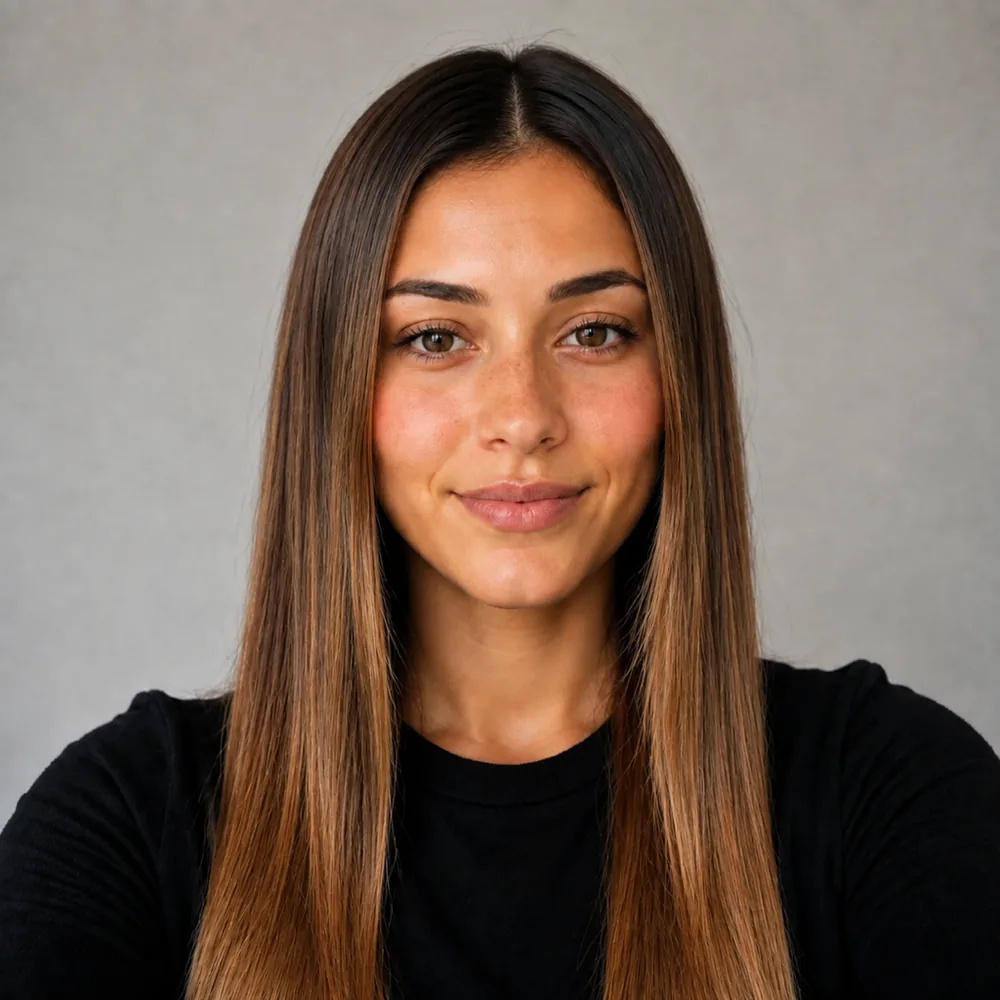
Your jaw, your skin tone, your freckles and the lighting in your kitchen stay exactly where they were. The cut is the only edit in the frame.

Side by side

Put curtain bangs next to a blunt bob on the same photo. Differences you would argue about for weeks become obvious in about a minute.

Bring it in

Save the result and hand it to your stylist. A picture of your own head settles a consultation faster than a reference photo of somebody else.

Chasing one particular change? Color has its own page at virtual hair color try-on, bangs at the bangs filter, and going shorter at short hair or the bob try-on. Otherwise start here with one clear, front-facing selfie. The first look is free with a free account. Choose a small shortlist you can explain. Notes such as an open forehead, a jaw-length edge or less width at the sides turn the simulated pictures into a useful consultation instead of an unexplained collection.

The AI hairstyle changer starts with choosing a look and supplying a clear selfie. You create a free account to generate your first preview and keep access to your results. Your first render is free and needs no card; additional use follows the plans shown in the product. There is no promise of an anonymous render or a result without signing up. Your photo is uploaded for this generated try-on, unlike the browser-only face and style tools in the free tools hub.

Use a recent photo with your face visible, even light and a simple background. Compare the silhouette, fringe placement and overall length rather than treating every generated strand as a prediction. A preview cannot measure density at the crown, identify your cowlicks or reproduce the way your hair behaves after washing. Save the looks you like and show them to your stylist alongside your current hair. Ask which parts can be achieved now, which require growing length and which depend on daily styling. That makes the preview a useful reference instead of a substitute for a consultation.

Questions about the AI Hairstyle Changer

Straight answers, no hedging.

Is this also the generic haircut simulator?

Yes. Use it to simulate different haircut shapes on one photo and decide which changes you want to discuss at an appointment. If fade height is your only question, the dedicated fade simulator focuses on that narrower choice.

How many haircut ideas should I compare first?

Start with a small set that tests different decisions, such as a familiar length, a shorter outline and a new front direction. You will learn more from explaining those differences than from collecting many near-identical results.

Can changing cut and color together confuse the comparison?

It can make the reason for a preference unclear. Try keeping the shade familiar while comparing shapes, then apply the color you want to the stronger candidate. The combined transformation can come after those choices.

What if the hairstyle changer seems to change my face?

Keep the original beside it and reject a result whose altered features are doing the flattering. A clearer source photograph may help, but the useful haircut comparison must remain anchored to your own face.

Can I use a simulated haircut without knowing its name?

Describe visible boundaries instead: where the ends stop, whether the forehead is open, and how much width remains at the sides. A stylist can work from those details and the reference more reliably than from a guessed label.

What should accompany the simulated cut at my appointment?

Bring the original photo, the preferred result and your practical constraints. Tie-back needs, styling time and crown behavior can change the working cut even when the overall simulated outline is the right direction.

Explore all tools

Other tools to explore

Link to this tool

Free sample previews, free to link or embed. No permission needed.

https://hairstyleatlas.com/ai-hairstyle-changer

How these compare to dye-brand try-ons

Free first look

Narrow the haircut shortlist.
Make the choice visible.

Simulate the shapes you are considering, then bring the strongest reference and a clear brief to the chair.

One selfie
120+ looks
Photo stays yours
Try a haircut free