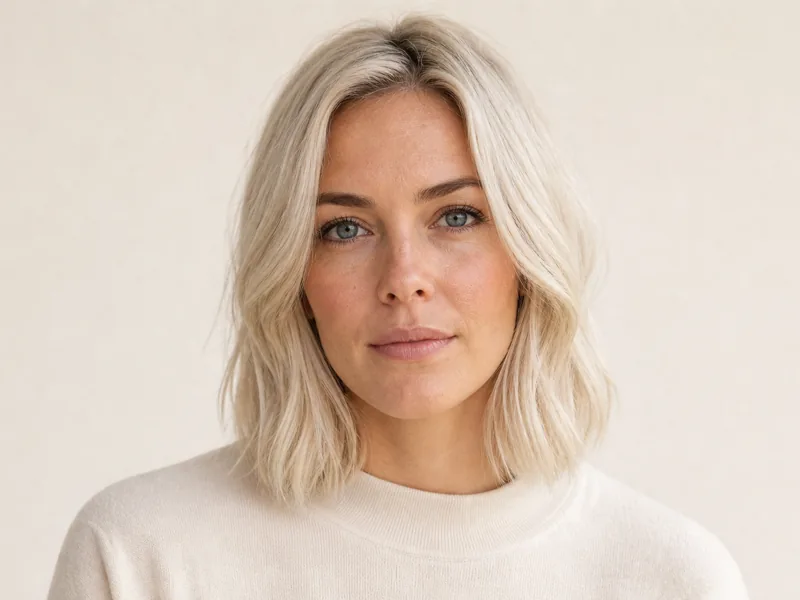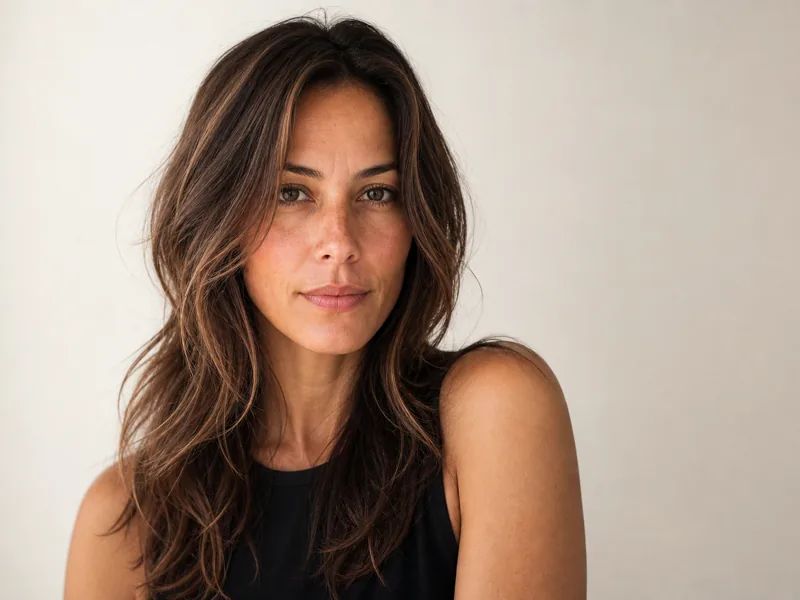



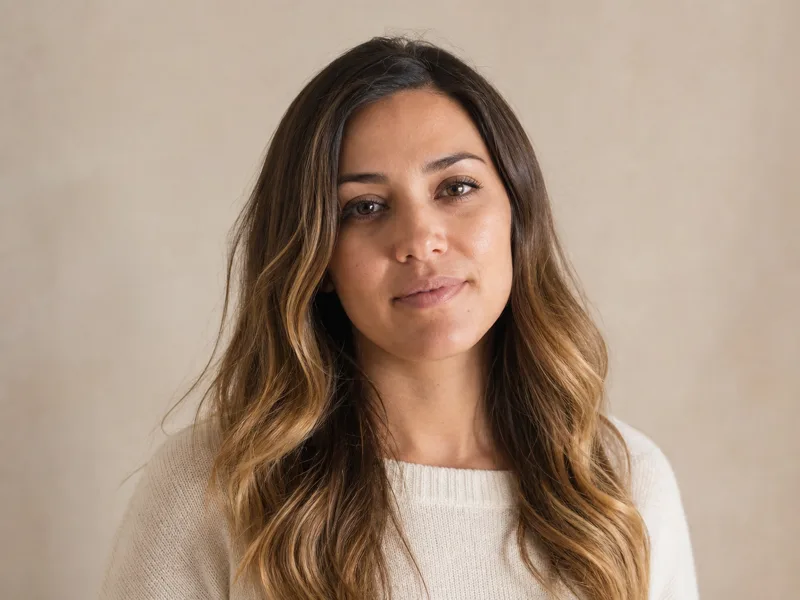
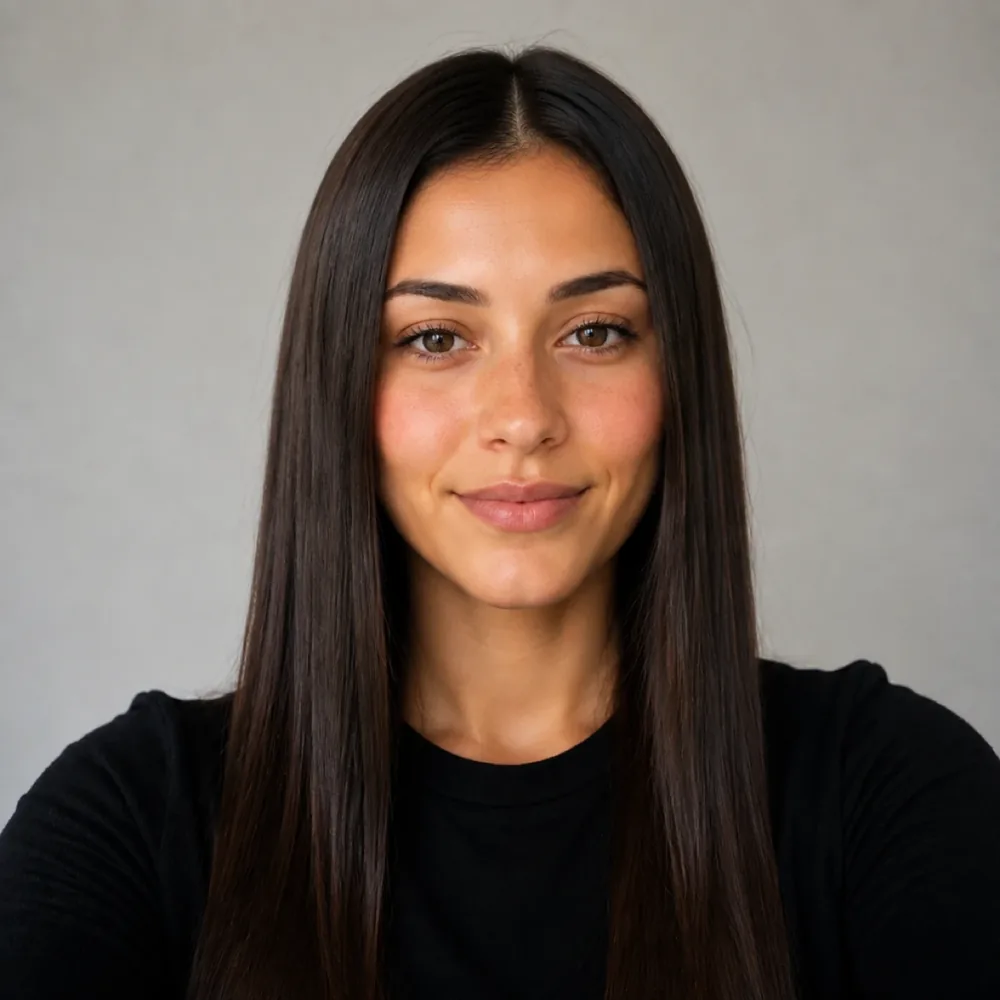
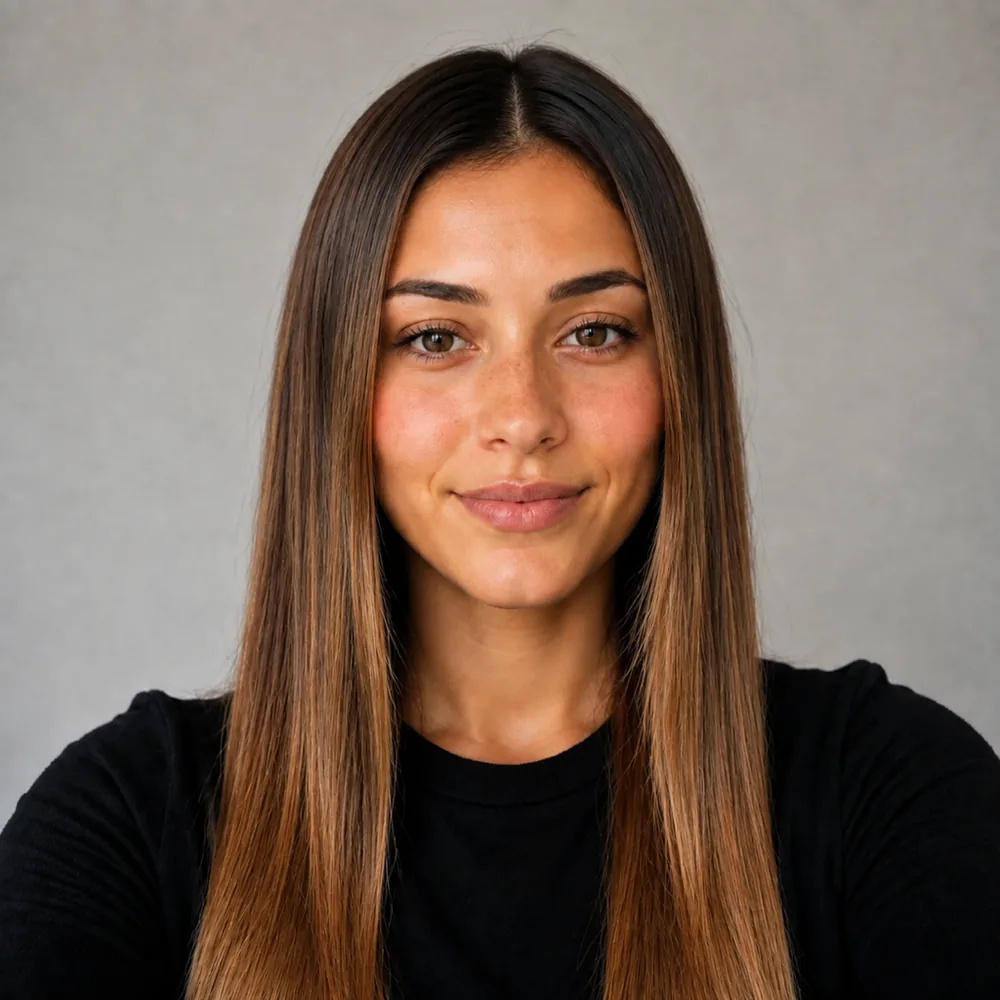
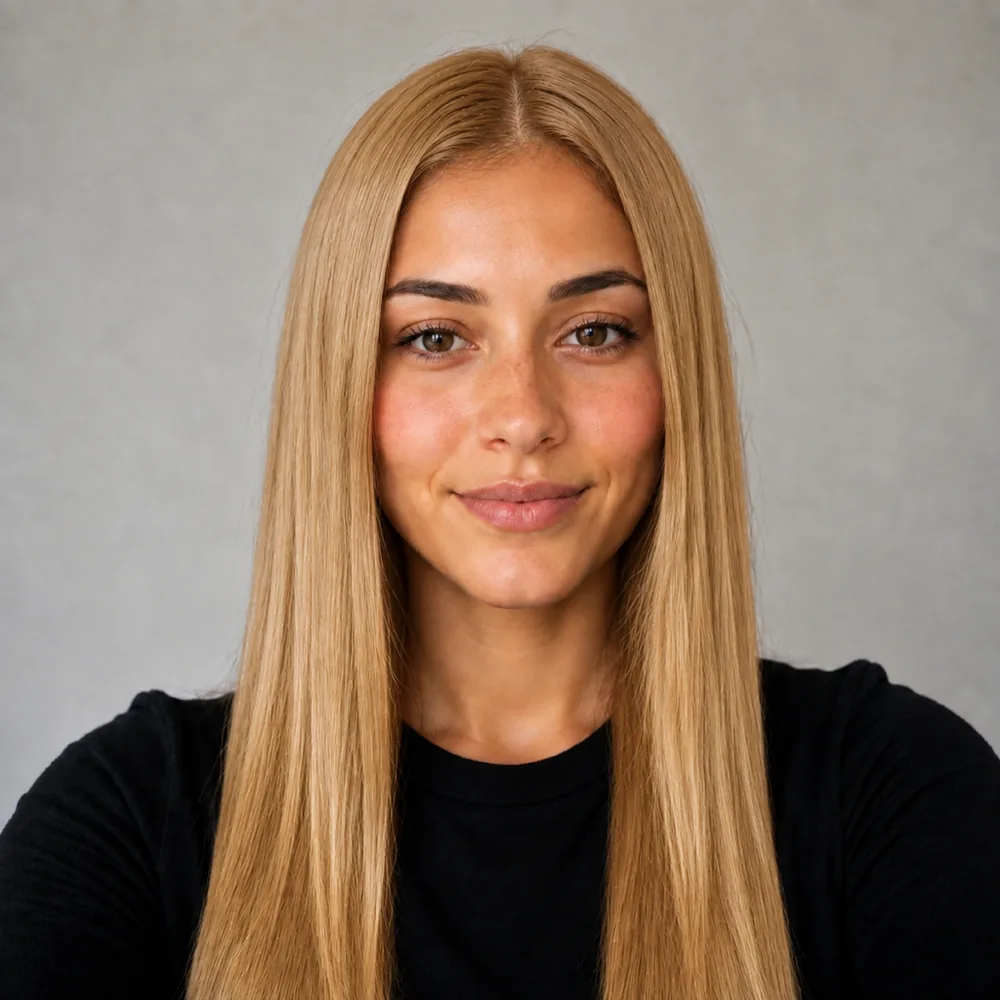
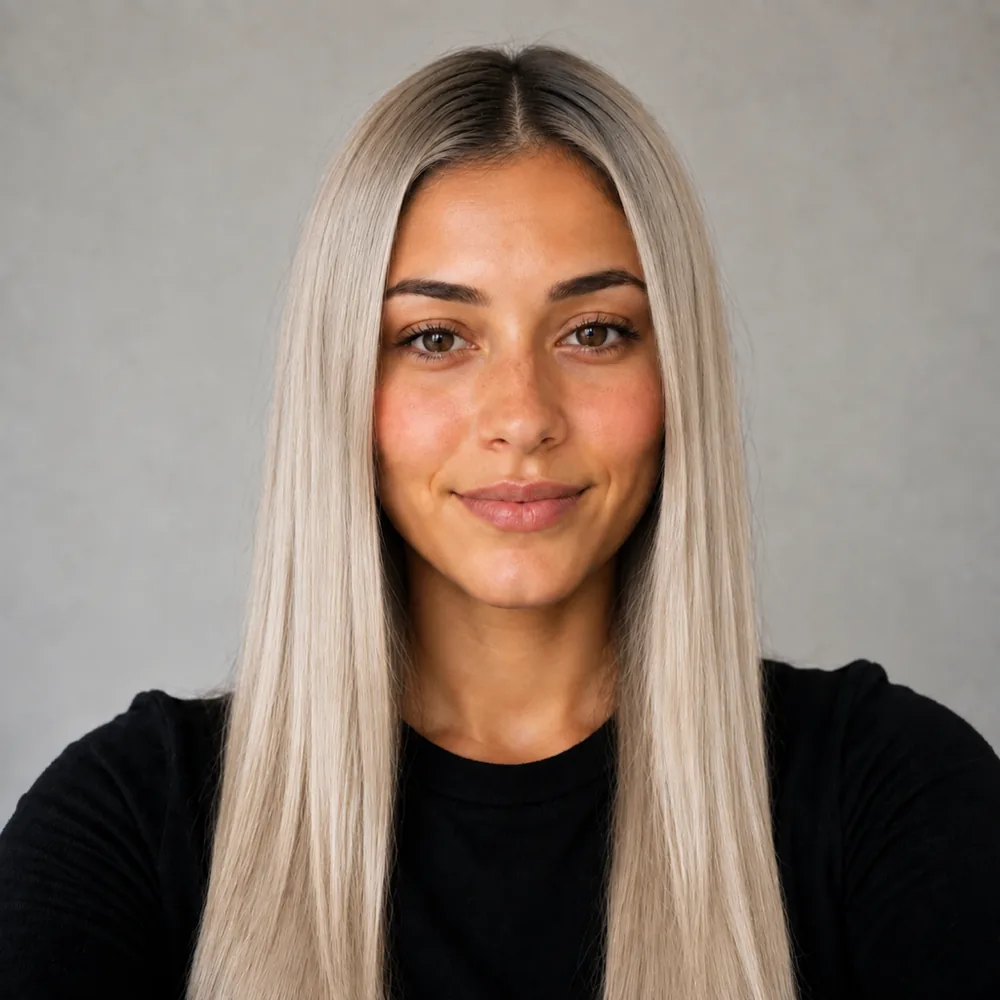


Virtual Hair Color Try On and Colour Simulator

Pick a shade and see it on a sample face instantly, then on your own selfie: balayage, blonde, copper, jet black or silver, on the hair you actually have.

Olaplex Wella Moroccanoil L'Oréal ghd Cantu

Preview a new look

Your first look is free.

Try a hair color free

Free sample previews. Try every look on our sample faces here without registering. Your own photo needs a free account, no card: 15 credits once (a cut costs 10, a color on it 5). That covers one cut plus one color on it. No refill; further renders are paid. The optional Plus trial can be declined.

Katy Perry with glossy blue-black hair falling over one shoulder
48,000+
users worldwide
165,000+
hairstyles tried

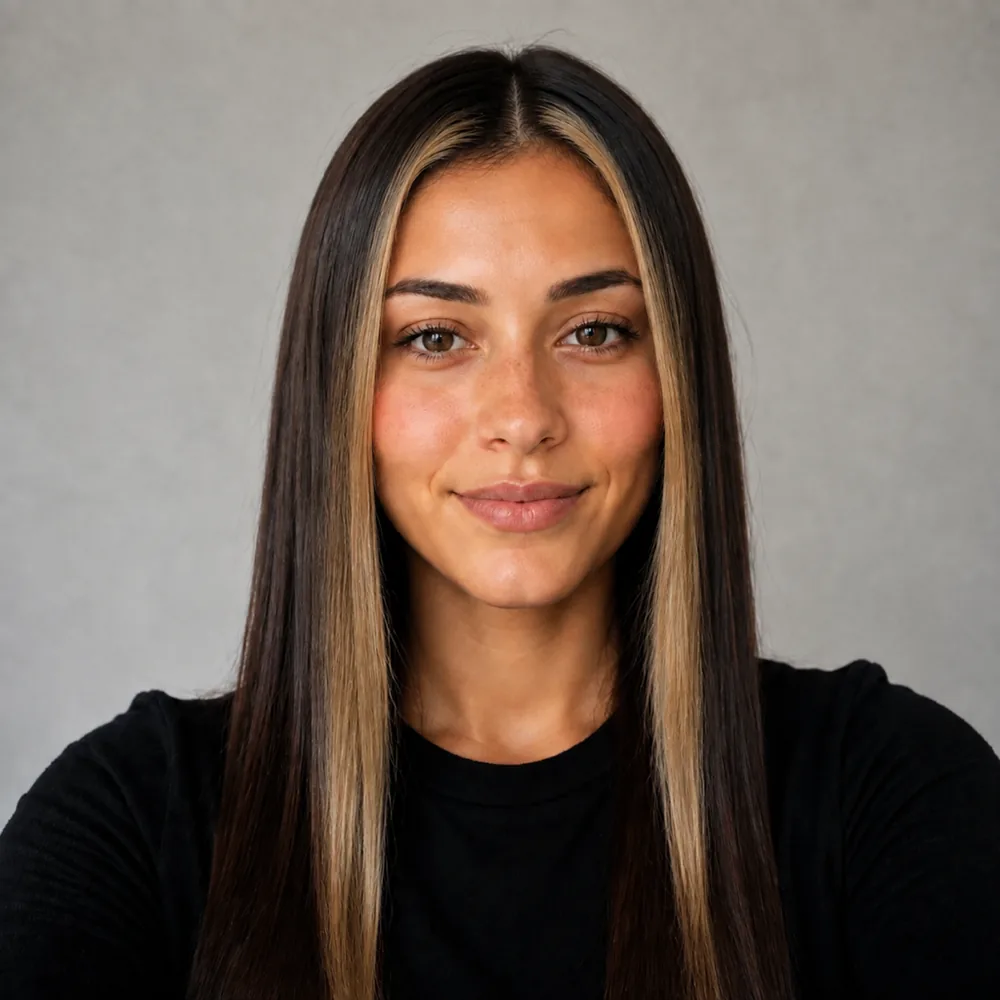
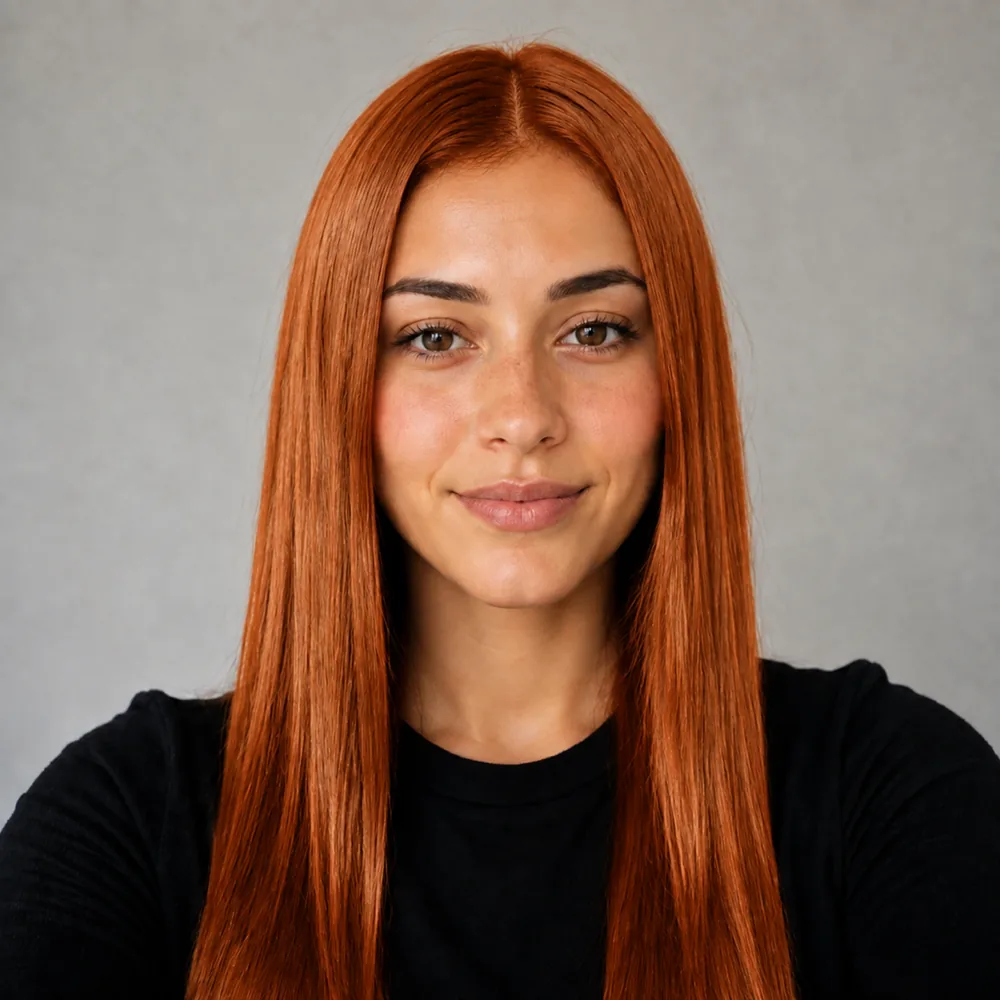
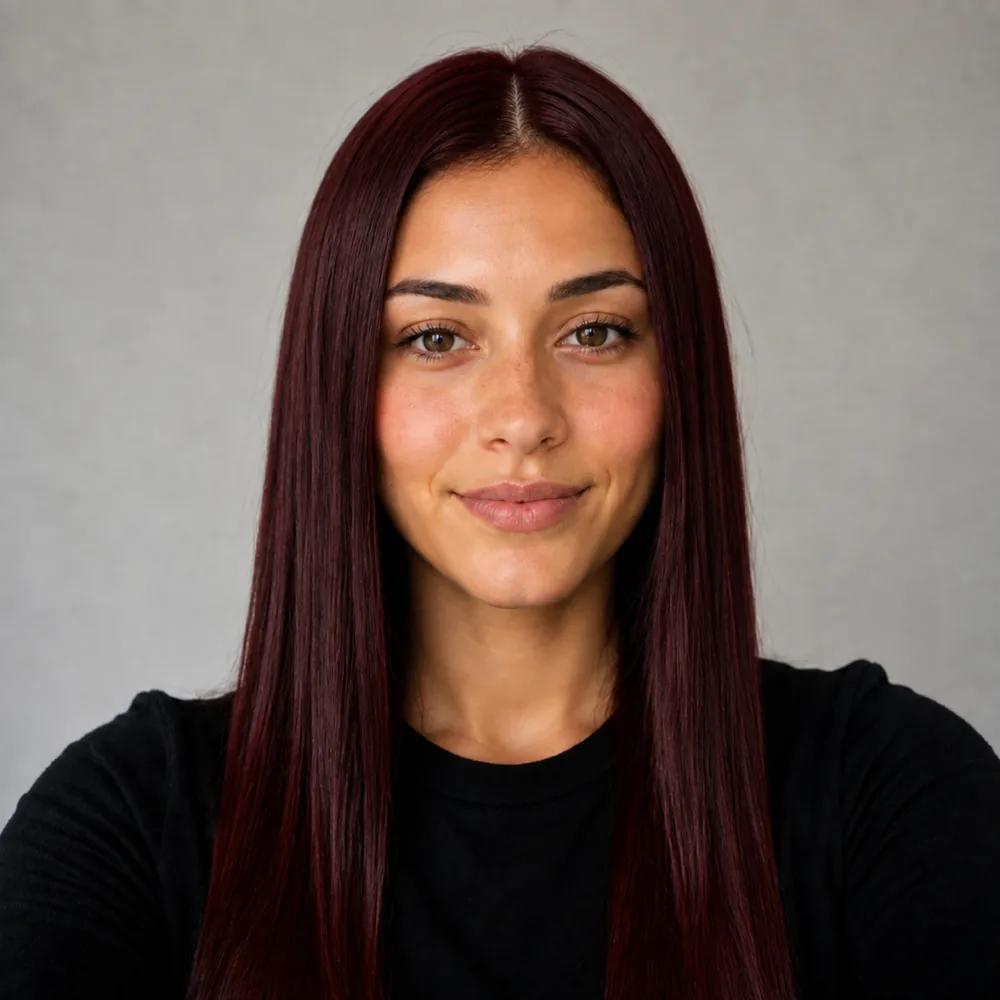
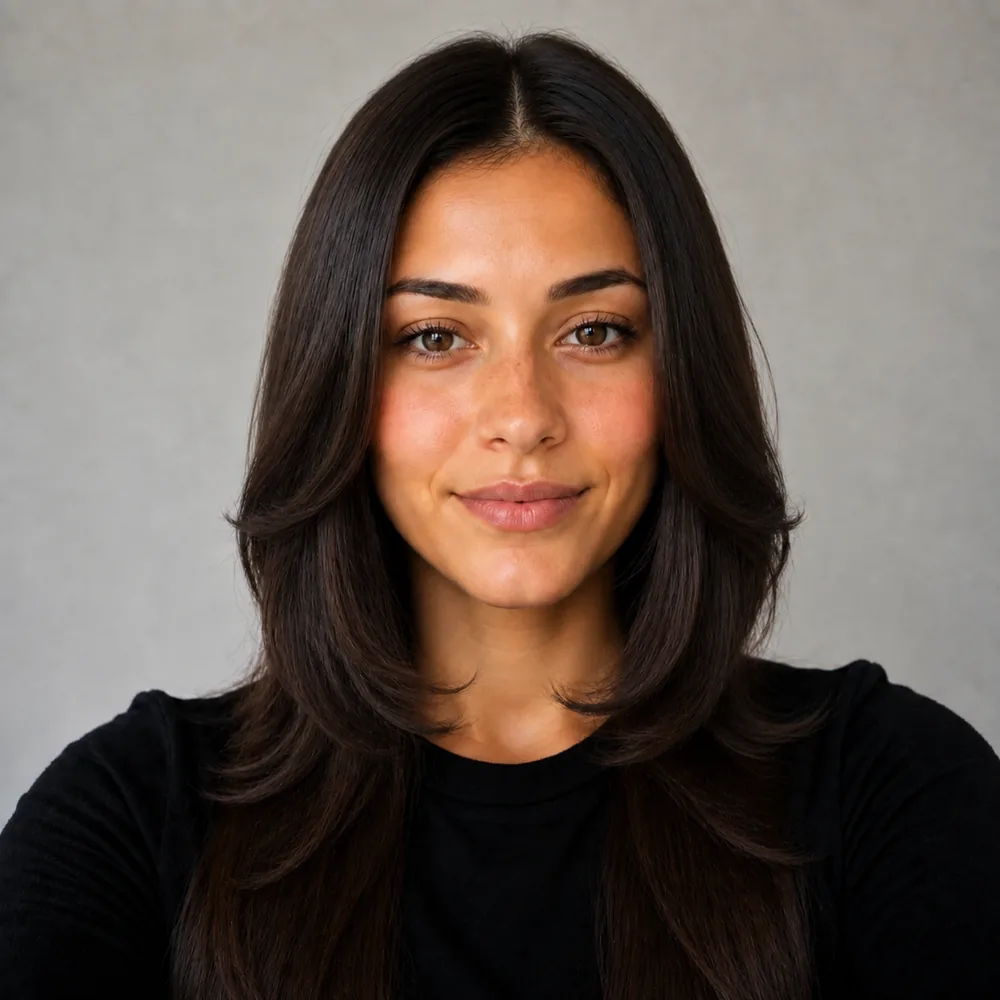
Try a hair color on a sample face

Pick a look, drag the handle to compare. Then do it with your own selfie.

Every after is this tool's own render of a demo face, pre-generated for speed - nothing on this page renders live.

Preview a new look

Your first look is free.

Try a hair color free

Three steps

How it works

Pick a shade and see it on a sample face instantly, then on your own selfie: balayage, blonde, copper, jet black or silver, on the hair you actually have.

  1. 01
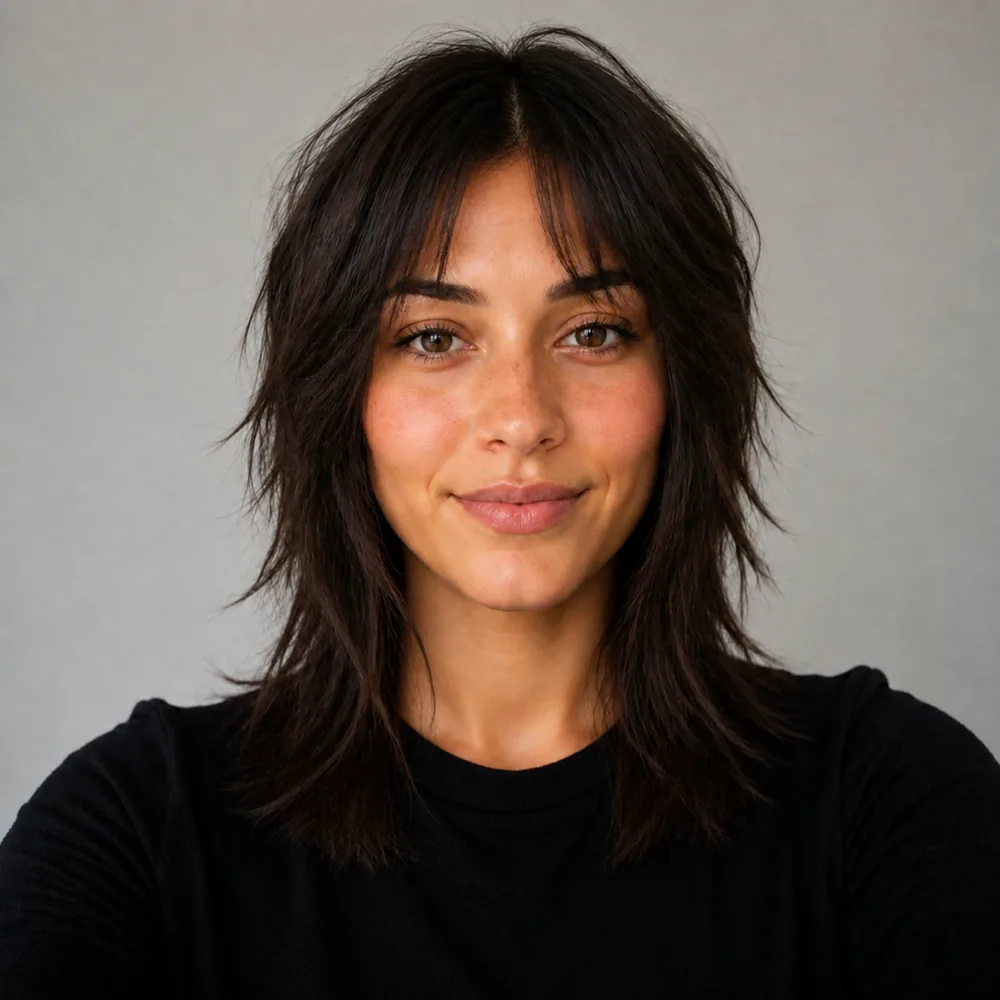
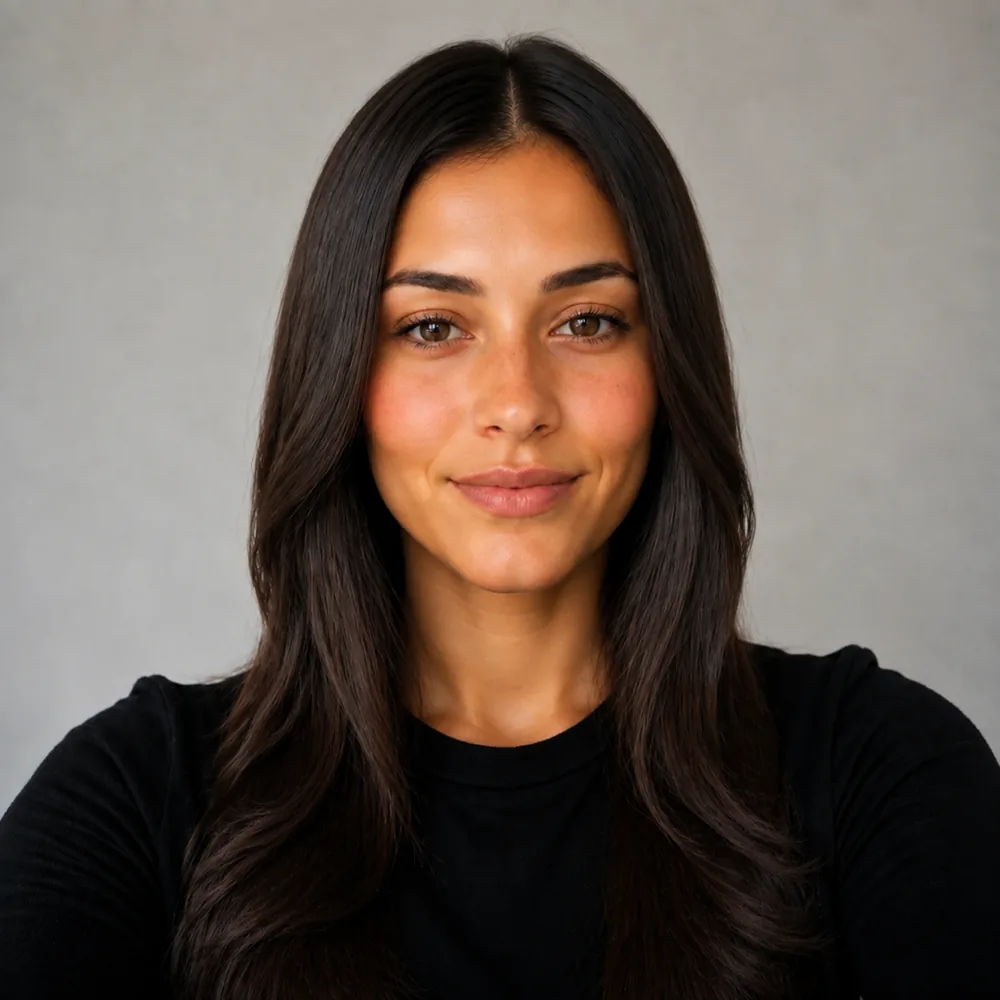
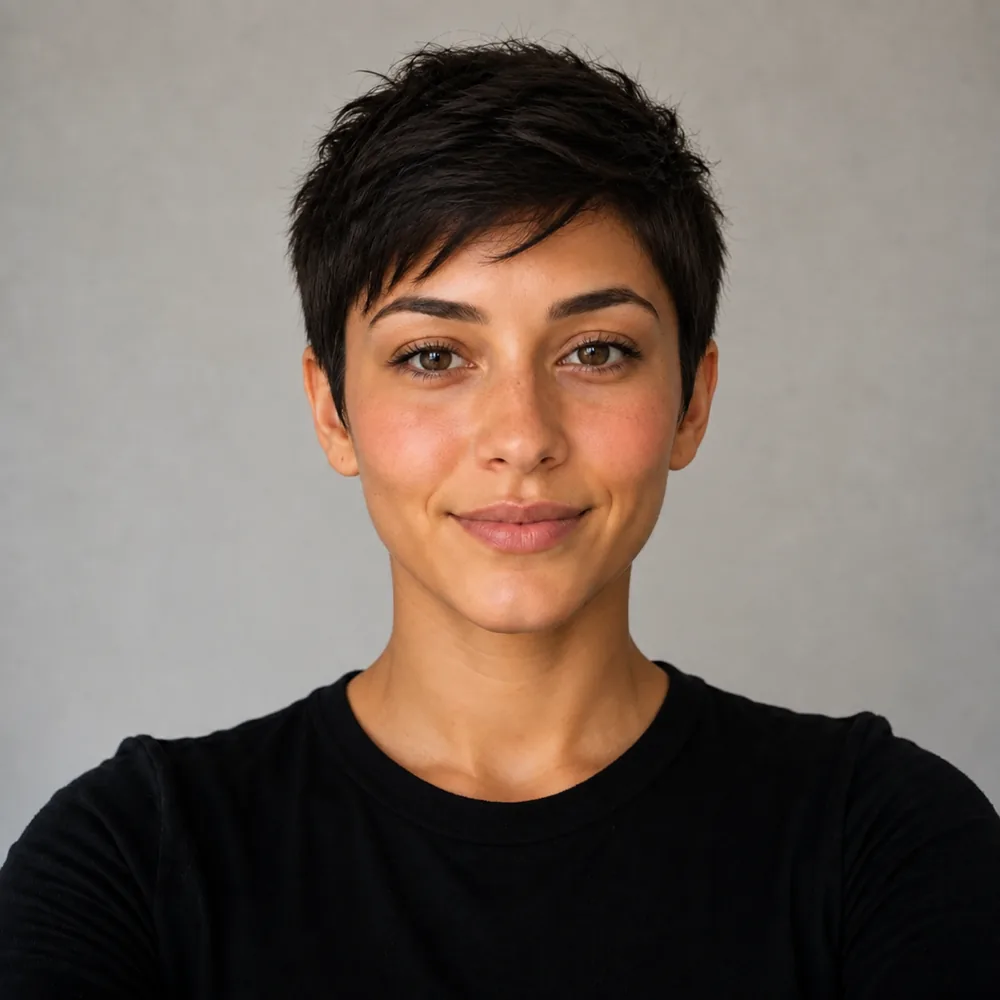
    Ada before, with long straight dark brown hair Your selfie

    Photograph the starting color evenly

    Use light that shows the roots and lengths without a strong yellow or blue cast. The color comparison is only as useful as its visible starting point.

  2. 02
    120+ looks

    Separate shade from placement

    Compare depth and warmth, then look at full color, a darker root or brightness near the face. Keep the cut steady while choosing the color direction.

  3. 03
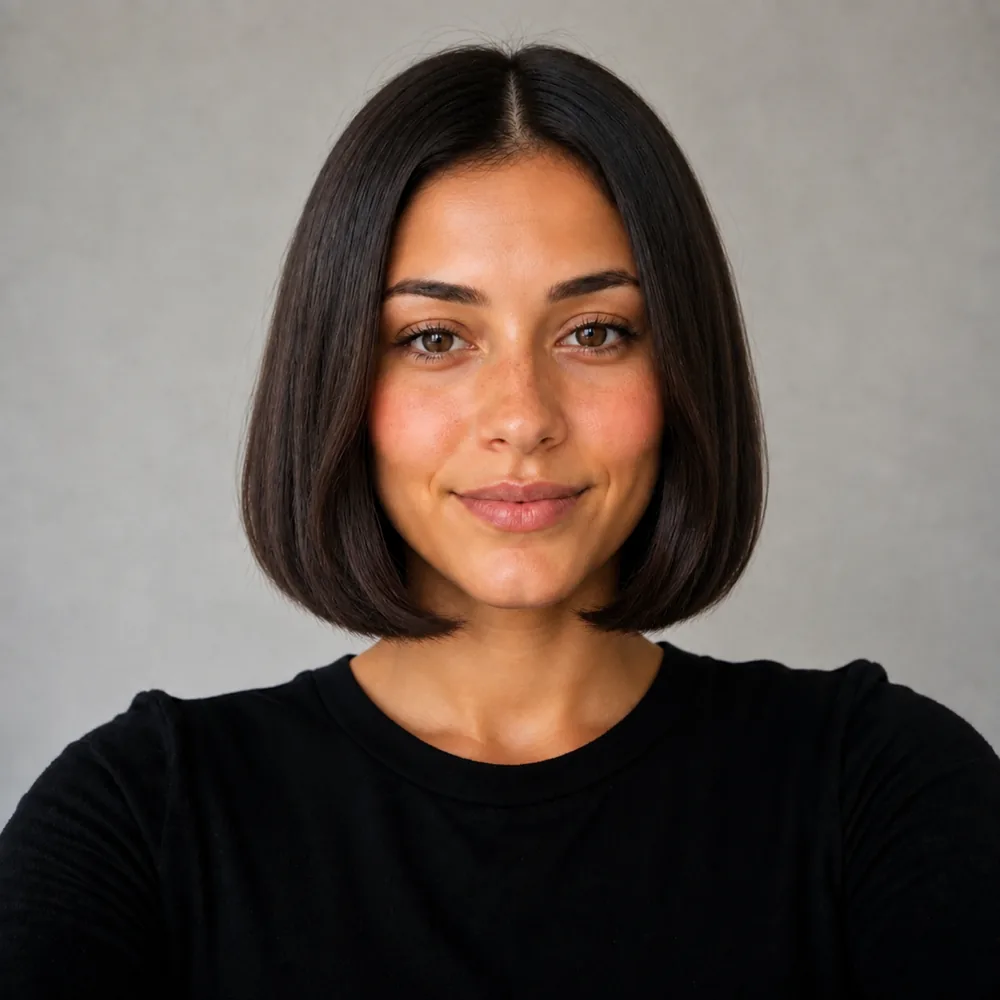
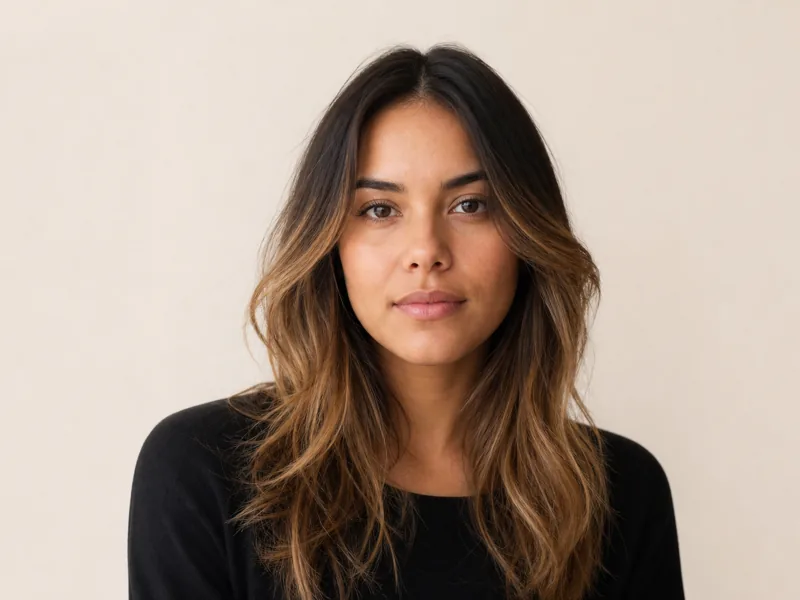
    Ada with a chin-length blunt bob, one length, centre part Your result

    Bring a target to your colorist

    Save the preferred shade and placement with your original photo. Explain previous coloring so the colorist can discuss a route toward that target.

Compare depth and tone as separate color decisions

Hair color has a lightness decision and a tone decision. A darker copper and a pale copper share a warm direction but create different contrast around the face. An ash brown and a golden brown may sit at a similar apparent depth while reflecting different tones. If you compare only dramatic opposites, it can be difficult to tell which of those qualities you prefer.

Use the virtual color preview to separate them. First compare a deeper and a lighter version within a color family. Then compare warmer and cooler interpretations at a similar depth. Keep an eye on the area nearest your face, where the new shade meets your eyebrows and complexion. The color you like through the ends may feel quite different when it begins directly at the part.

Do not turn the result into a rigid rule about which colors someone with your complexion is allowed to wear. The comparison is a personal preference under the lighting in your photograph. A warm room light can influence the whole image, and a screen can shift how subtle tones appear. Save the direction that interests you and discuss it with your colorist under ordinary light. The useful outcome is a clearer brief about depth and tone, not a digital swatch treated as an exact formula.

Color placement changes the frame before it changes the ends

A full-head shade, a face-framing section and a softer blend through the lengths can use related colors while creating different impressions. The amount of bright hair nearest the face often decides how noticeable the change feels. A light money piece concentrates that effect at the front; a darker root with brighter ends leaves more of the original frame intact.

Trace the placement in the preview from the part down to the shoulders. Ask where the lightest area begins, whether the front is brighter than the back, and how much natural-looking depth remains between lighter sections. That helps you avoid booking a color service by shade name alone. Saying caramel does not explain whether you mean a few warm ribbons or a much lighter overall head of hair.

Consider how you usually arrange the hair too. A center part and a deep side part expose different sections, while tying it back can put the hairline and underside on show. The front-facing render cannot demonstrate every arrangement, but it can help you identify the placement you want the colorist to consider. Bring a note about the part you actually wear. A color brief that includes both shade and location is easier to interpret than a beautiful image whose brightest pieces are hidden by your everyday styling.

The preview chooses a color destination, not the route

Changing pigment in an image does not reproduce changing pigment in hair. Your starting color, earlier coloring and the condition of different sections all affect what a colorist can work toward. A virtual black-to-light transformation can appear instantly even when the real service would need a different plan, a staged approach or a revised target.

Use the result to establish the destination you would like to discuss. Tell the colorist what has already been used on your hair, including color that is no longer obvious at the roots. The ends may have a different history from the new growth, so a uniform-looking preview does not imply that the same process belongs everywhere. That is a reason to bring the original photograph as well as the changed version.

Ask what the color is likely to look like between appointments. The fresh tone in the image is only one moment, and a pale cool finish, a vivid copper and a deep gloss can each change in their own way as you wear them. The tool cannot test a formula or guarantee how a shade will fade on you. It can prevent a different kind of mistake: committing to a technically successful color whose depth or placement you never actually wanted around your face.

Hair colours you can try

Compare a shade family first, then decide how much of your hair you want to change.

  • Platinum and blonde: Try a bright platinum finish or a softer blonde frame.
  • Balayage: Compare a darker root with lighter ribbons through the lengths.
  • Money piece: Put the brightness at the front while keeping depth behind it.
  • Copper and red tones: Compare copper warmth with a lighter strawberry blonde.
  • Brunette: Try cool ash brown beside warmer cinnamon brown.
  • Jet black: Check a deep, even frame against your complexion.
  • Silver and gray: Compare lighter silver with a mixed gray appearance.

How to tell which hair colour suits you

Start with your skin undertone. Warm, cool or neutral is a useful comparison cue, not a rule about what you can wear. Look at your eye colour and the contrast between your hair and skin: a pale blonde and a deep brunette frame the same eyes differently.

Decide how much maintenance fits your routine. A shade close to your starting depth or a softer root may need a different plan from full platinum. Use the skin undertone test and hair color quiz to narrow the options, then check it on your own photo with the simulator.

Skin undertone test

Hair color quiz

A hair colour simulator for the one change that is slow to undo

Dye is not a haircut. A cut grows out on its own; a bleach and tone rearranges the inside of the hair and stays there until you cut it off. That is why a hair color try-on earns its twenty seconds before a four-hour appointment. Upload one selfie and the virtual hair color try-on paints the shade onto the hair you already have, at your length and your density, while your face, your skin tone and the light you shot in stay completely untouched. Warm caramel beside ash. Copper beside jet black. A money piece beside full platinum. The swatch is not the point. The shade against your own complexion is the point. Separate the lightness from the tone while comparing. A deeper copper and a pale copper can share warmth but create quite different frames, and a bright front section can matter more than a similar shade hidden through the ends. You might call it a virtual hair colour try-on or a hair colour visualiser; whichever spelling you search for, it works as a simulator on your own photo.

Warm or cool

Copper and honey read warm, ash and beige read cool. Seeing both against your own skin tone settles the argument faster than a swatch book in a salon.

Root to end

Full-head platinum, a caramel melt from a dark root, a money piece at the front, a silver blend through the mid-lengths. Placement matters as much as shade.

Bleach reality

Jet black to platinum is not one appointment. Decide where you want to land before you agree to the first lift and the bond builder.

Toner and upkeep

Blonde moves. Brassy at week six is normal and a toner pulls it back. Judge the shade freshly done, then plan the upkeep around it.

After one shade in particular? Hand-painted melts have their own page at balayage try-on, bleach at the blonde hair filter, and the natural grow-out at the gray hair filter. Not sure which shade to start with? The free hair color quiz and skin undertone test run in your browser with no photo upload. Changing the cut at the same time? Start with the bob try-on. Sample faces need no account; your own selfie needs a free account and the first render needs no card.

Use this hair color try on to compare a shade against your own face before booking an appointment. A hair color filter is most useful when you change one decision at a time: first light versus dark, then warm versus cool, then an all-over color versus a smaller accent. Your starting shade, previous dye and the condition of your ends still determine what a colorist can achieve. A digital preview cannot predict the result of bleach, toner or a particular box dye.

Pick a shade on the sample face above to compare it instantly without an account. To see it on your own hair, upload a clear selfie and create a free account; the first render needs no card. Bring the saved result to a colorist and discuss upkeep, gradual lightening and how the shade will fade. If two results look equally good, the option with less lifting and a softer root transition may fit your routine better.

Questions about the Virtual Hair Color Try-On

Straight answers, no hedging.

Can I try on hair color before I dye it?

Yes. Pick a shade on the sample face above to see it instantly with no account, then render it on your own selfie to judge it against your own skin tone and length. The preview is a target for your colorist, not a dye formula.

Do I need an app to try on hair color?

No. It runs in your browser on phone or desktop. Sample faces need no account; your own photo needs a free account, and the first render needs no card.

Is a virtual hair color try-on accurate?

It is accurate about the look of a shade on your face: depth, warmth and placement against your complexion. It cannot predict chemistry. Your starting level, previous dye and porosity decide where you actually land, so treat the render as a goal for a consultation.

How can I find out what hair color looks best on me?

Compare one decision at a time: lighter vs deeper first, then warm vs cool at the same depth, then all-over color vs placement near the face. If you want a starting point without a photo, the free hair color quiz and skin undertone test suggest shade families to try here.

Can I try light colors on dark hair?

You can see it, and you should also be realistic about it. Going from jet black to icy platinum is several sessions with recovery time between them, not one afternoon. The preview is useful precisely because it shows whether the end point is worth that.

Can I try highlights and balayage placement?

Yes. Shadow roots, a caramel melt starting below the ear, a bright money piece at the front or a silver blend through the mid-lengths all look different on the same head. Placement is often the decision people actually get wrong, not the shade itself.

What happens to my photo?

It is used to create your render and kept in your library, where only you can see it. Advertisers get nothing, and the privacy policy sets out who does see it.

How does this colour simulator differ from a swatch overlay?

It simulates a shade on your own photo by redrawing the pigment on your real hair, at your existing length, while leaving your skin tone untouched. A swatch-overlay visualiser lays a flat tint over the image; this preview lets you judge the shade against your own complexion. It is a reference for your appointment, not a prediction of how dye will develop.

Can I virtually try on hair color?

Yes. Upload a clear selfie and choose a shade to see a generated colour preview on your own hair. Sample faces need no account. Your own selfie needs a free account; the first render is free, no card. Keep the cut steady so you can judge the colour change.

What hair colours can I try in the simulator?

Compare platinum and blonde, balayage, a money piece, copper and strawberry blonde, ash or cinnamon brown, jet black, and silver or gray. Try full colour beside a smaller accent to judge how much change you want.

How do I check if a hair colour will suit me?

Start with warm, cool or neutral undertone, then compare the shade with your eye colour and the contrast you prefer. Consider the root upkeep too. Use the hair colour visualiser on your own photo and take your favourite reference to a colourist.

Explore all tools

Other tools to explore

Link to this tool

Free sample previews, free to link or embed. No permission needed.

https://hairstyleatlas.com/virtual-hair-color-try-on

How these compare to dye-brand try-ons

Free first look

Choose the color direction.
Let the formula come later.

Compare depth, tone and placement on your photo before discussing the color service with your stylist.

One selfie
120+ looks
Photo stays yours
Try a hair color free