Hairstyle try-on: see any haircut on your own face
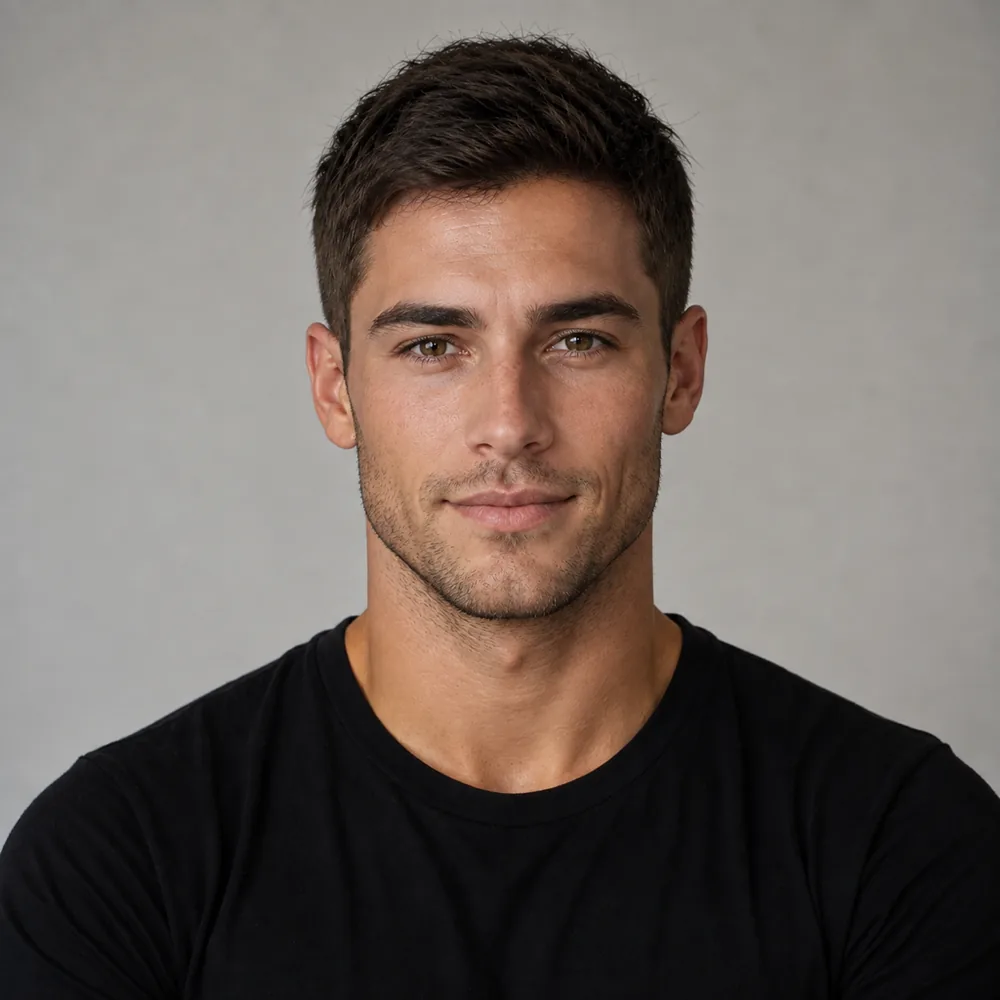
See the Textured fade on your face - before you commit
One selfie. 120+ haircuts and colors on your own face. Try the sample faces below free with no account; your own photo needs a free account and the first render needs no card.





Preview a new look
Your first look is free.
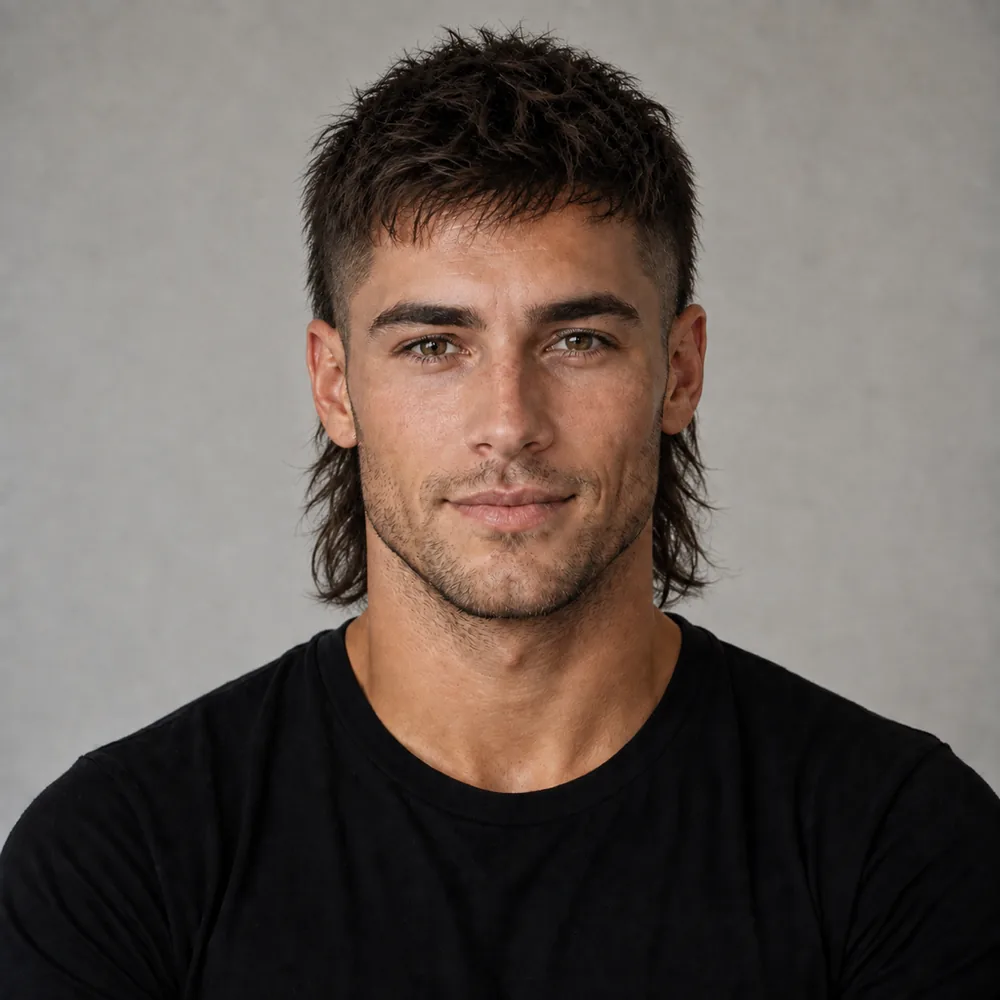
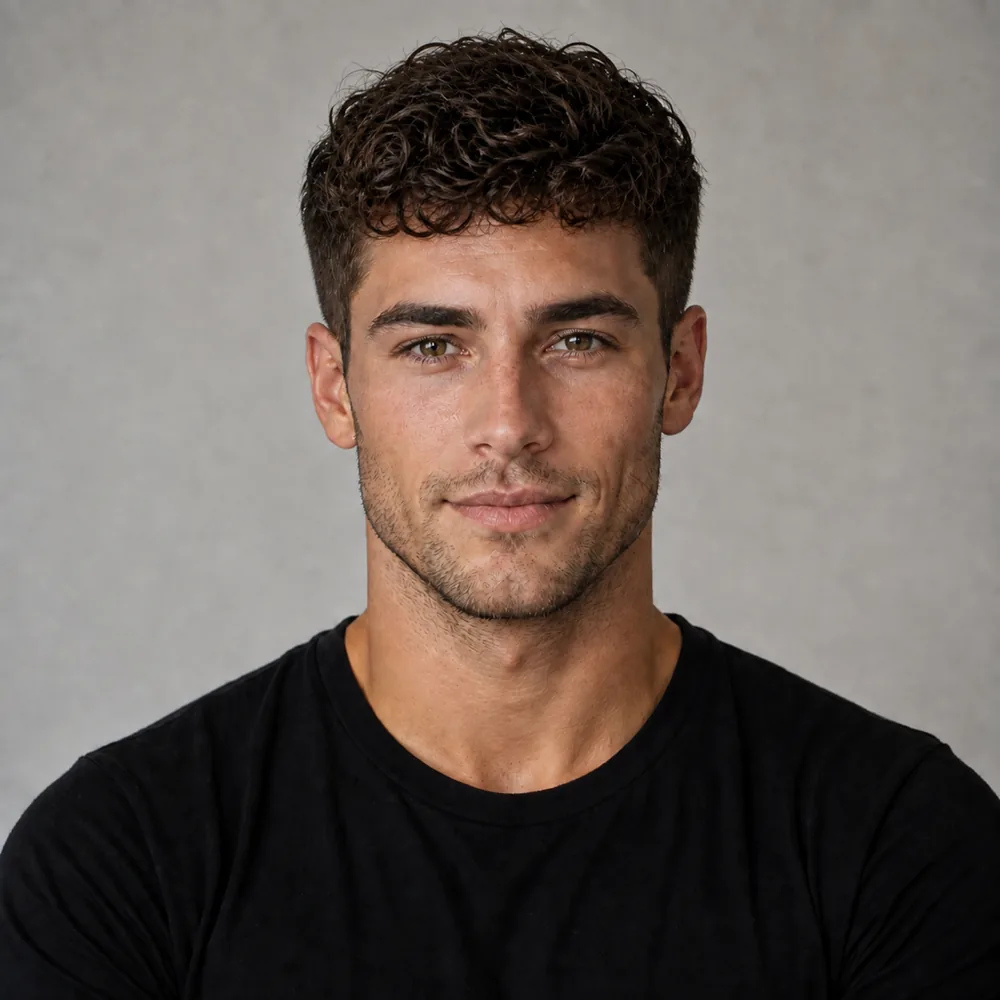


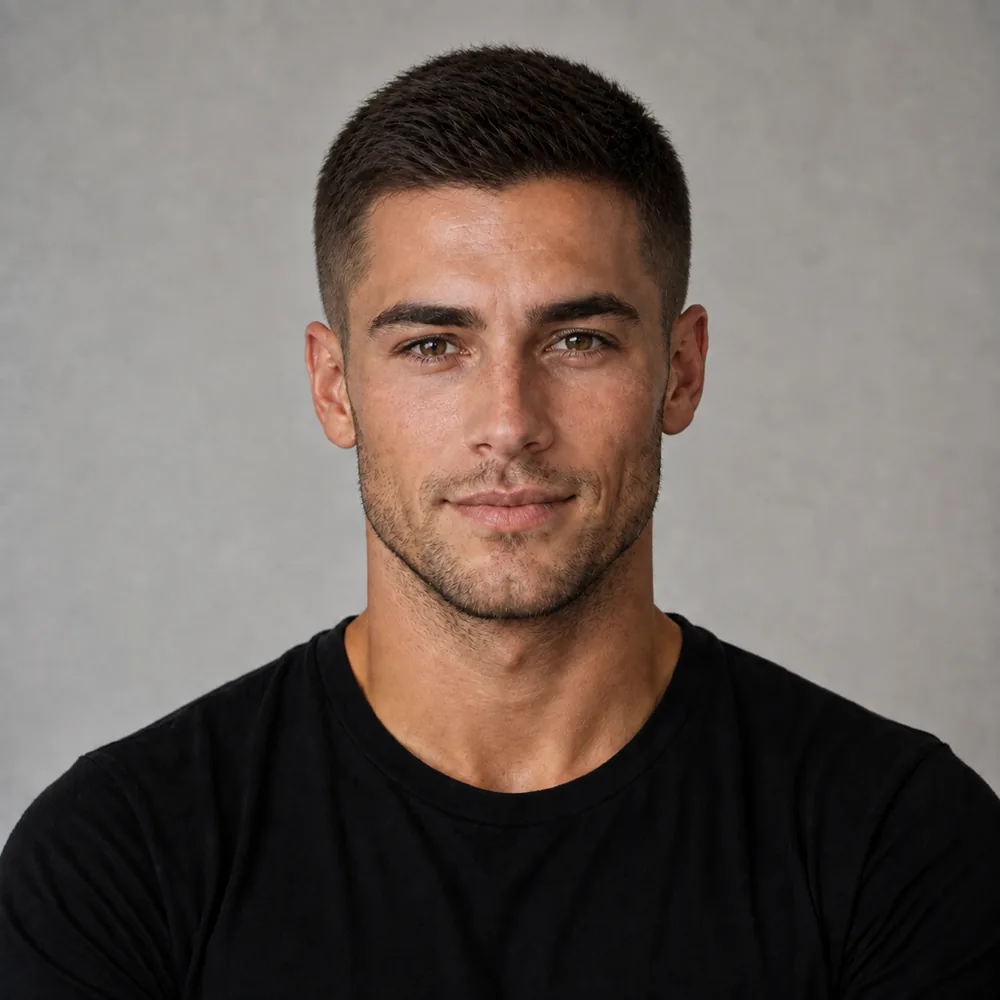
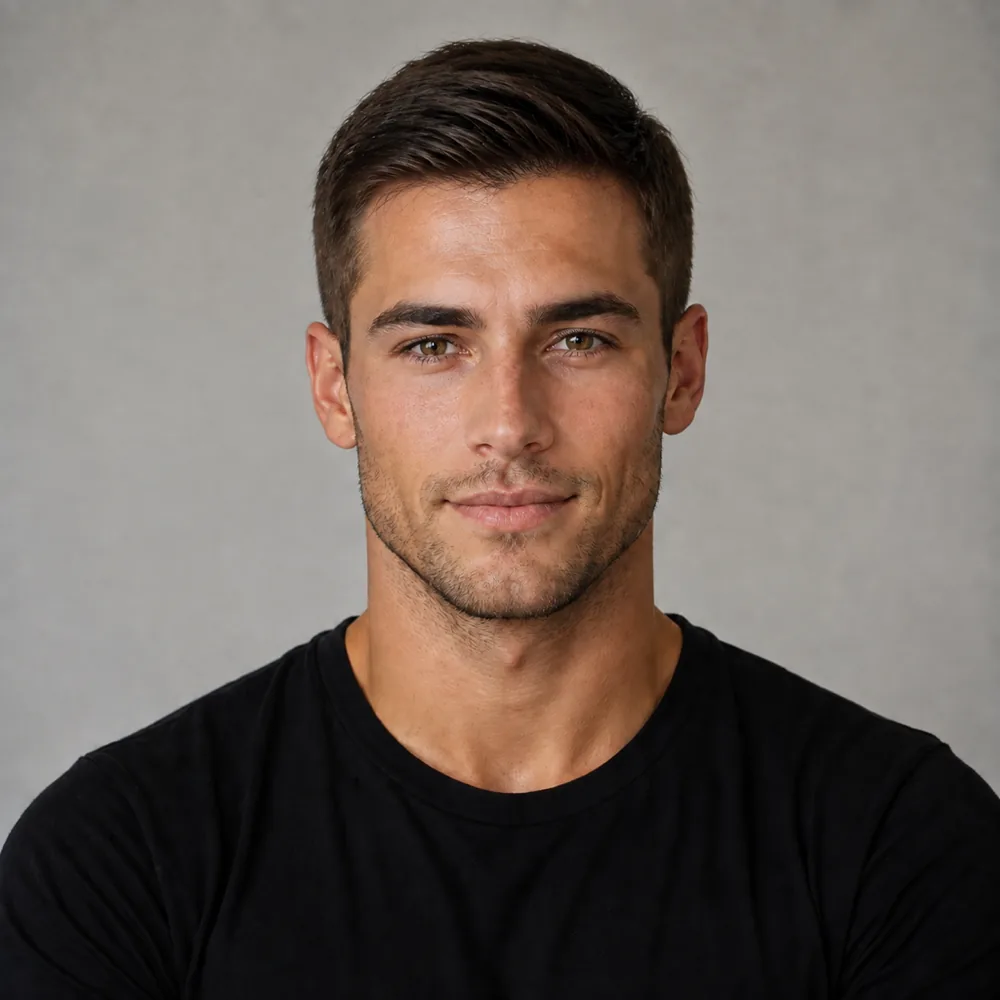
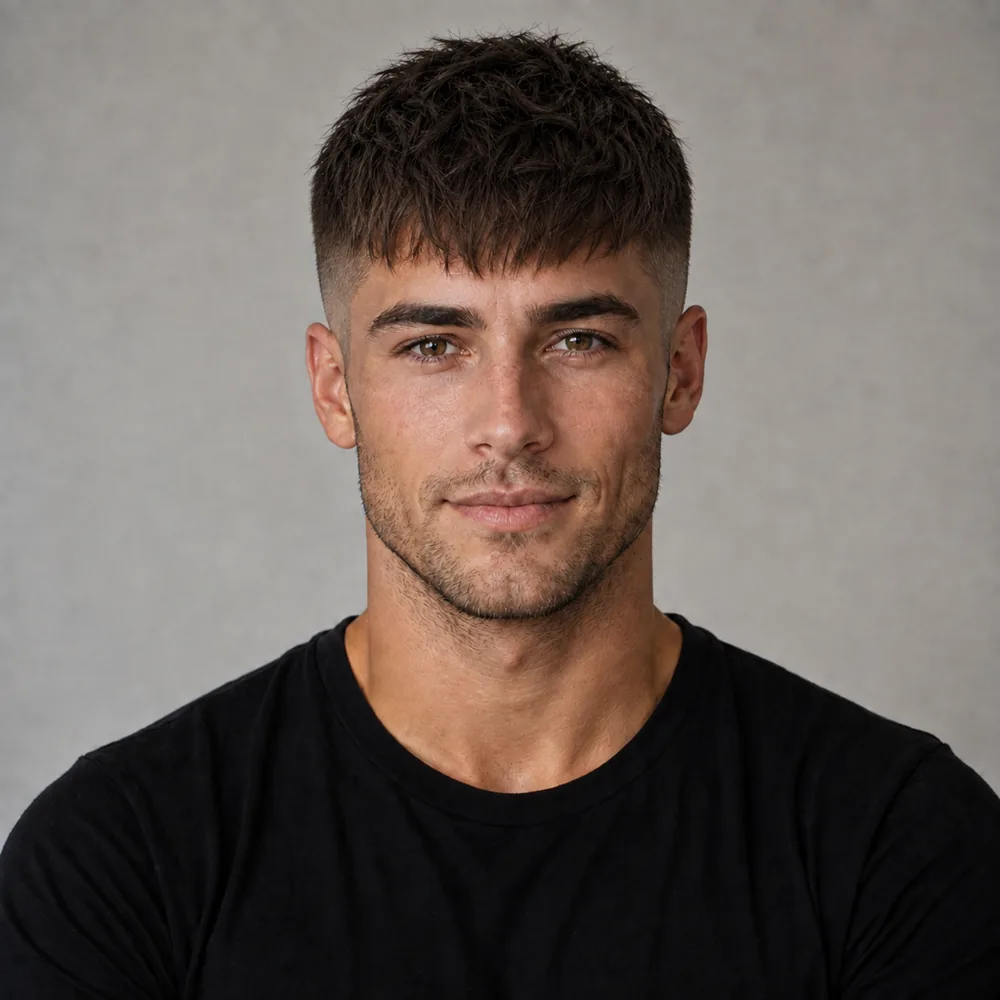
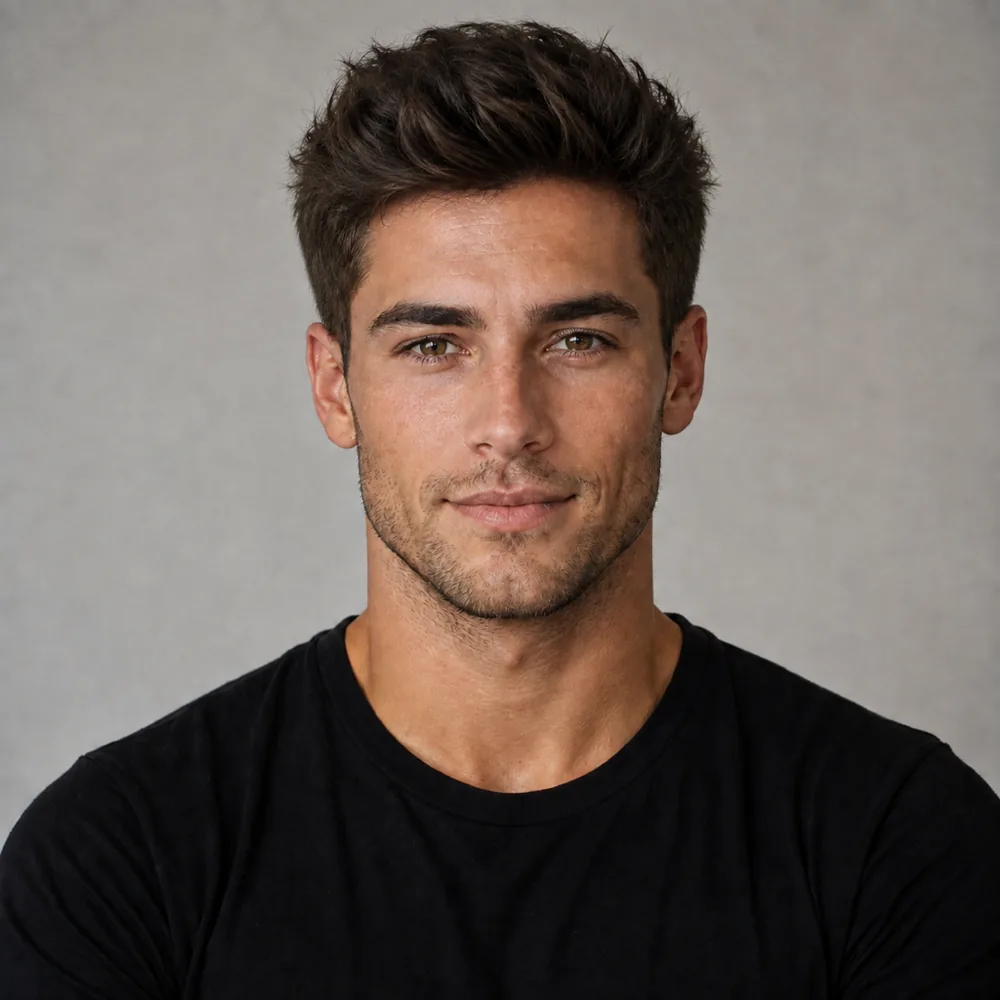
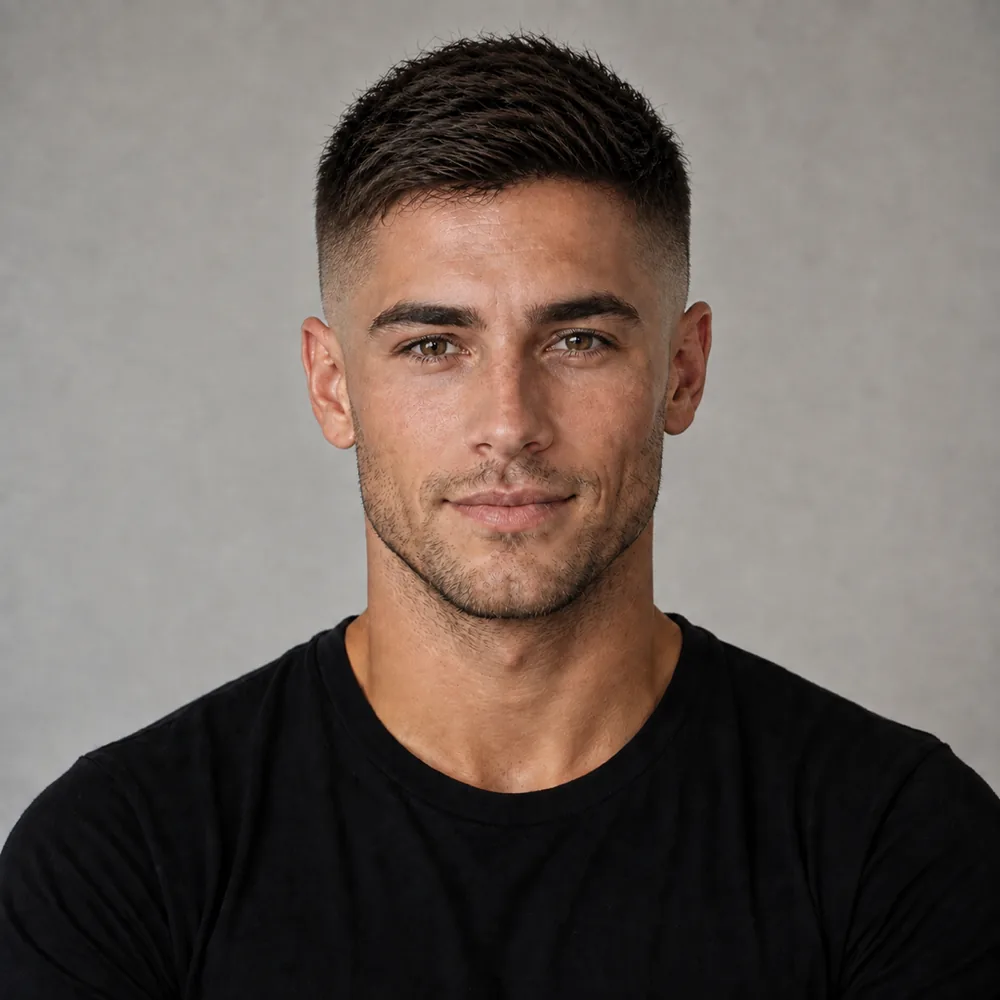

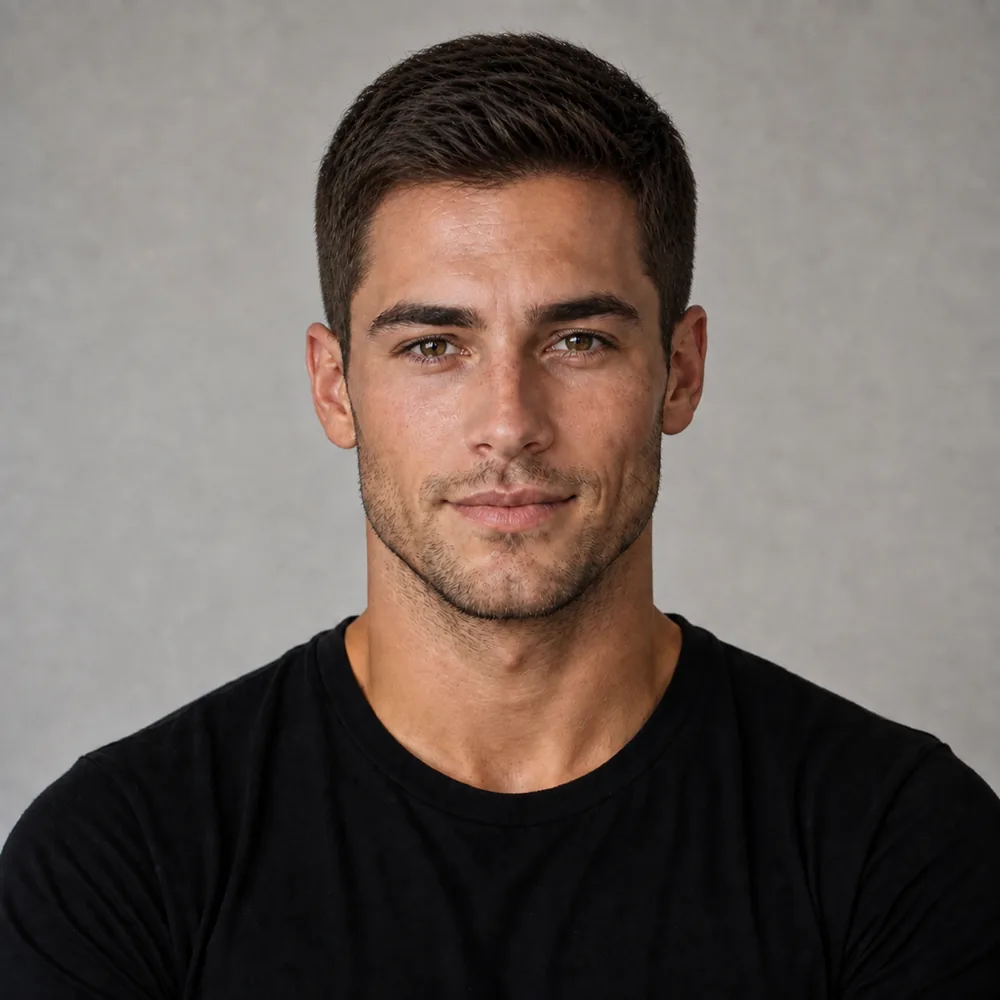





- 48,000+
- users worldwide
- 165,000+
- hairstyles tried
Try it yourself
Pick a look, drag the handle to compare. Then do it with your own selfie.
Keeping a textured fade
- Back in the chair every 3 to 4 weeks.
- Spritz salt spray through damp hair.
- Wash 3 to 4 times a week.
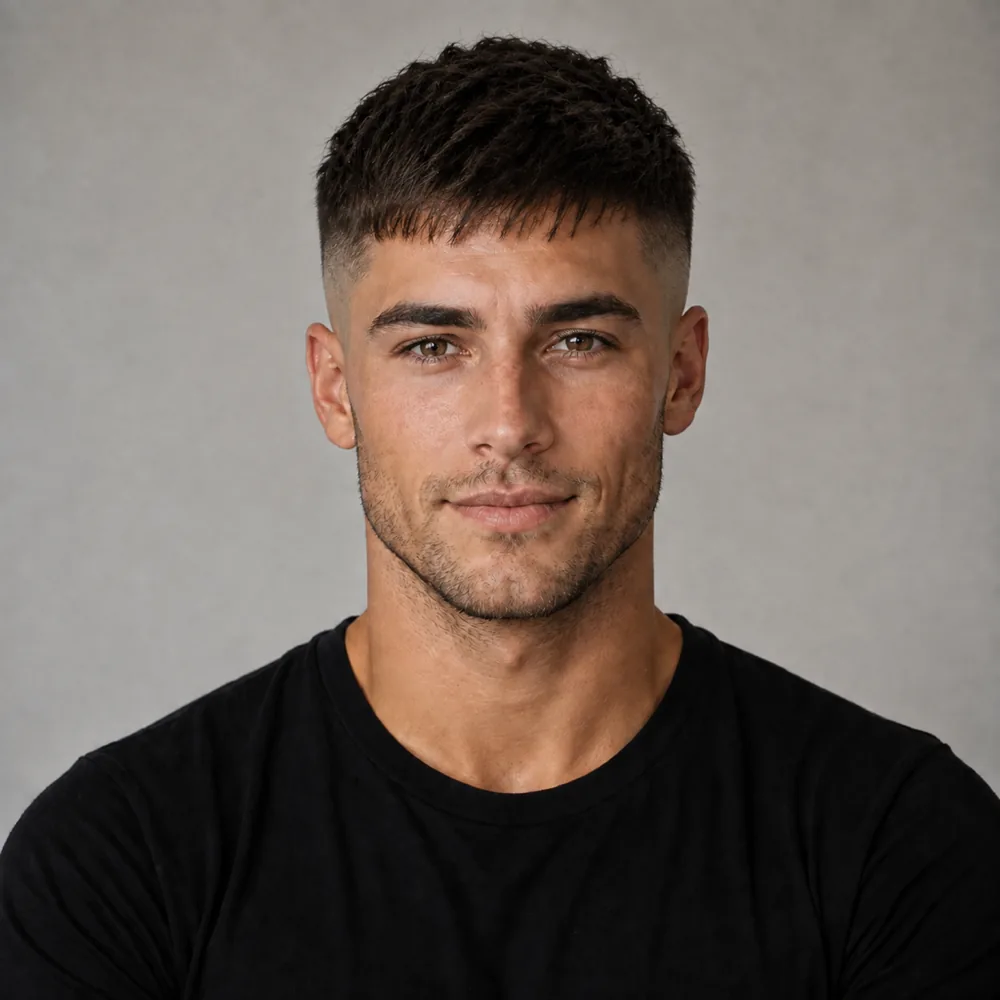
Keeping a edgar
- Back in the chair every 2 to 3 weeks.
- Dry the bangs forward while it is still damp.
- Wash 3 to 4 times a week.
Keeping a modern mullet
- Back in the chair every 6 to 8 weeks.
- Salt spray through the whole head while damp.
- Wash 2 to 3 times a week.
Keeping a perm
- Back in the chair every 8 to 10 weeks.
- Work curl cream through soaking-wet hair.
- Wash 2 to 3 times a week.
Keeping a curtains
- Back in the chair every 6 to 8 weeks.
- Spray salt spray through wet hair.
- Wash 3 to 4 times a week.
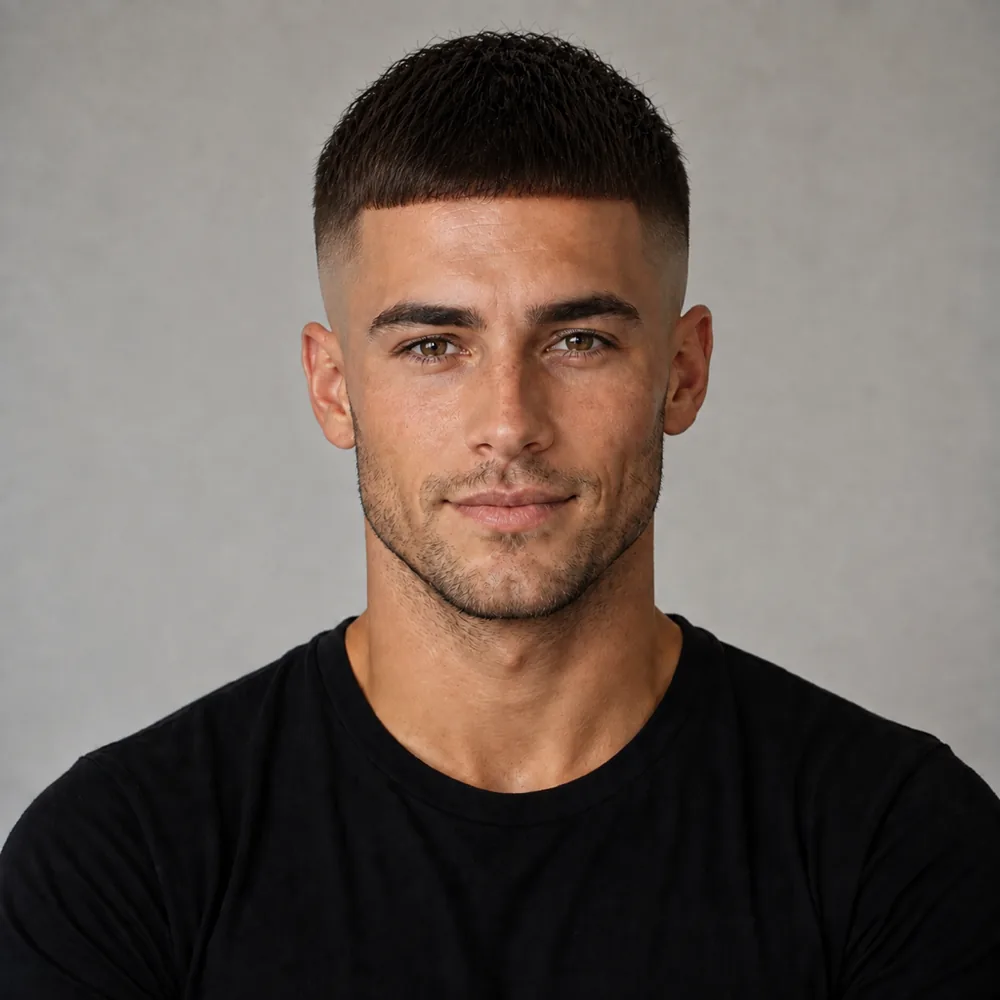
Keeping a crew cut
- Back in the chair every 4 to 5 weeks.
- Rub a small amount of clay through dry hair.
- Wash 3 to 4 times a week.
Keeping a ivy league
- Back in the chair every 4 to 5 weeks.
- Part it damp, on the side it already falls.
- Wash 3 to 4 times a week.
Keeping a disconnected crop
- Back in the chair every 3 to 4 weeks.
- Salt spray, then dry the top forward.
- Wash 3 to 4 times a week.
Keeping a low taper blowout
- Back in the chair every 2 to 3 weeks.
- Salt spray at the roots while wet.
- Wash 3 to 4 times a week.
Keeping a taper fade
- Back in the chair every 3 to 4 weeks.
- Towel-dry until damp, not dripping.
- Wash 3 to 4 times a week.
Keeping a quiff
- Back in the chair every 4 to 5 weeks.
- Blow-dry the front up and back over a round brush.
- Wash 3 to 4 times a week.
Keeping a restored
- Back in the chair every 4 to 5 weeks.
- Dry the front forward rather than back.
- Wash 3 to 4 times a week.
Keeping a shaved
- Back in the chair every 1 to 2 weeks.
- Shave with the grain, not against it.
- Wash 5 to 7 times a week.
Keeping a platinum
- Back in the chair every 4 to 6 weeks.
- Purple shampoo once a week, no more.
- Wash 1 to 2 times a week.
Keeping a jet black
- Back in the chair every 6 to 8 weeks.
- Color-safe shampoo, cold rinse.
- Wash 2 to 3 times a week.
Keeping a ash brown
- Back in the chair every 6 to 8 weeks.
- Color-safe shampoo, cool rinse.
- Wash 2 to 3 times a week.
Keeping a silver
- Back in the chair every 8 to 10 weeks.
- Purple shampoo weekly to stop it yellowing.
- Wash 2 to 3 times a week.
Keeping a low taper
- Back in the chair every 3 to 4 weeks.
- Towel-dry until damp.
- Wash 3 to 4 times a week.
Keeping a italian cut
- Back in the chair every 6 to 8 weeks.
- Salt spray on damp hair.
- Wash 2 to 3 times a week.
Keeping a comma fringe
- Back in the chair every 4 to 5 weeks.
- Blow-dry the top forward and full from damp.
- Wash 3 to 4 times a week.
Keeping a mop cut
- Back in the chair every 8 to 10 weeks.
- Salt spray through damp hair.
- Wash 2 to 3 times a week.
Every after is this tool's own render of a demo face, pre-generated for speed - nothing on this page renders live.
Preview a new look
Your first look is free.
See it land,
not just read it
Real testers, one selfie, before they told their barber.
The power of a good cut
#texturedcrop #hairstyleatlas #hairtransformation
Original sound - @hairstyleatlas

Fresh finish, dialed in
#texturedquiff #hairstyleatlas #hairtransformation
Original sound - @hairstyleatlas
Waves styled just right
#mediumlengthwaves #hairstyleatlas #hairtransformation
Original sound - @hairstyleatlas
Before and after
#fulltransformation #hairstyleatlas #hairtransformation
Original sound - @hairstyleatlas
Burst fade, edge to edge
#burstfade #hairstyleatlas #hairtransformation
Original sound - @hairstyleatlas
Line-up, down to the millimetre
#hardpartandlineup #hairstyleatlas #hairtransformation
Original sound - @hairstyleatlas
Kept the length, found the shape
#grownoutwaves #hairstyleatlas #hairtransformation
Original sound - @hairstyleatlas
Hairstyle try-on tools
Cut, color, bangs, length. Same selfie works across all of them.
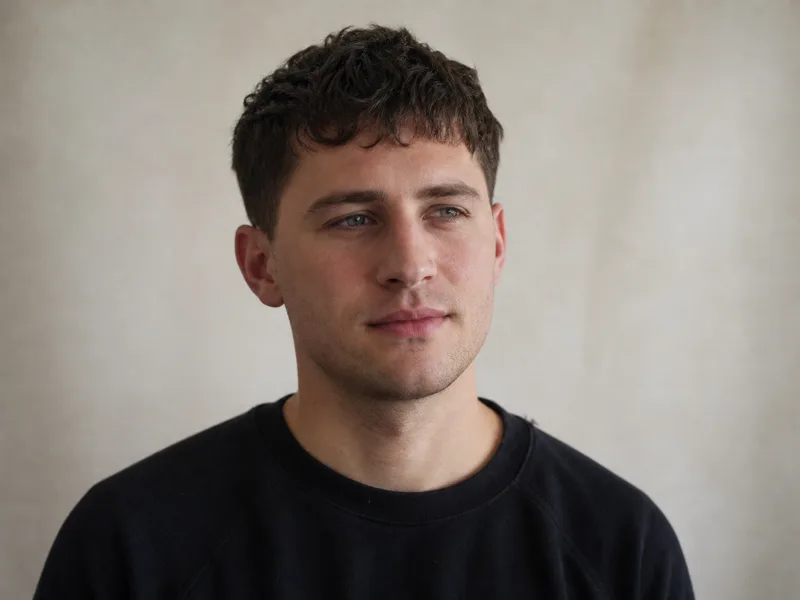
Men's Hairstyle Try-On
Fades, crops, curtains, buzzes
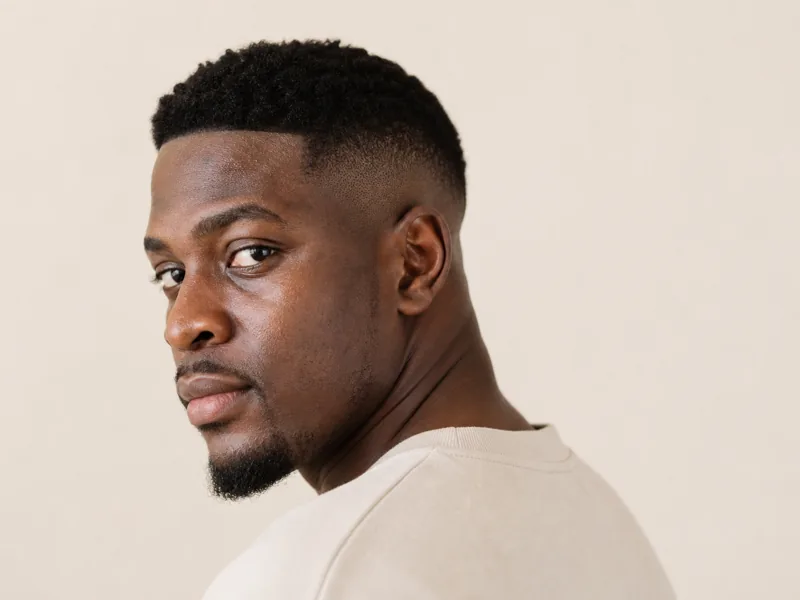
Fade Haircut Simulator
Low, mid and high fades
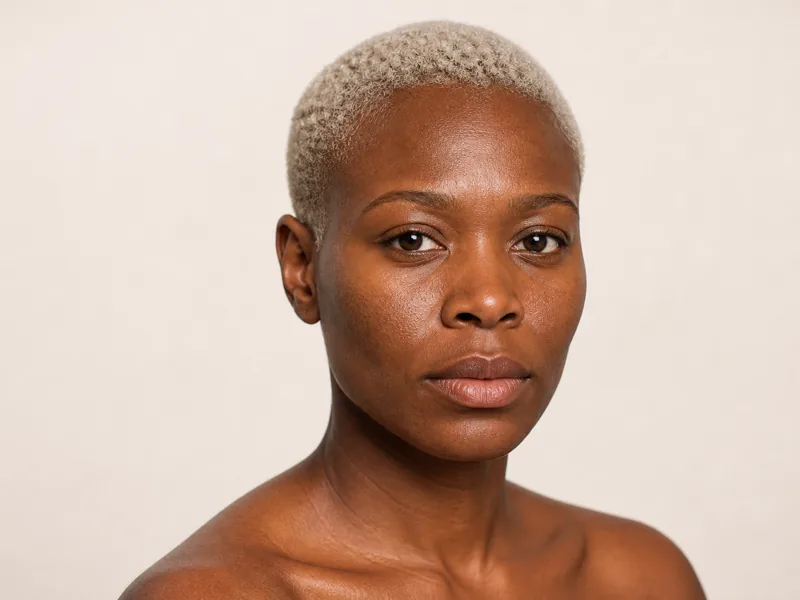
Buzz Cut Filter
Find out if you can pull it off

Hairline & Thinning Preview
Preview a fuller hairline on your face
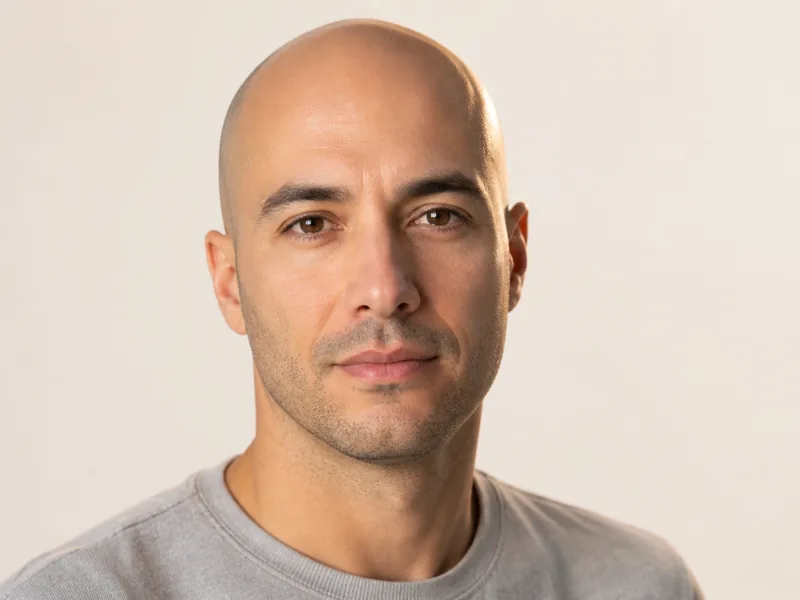
Bald Filter
See yourself with no hair at all
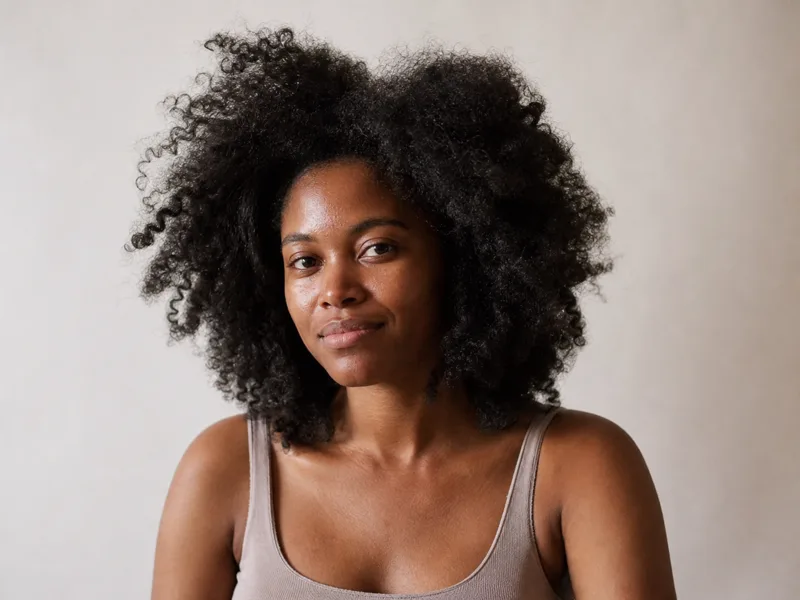
Curly & Coily Hair Try-On
Cut for your actual curl pattern

Wolf Cut Try-On
The internet's cut, on you
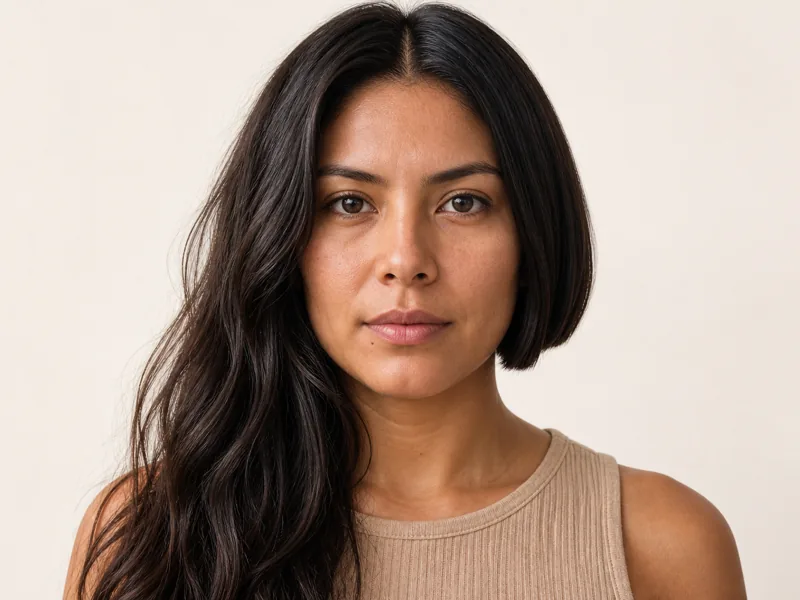
AI Hairstyle Changer
Change your hairstyle in a photo
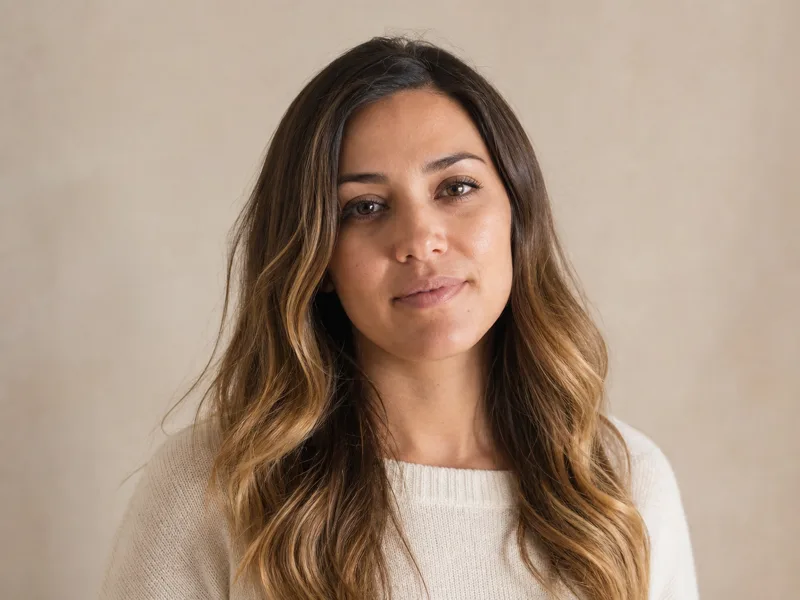
Virtual Hair Color Try-On
Test any shade on your own hair
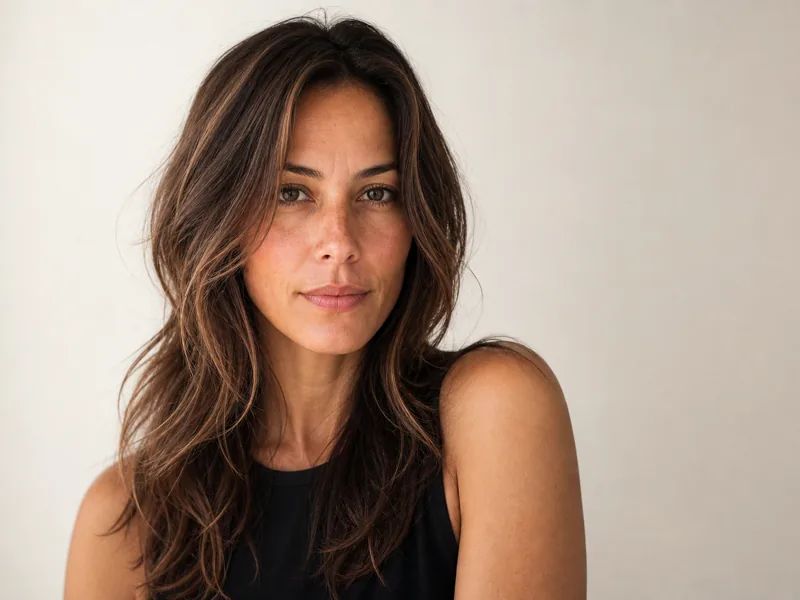
Women's Hairstyle Try-On
Bobs, bangs, layers and color

Bangs Filter
Bangs, before you regret it
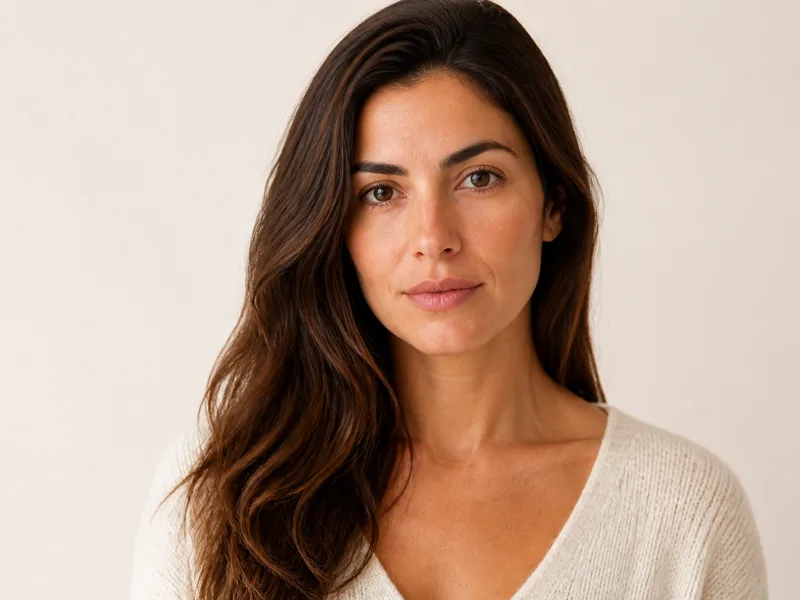
Long Hair Filter
See it grown out, today
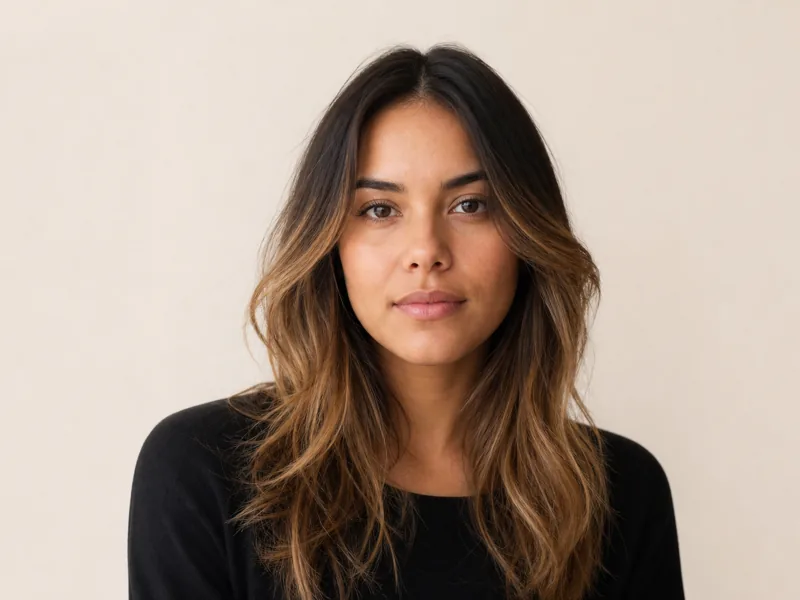
Balayage Try-On
Balayage without the four hours
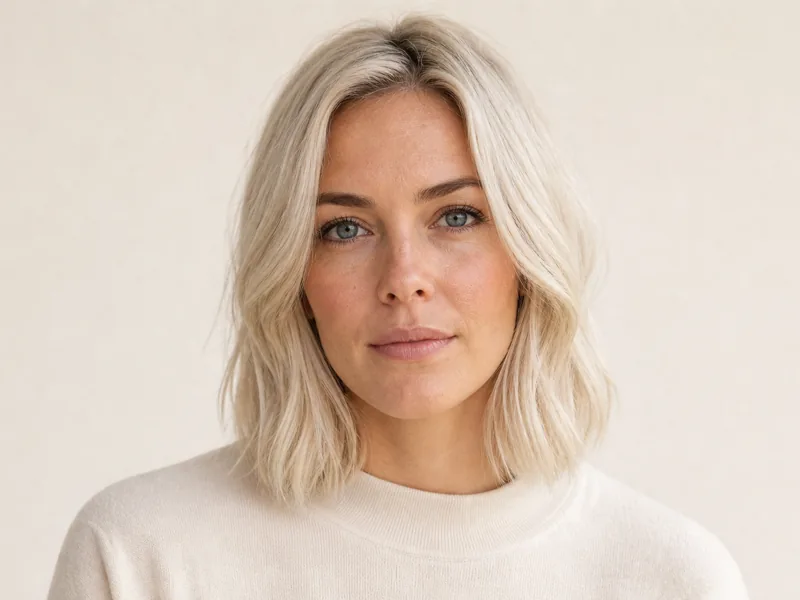
Blonde Hair Filter
Blonde, before the bleach
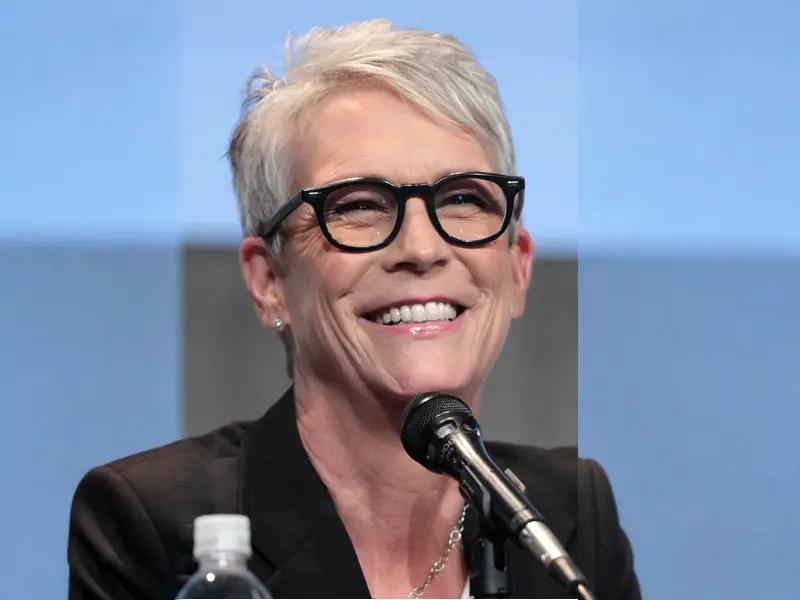
Gray Hair Filter
See the grow-out before you commit
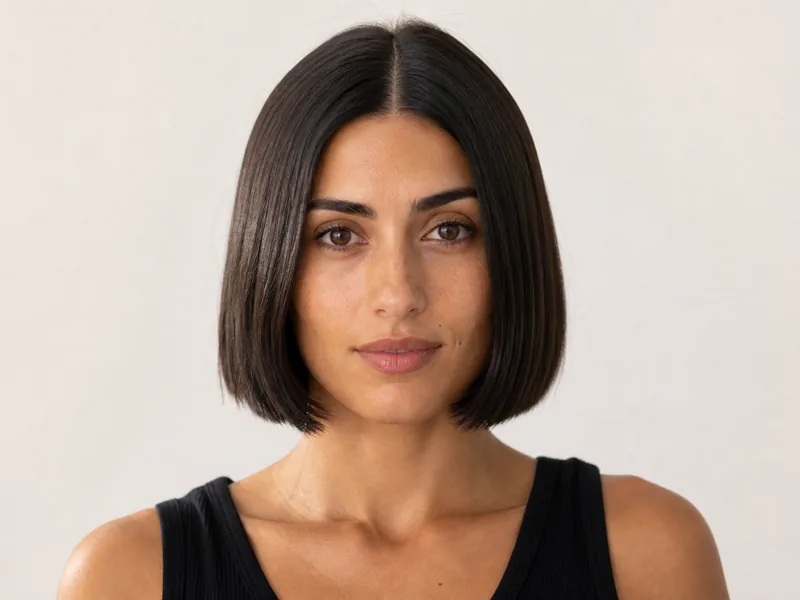
Bob Haircut Try-On
Blunt, long and French bobs
Three steps
How it works
If you can take a selfie, you can do this.
- 01 Your selfie
Add your photo
One front-facing selfie, hair visible. That's the whole setup.
- 02120+ looks
Pick a look
120+ cuts, colors and styles, all on that same photo.
- 03 Your result
Take it to your barber
Save the result and show it, instead of describing a cut and hoping.
Ready to see it on your own face?
Upload one selfie and try your first haircut free.
48,000+ users looked first. See it before you cut it.
- 165,000+
- hairstyles tried
- 48,000+
- users worldwide
The cut you wanted,
first time
What people say after they stopped guessing.
Jordan Mercer
Two years of talking myself out of a buzz cut. Saw it on my own head and booked the same afternoon.
dev.kapoor
wasnt sure about the mullet. glad i checked first lol

Sofia Lindqvist
went back and forth on bangs for MONTHS. four seconds of seeing them on my own face and it was a no

Robin Tavares
the wolf cut actually suited me which i genuinely did not expect
Chloe Traynor
I have a round face and every guide online contradicts the last one. Seeing it beat reading about it.
Tom Halvorsen
showed my barber the render instead of some photo off pinterest. first time hes got it exactly right
josh_nk
was set on a perm. two renders in, i was not

Nia Robinson
I am a barber and I use this in consultations now. Three options side by side, the client picks, and nobody argues about it after.

Kofi Asante
locs are a big commitment. wanted to see them on my own face first and not on some guy with a completely different head shape
Grace Adeyemi
the curly results were the surprise honestly. most of these just paste straight hair on you
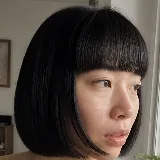
Mei Wong
no more salon mood board 🙌

Yasmin Haddad
Sent four options to the group chat before the wedding. Nobody had to be polite about a photo of a stranger.
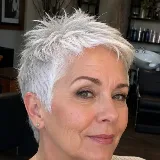
Helen Brandt
tried platinum on the screen first. absolutely not, and i saved myself about 400 bucks finding that out

Wes Ashcroft
grew it out eight months for a look i ruled out in twenty seconds. want those months back

Carmen Ruiz
copper read way warmer on me than i expected. went for it that week
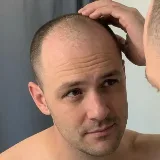
Sam Keller
My hairline is going and I wanted to know what a shaved head would actually look like before I committed to it. Now I know, and it is fine.
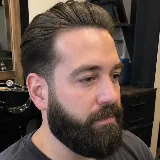
Marcus Devine
showed my barber the side view instead of trying to describe it. he knew exactly where to stop the fade - first time ever
Lena Voigt
My daughter and I sat with it for an hour picking her first proper cut. No tears at the salon for once.

Anjali Raman
walked in with three renders on my phone. stylist actually thanked me
Ready to see it on your own face?
Upload one selfie and try your first haircut free.
Fresh out of the studio
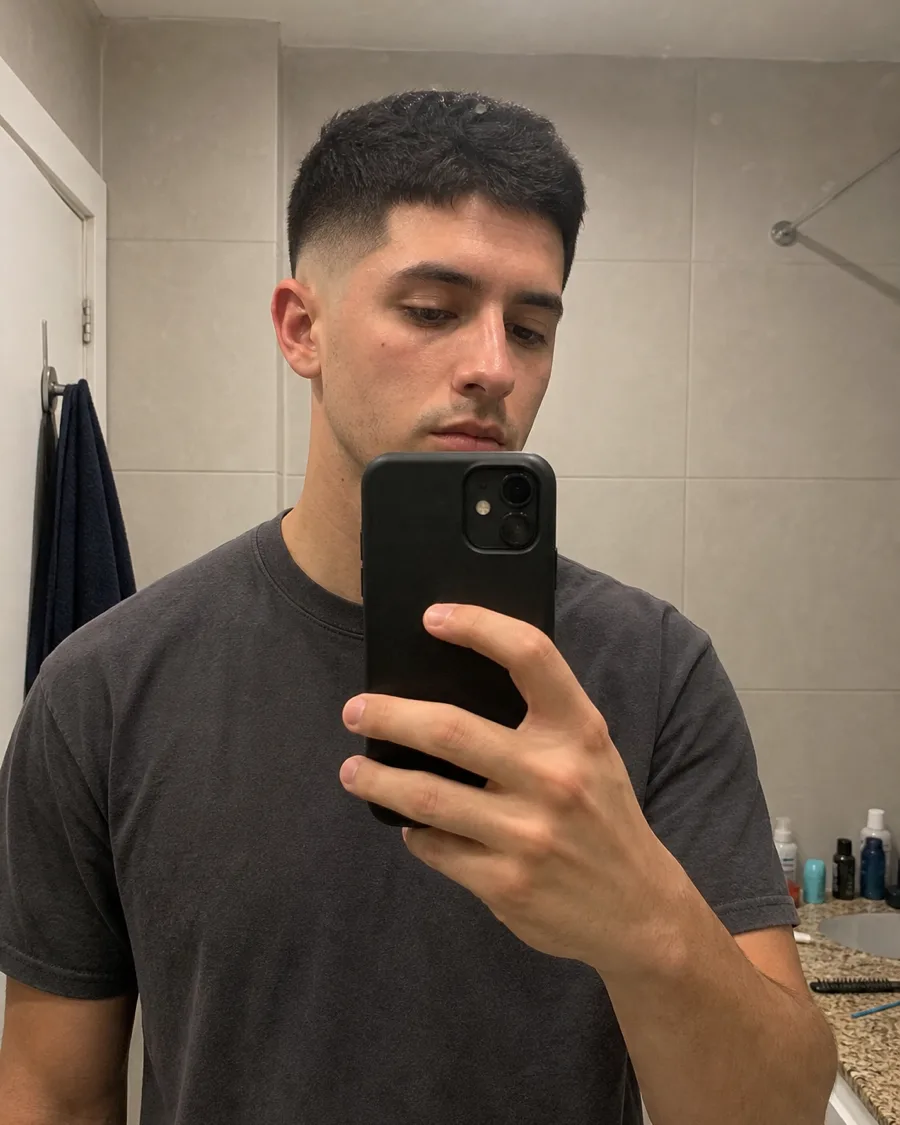
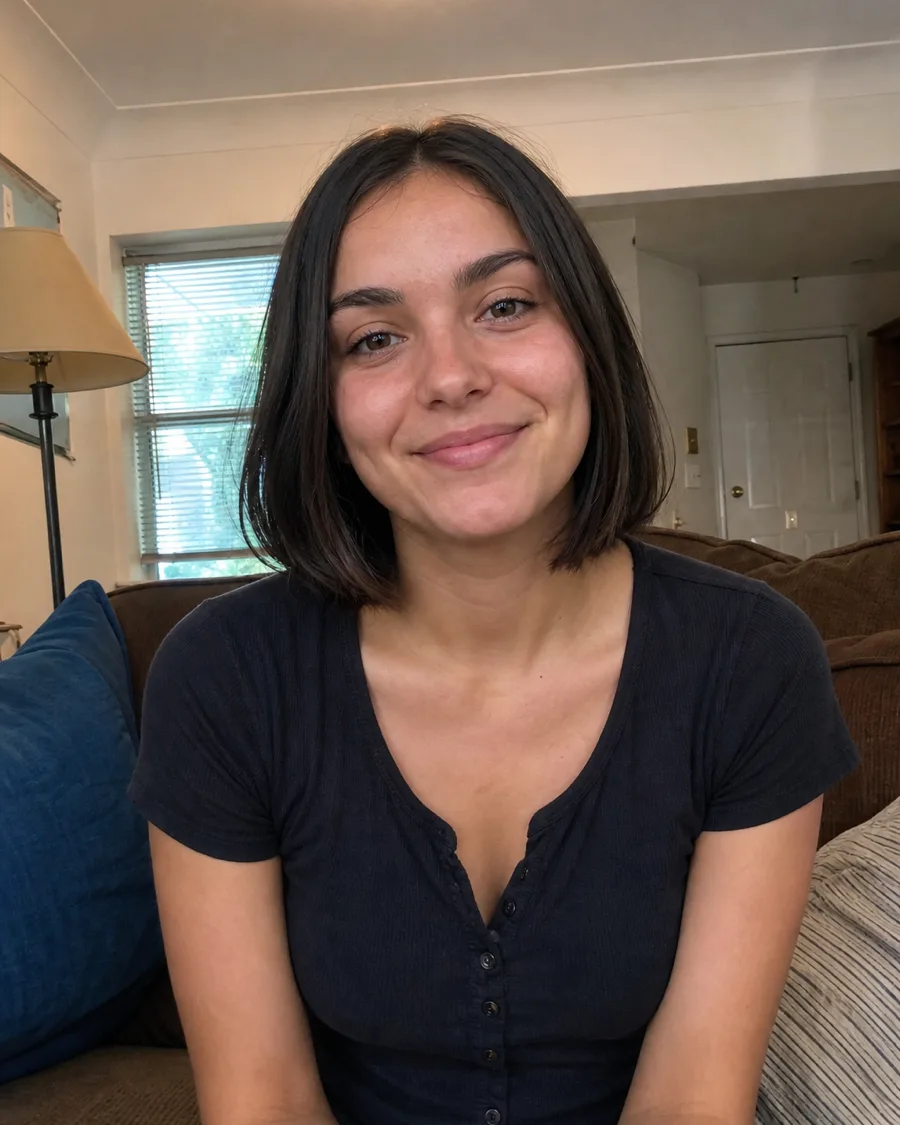
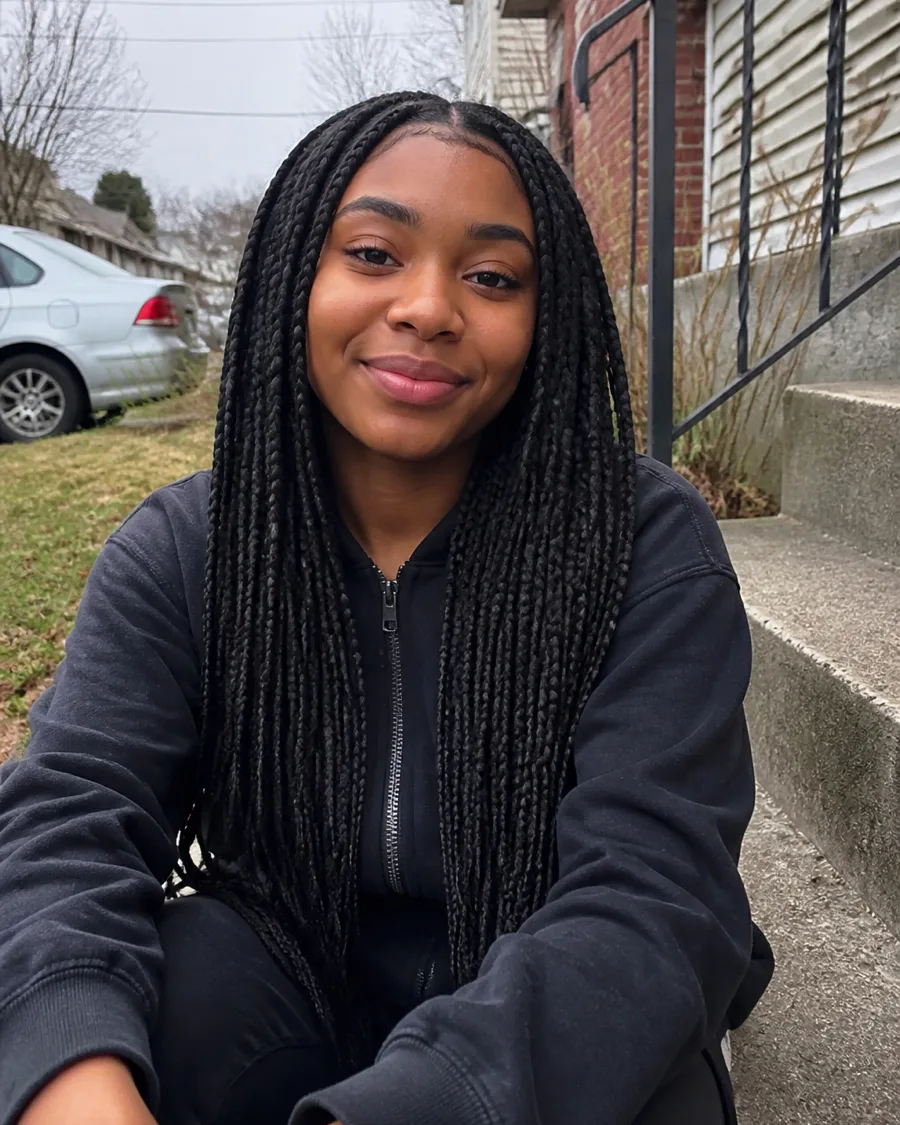
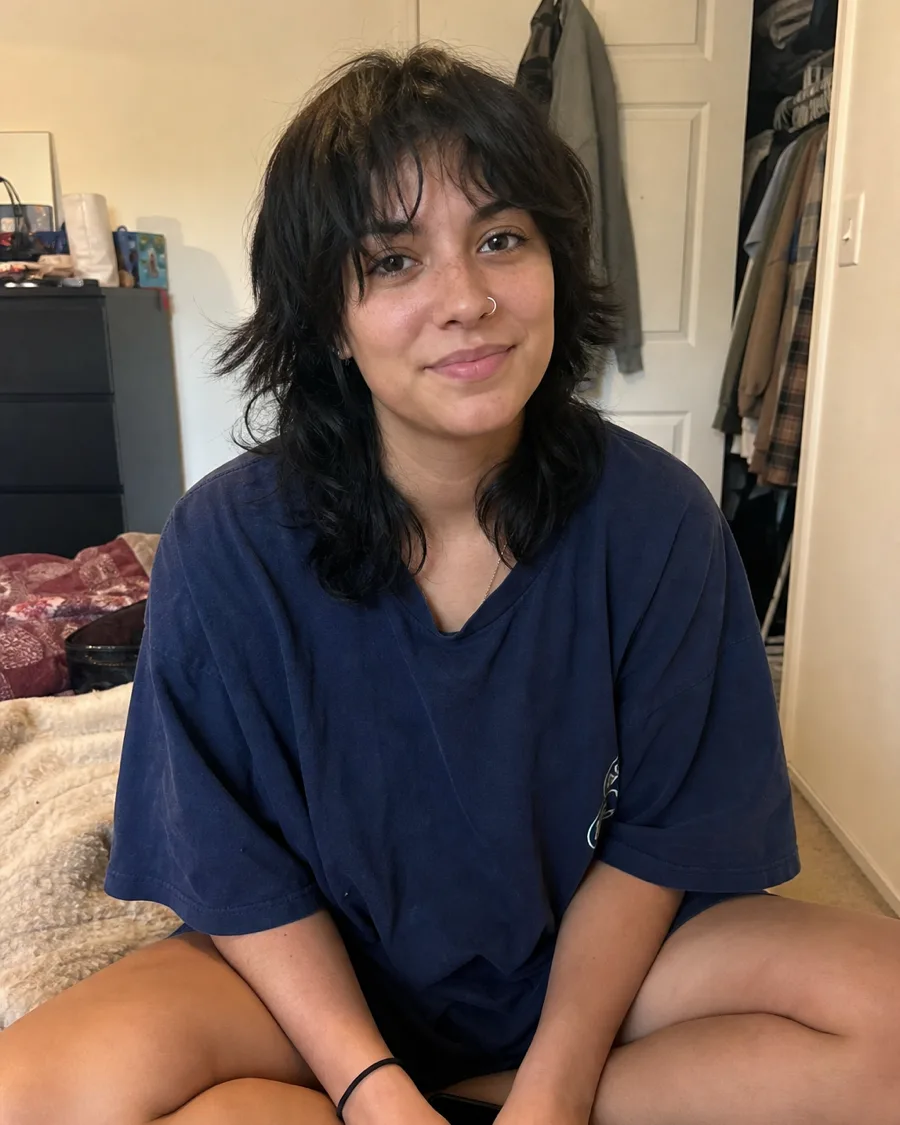
Recent renders from the same engine you get - every one started as a single photo.



Hairstyle Atlas vs. Everybody Else
| Capability | Hairstyle Atlas | Filters | Photoshop |
|---|---|---|---|
| Keeps your actual face | Yes | No | Yes |
| Photorealistic, not cartoon | Yes | No | Yes |
| Matched to your face shape | Yes | No | Sometimes |
| Works on curly and coily hair | Yes | No | Sometimes |
| 120+ cuts and colors | Yes | Sometimes | No |
| Result in 20 seconds | Yes | Yes | No |
| No skill required | Yes | Yes | No |
| Downloadable reference for your barber | Yes | Sometimes | Yes |
| Free to try | Yes | Yes | No |
Filters are fun. They are not a plan. Hairstyle Atlas is the only one of these that shows a photorealistic haircut on your real face, matched to your real hair, in the time it takes to read this sentence.
Try on hairstyles with your own photo
A hairstyle try-on lets you see a possible haircut before you ask someone to cut it. Start with one clear, front-facing selfie, with your hair visible and ordinary, even lighting. Choose a look and the cut is redrawn on your real face in about 20 seconds, with your skin and light untouched. You can judge the new outline against features you recognize instead of imagining a model's haircut on yourself. The sample faces above let you explore the looks instantly without an account. For a result on your own photo, create a free account; your first render needs no card. The preview gives you a reference to discuss, not a guarantee of how your hair will behave after an appointment.
To try on hairstyles usefully, change one decision at a time. Compare length first: keeping the sides short, taking the ends to your jaw, or leaving enough length to tie back can matter more than the name of a trend. Next compare shape and volume, then the fringe or part that frames your face. Leave color until you have a shape you like, so a bright shade does not distract from the cut. Keep the same photo across the comparisons and save two or three favorites. Show them to your barber or stylist alongside the original, and ask which version fits your texture, growth pattern and morning routine.
The range covers short cuts and fades in the men's hairstyle try-on, plus bobs, layers and bangs in the women's hairstyle try-on. The curly hair try-on helps you compare shapes for curly and coily hair, where volume and where it sits can change the whole outline. When the cut already feels right, use the virtual hair color try-on to compare shade and placement. Pick the direction that feels like you, then take that clearer brief into your next consultation.
Cuts
Fades, crops, buzzes, curtains, wolf cuts, shags, bobs, lobs and pixies. Length is the hardest thing to picture and the slowest to undo, so start there.
Color
Balayage, money piece, platinum, copper, jet black, silver. See the shade on your own root and length before anyone opens a tube of dye.
Bangs & part
Curtain, blunt, wispy or side-swept at the front; middle, side or pushed straight back on top. The small calls that change a cut more than the length does.
Every hair type
You pick your hair type during setup. Straight, wavy, curly and coily hang differently, and the cut respects that. Braids, locs, afros and silk presses included.
Frequently asked questions
Straight answers, no hedging.
Yes, this one. Hairstyle Atlas runs in your browser: try any look on the sample faces above with no account, or upload one selfie to see 120+ haircuts and colors on your own face. Your own photo needs a free account; the first render needs no card.
Yes. Upload one front-facing selfie with your hair visible, pick a cut, and it is rendered on your own face in about 20 seconds. The same photo works across every cut, fringe and color.
Start with what haircut suits me, which builds a free shortlist from your face shape with no photo upload, then try the shortlisted cuts on your own selfie. Your first render is free.
It depends on whether you want a filter or a realistic preview. Filters are instant but paste hair over you; Hairstyle Atlas redraws the cut on your real face and hair type, runs in the browser without an app install, and your first render is free. Compare the approaches on our comparison page.
Your first hairstyle is free, with one color on it, and needs no card. Upload one selfie, pick a cut - a low taper, a modern mullet, anything in the atlas - and see it on your own face before you commit. When you want more, Plus is $9 a month for 150 credits and Pro is $24 for 480; both add clean HD downloads and the comparison sheets, and Pro adds every angle of the cut.
No. The demo on this page runs without an account. You make one only when you want a look rendered on your own photo and kept in your library.
It is used to create your render. It stays in your library while your account is open, it is readable only by you, and deleting your account removes it. The full detail is in our privacy policy.
That's the point, and it's where filter apps fall over. HairstyleAtlas holds your face, skin tone, hairline and lighting fixed and changes only the hair. If a render alters anything but your hair, that's a bad render - flag it and we re-run it for free, and it doesn't come out of your credits.
Accurate enough to hand to your barber, not a photograph of the future. Hair sits differently once it's actually cut, and a curl pattern can be predicted but not guaranteed. Treat every render as a strong reference image and take it to a professional - it's a brief for the chair, not a promise.
Yes. Jet black, platinum, copper, ash, full silver, a gray grow-out, balayage and a money piece are all in the atlas, and any color can go on top of any cut.
Yes - men's cuts lead the atlas. Fades, tapers, buzz cuts, crops, curtains, crew cuts and longer styles, from old-money classics to the cuts people are searching for right now. Roughly half the atlas is cut for shorter hair. See the cut on your own head before you tell your barber.
Yes. You choose your texture during setup - straight, wavy, curly or coily - and results are cut for that texture rather than a straight-hair style pasted over you. This is the single most common complaint about other try-on tools, and it's the thing we test hardest.
Face the camera in even light, hair fully visible - no hat, no sunglasses, no beauty filter. A normal front-facing selfie at arm's length is ideal. Shots from below, hair tied back, or heavy backlighting give the weakest results.
You spend credits on pictures, and you always see the price before you tap render. A hairstyle on your photo is 10 credits. A color on that cut is 5, because it is painted onto the cut you just approved rather than rendered from scratch. A facial-hair change is 10, and on Pro each extra angle - three-quarter, side, back - is another 10. Length, bangs and part are free: they are part of the same picture, so there is nothing extra to charge for. Plus is 150 credits a month, Pro is 480. A render that fails hands its credits straight back.
Yes, on any paid plan. Free previews carry a small watermark; paid downloads are clean, full resolution and yours to use - send them to your barber, post them, print them. One note: nothing is rendered yet while we are in pre-launch, so there is nothing to download today.
Any time, in two clicks from billing settings. Access runs to the end of the period you already paid for, then stops. No retention maze, no phone call.
Seven days, and we don't attach conditions to how much you used it. If HairstyleAtlas didn't do what you hoped, email us and we refund in full. We're aware that some tools in this category void your guarantee the moment you generate anything. We don't.
Yes, and Pro covers commercial use. Bring a client's photo into the consultation, show three options side by side, and agree the cut before you pick up the clippers. Exports carry your name, not ours.
Compare hairstyle try-on tools to find the approach that fits you.