Best Hairstyle Apps for Women 2026: 10 Apps, Real Prices
Oleh Onysko Updated 17 October 2026 14 min read
In this article
The best hairstyle app for women in 2026 is the one that changes your hair and leaves your face, hairline and hair density alone. Use HairstyleAtlas to test a specific cut, bangs or color on your own photo (one free look, no card), YouCam Makeup for the biggest preset catalog, and Google Gemini or Krea if you want a single free edit. If your hair is curly, coily or braided, check the catalog for your texture before you upload anything, because most apps only paste straight hair.
Every price, free tier and platform below was checked against the vendor's own site or its US App Store listing on October 9, 2026. HairstyleAtlas is our product. We say where it wins and where another app is the better pick. Our full ranking of 13 AI hairstyle apps covers men's apps too.
Best hairstyle apps for women at a glance
| App | Platforms | Free option | Paid price (vendor or US App Store) | Best for |
|---|---|---|---|---|
| HairstyleAtlas | Web, phone or desktop | One cut plus one color on your photo, free account, no card | Plus $9/mo or $60/yr, Pro $24/mo or $160/yr | Deciding on a cut, bangs or color before booking |
| YouCam Makeup | iOS, Android, web | Free app with paid content, 5 free web credits | Premium $5.99 to $9.99/mo, Pro $19.99/mo or $79.99/yr | The biggest preset catalog, 250+ styles |
| Google Gemini | Web, iOS, Android | Free edits, limits not published, 18+ | Paid Google AI plans | One free look you describe in words |
| Krea | Web | Hairstyle changer free, page says no sign-up | Paid plans for its other tools | A free test with no account |
| Hair Fairy | Web | 1 watermarked preview per browser | One-time packs: 30 images $5.99, 100 images $10.99 | Pay once instead of subscribing |
| FaceApp | iOS, Android | Free filters, Pro unlocks the rest | iOS Pro purchases $10 to $100 | Quick bangs, bob and length filters |
| Facetune | iOS | Not stated | $5.99 to $11.99 a period, yearly $35.99 to $77.99 | Hair inside a full selfie editor |
| HairLook | iOS | None for transfers | Pro weekly $6.99, $7.99 or $9.99 | Copying a cut from a saved photo |
| Glowify | iOS | Not stated | $9.99/week, $16.99/mo or $39.99/yr | Face-shape suggestions plus try-on |
| Hairstyle Try On (KBMSoft) | iOS | 33 free styles | Packs $0.99 to $2.99, all packs $4.99 one-time | Cheap browsing with no subscription |
Want to see it first? Preview a new hairstyle on your own photo.
What women actually complain about in hairstyle apps
We read what people say in r/Hair threads about these apps. The same four complaints come up again and again, and they are a better test than any feature list.
- The app changes your face. Users describe apps that lengthen the forehead or reshape the top of the head, "which never happens when you get a haircut". If your face moves, you are judging a stranger.
- Fine hair comes out thick. One user with very fine hair said every result looked far fuller than her hair could ever be. A shag that relies on volume will not look like the preview on fine hair.
- The paywall shows up after you sign in. Tiny free tiers, sometimes two credits, then a subscription screen. Know the real free limit before you upload.
- Only your natural texture. A user with wavy hair wanted to see a cut blown out smooth, and the app only showed it wavy. If you straighten or blow out your hair most days, test both.
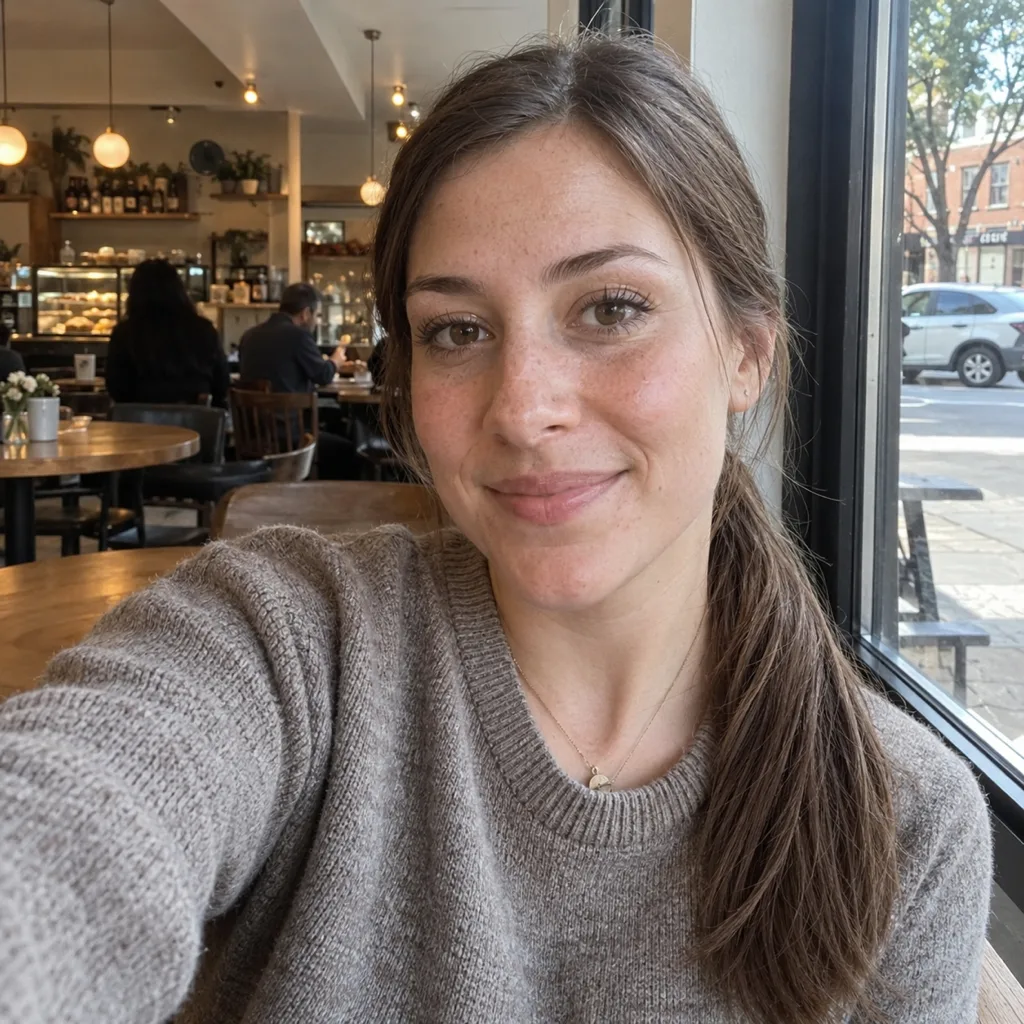
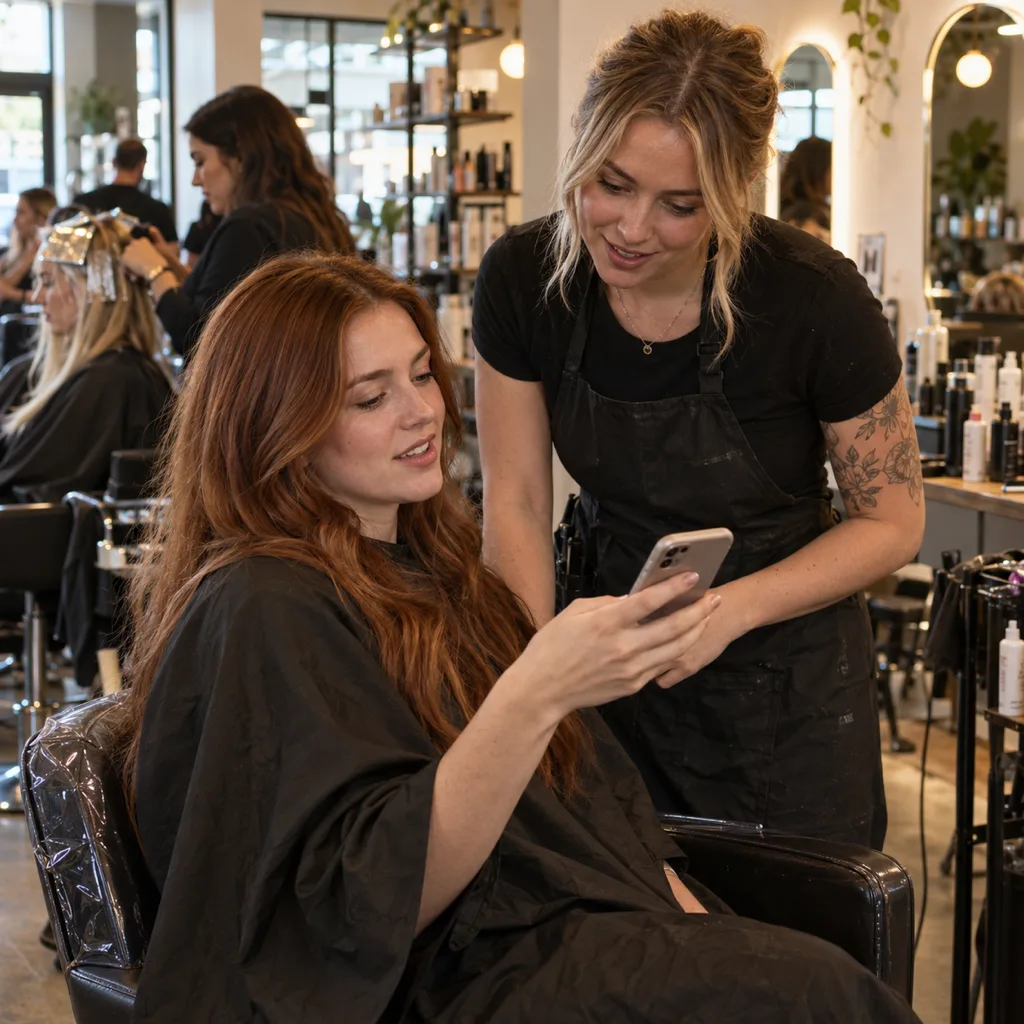
The fix for most of this starts before the app. Take the selfie facing a window, phone at eye level, with your hair pulled back so the app can see your hairline and the shape of your face. A photo with hair already covering half your forehead hides exactly what a bang or a layer would change.
14 women's cuts worth trying on first
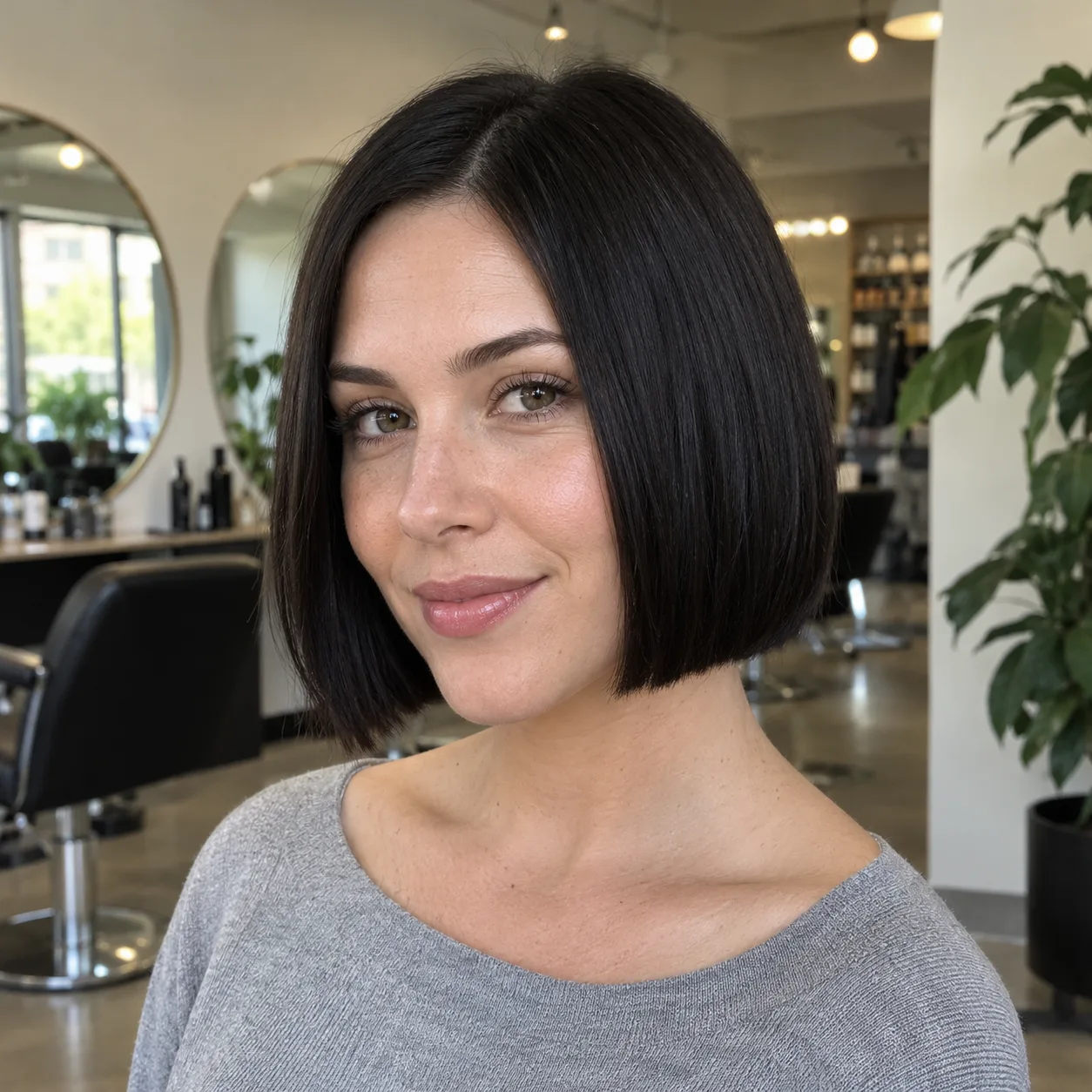
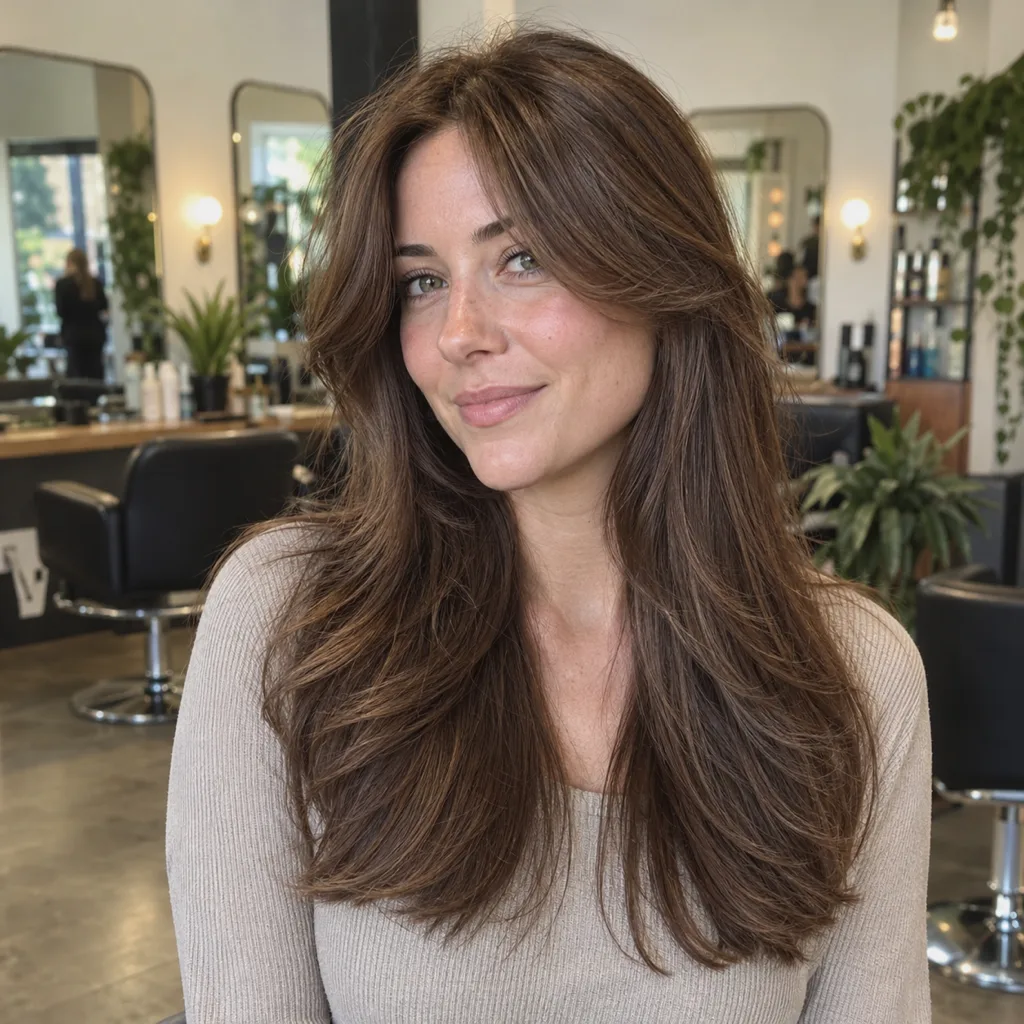
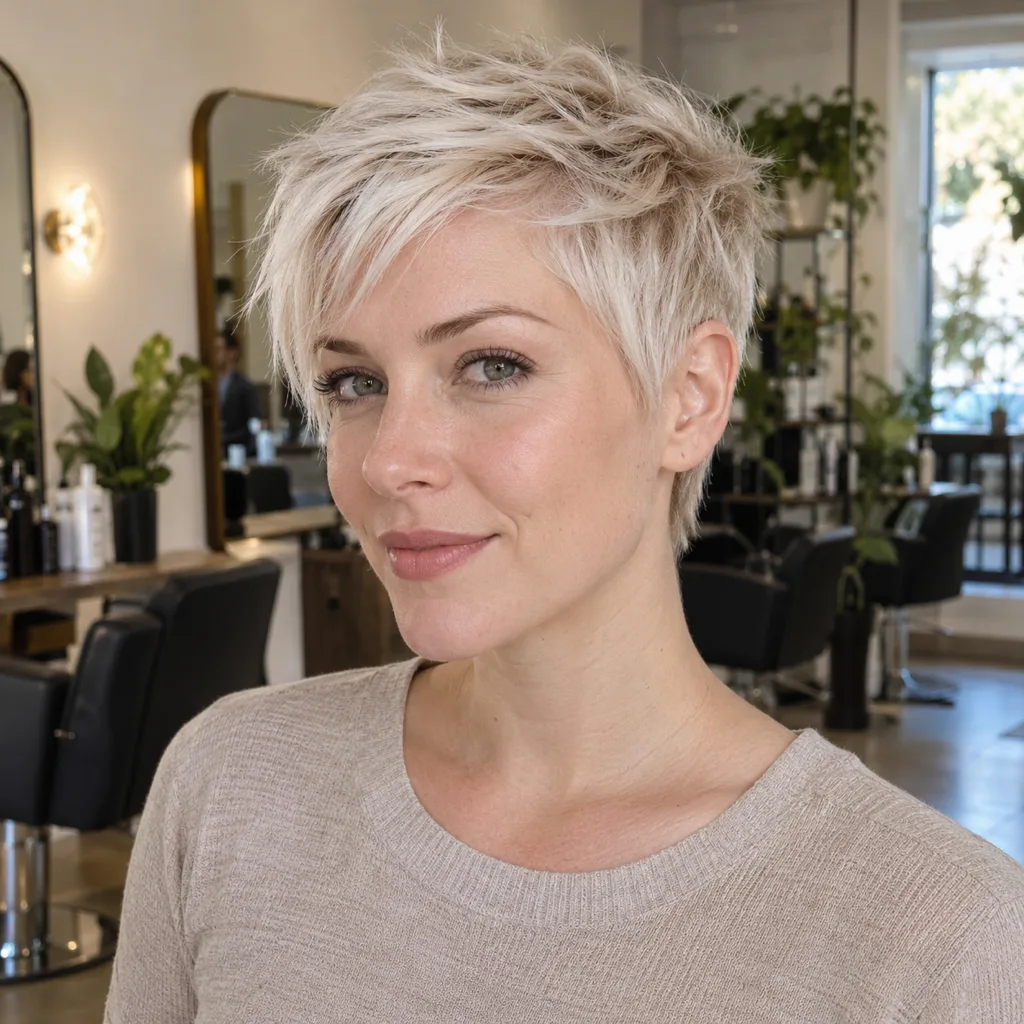
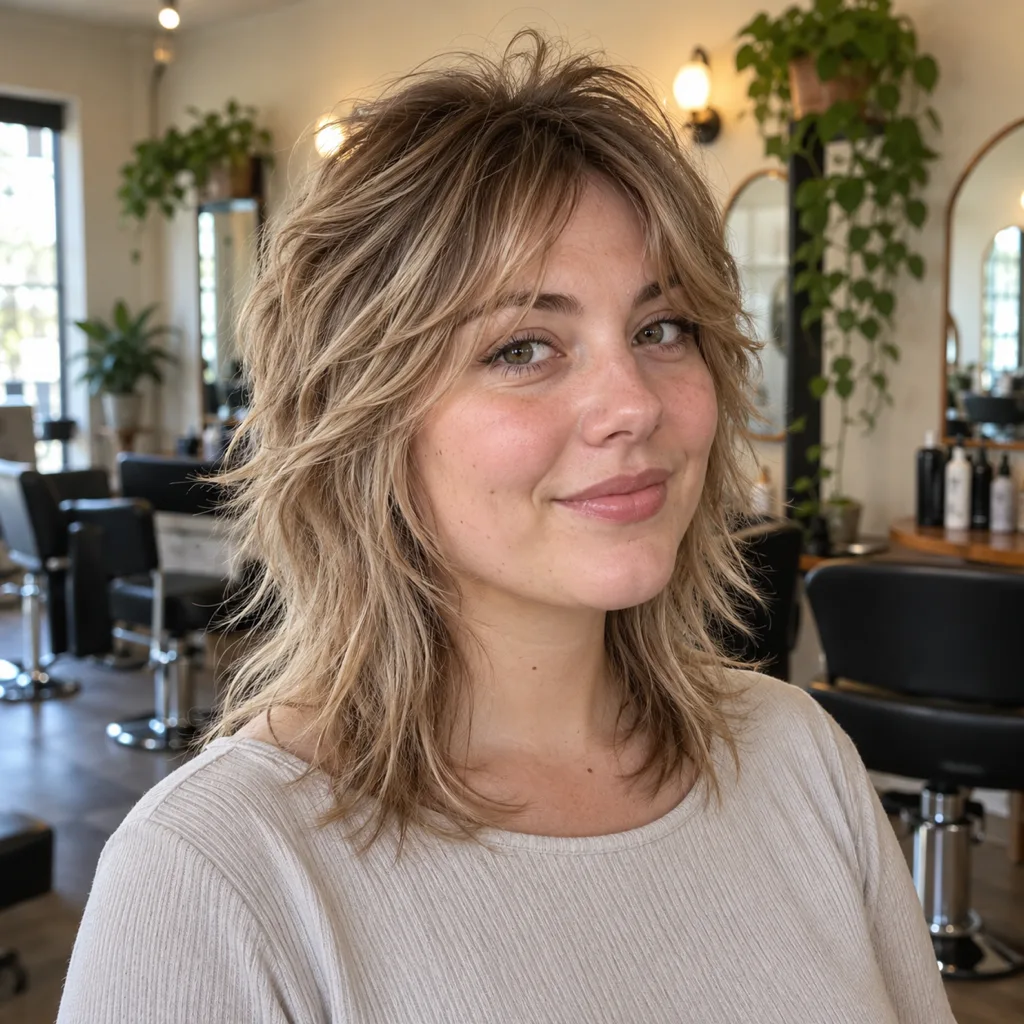
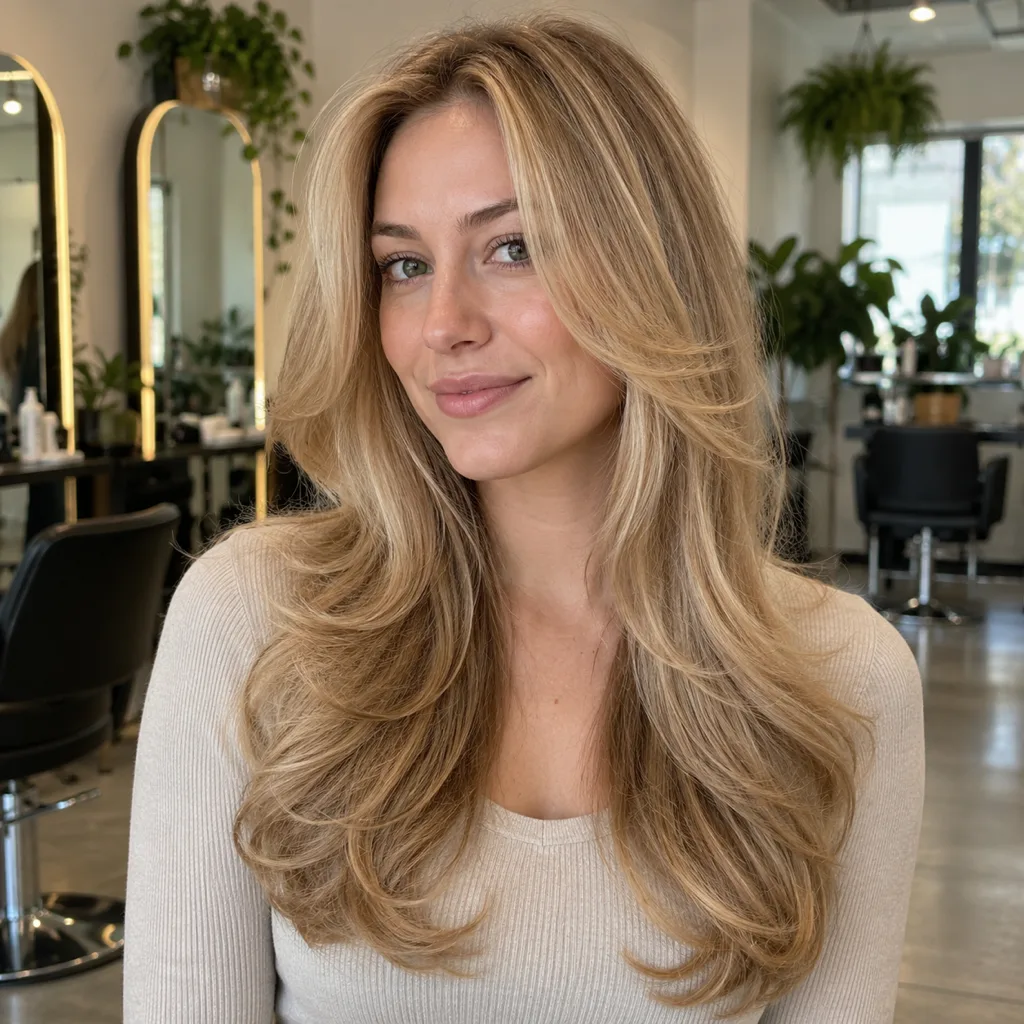
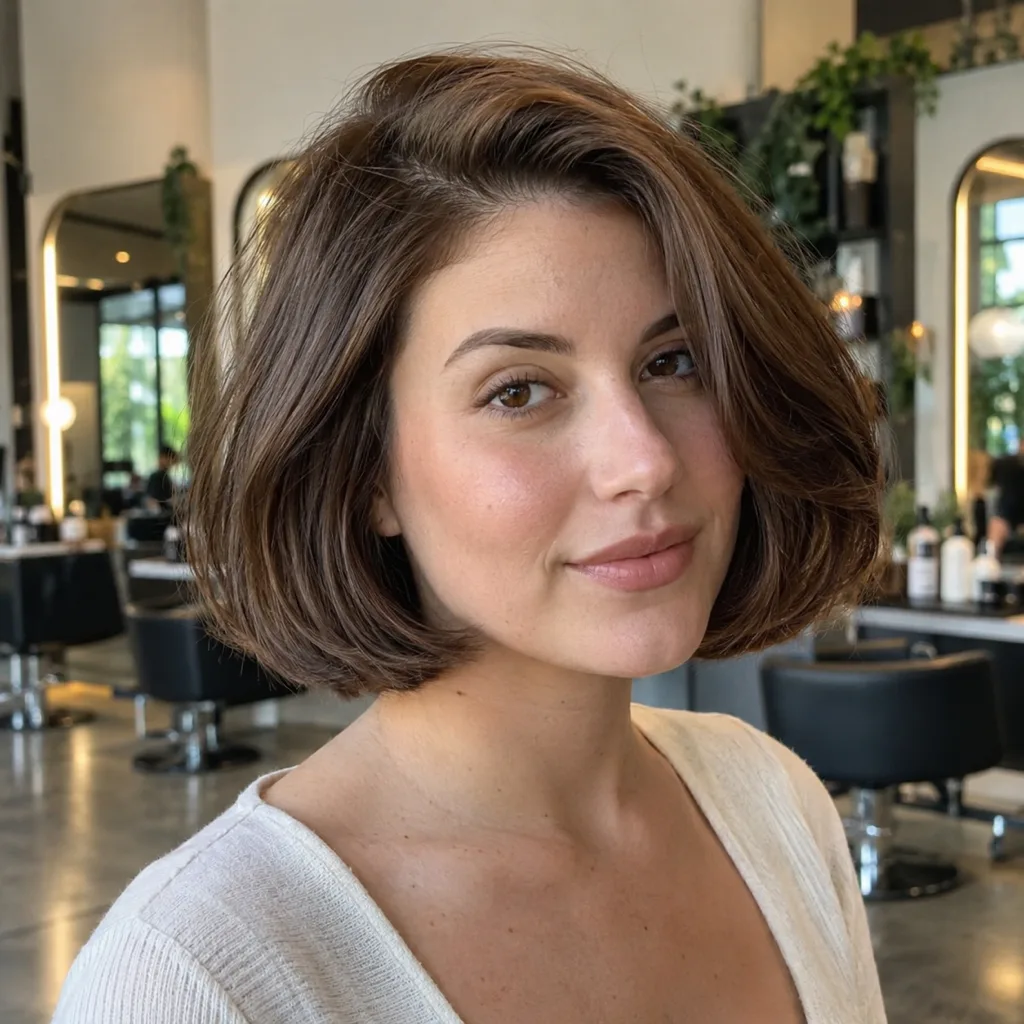
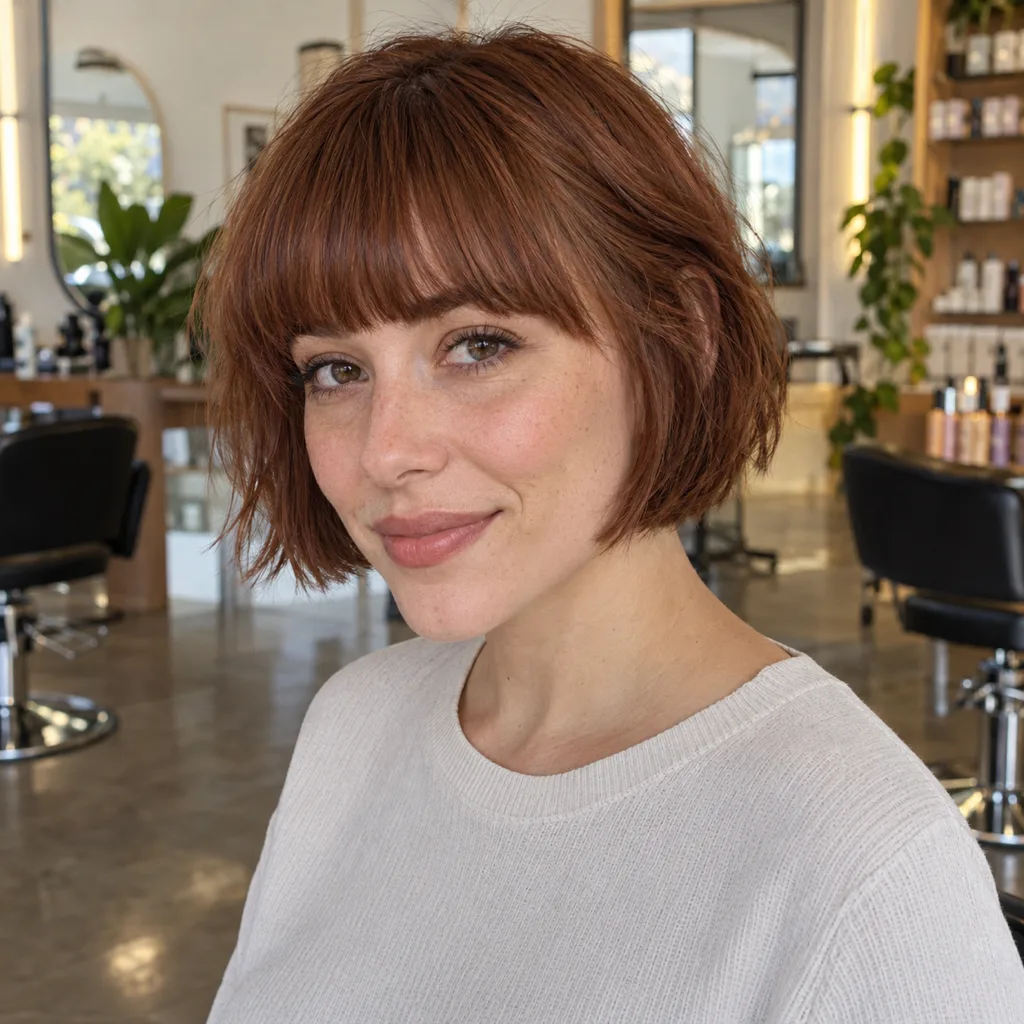
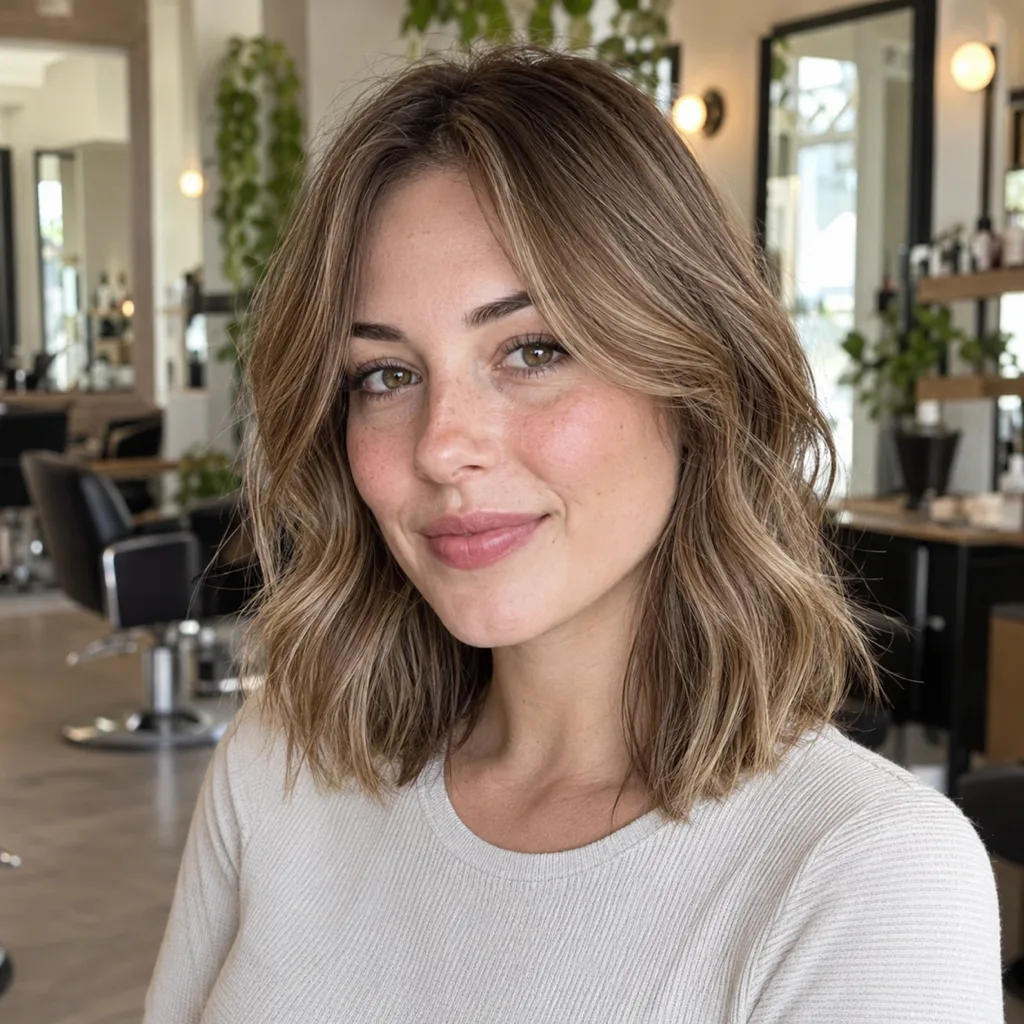
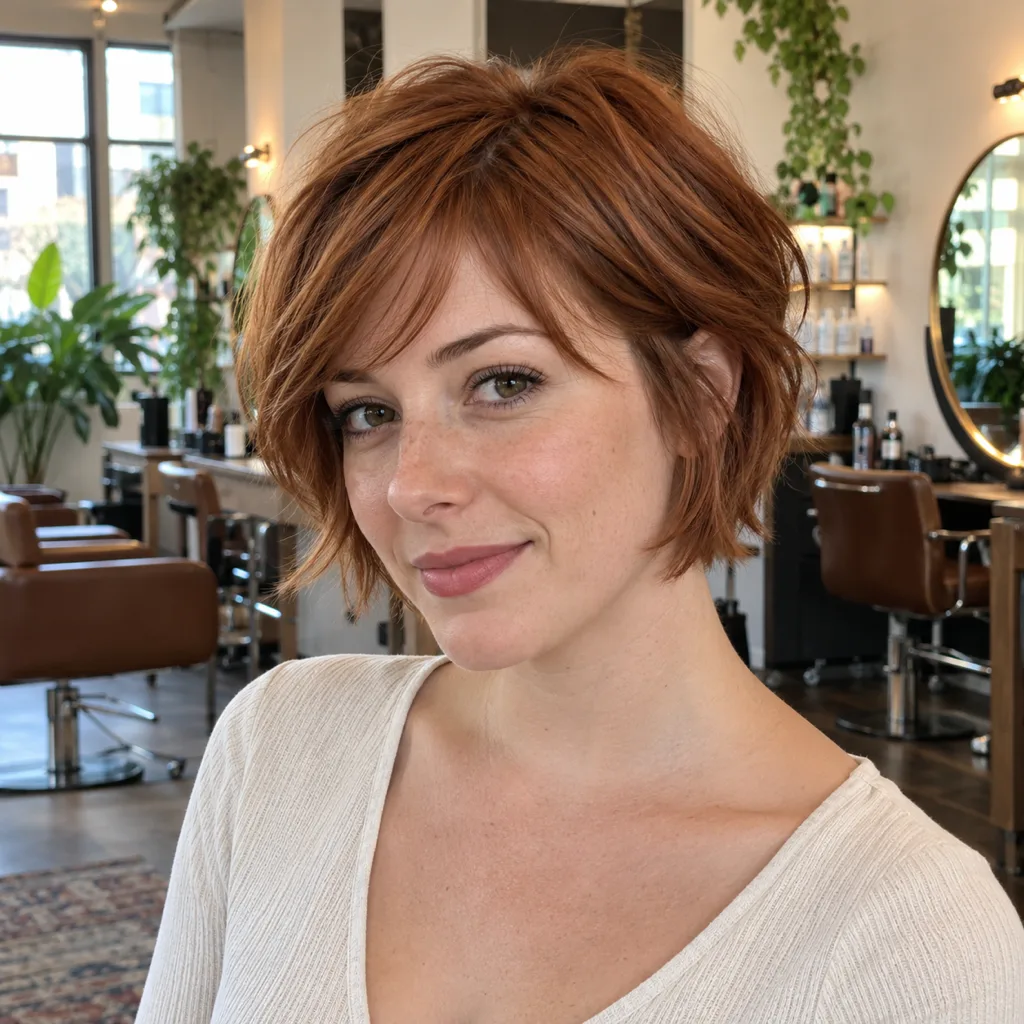
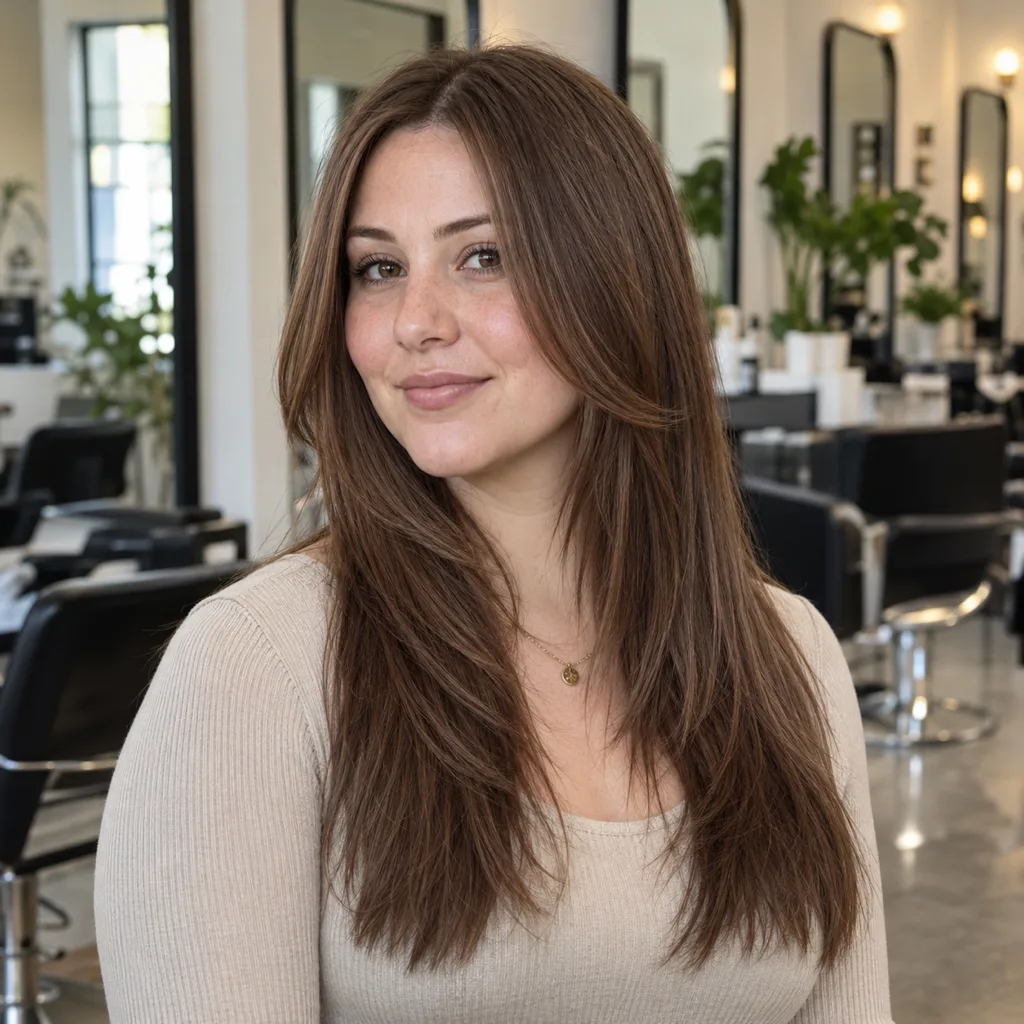
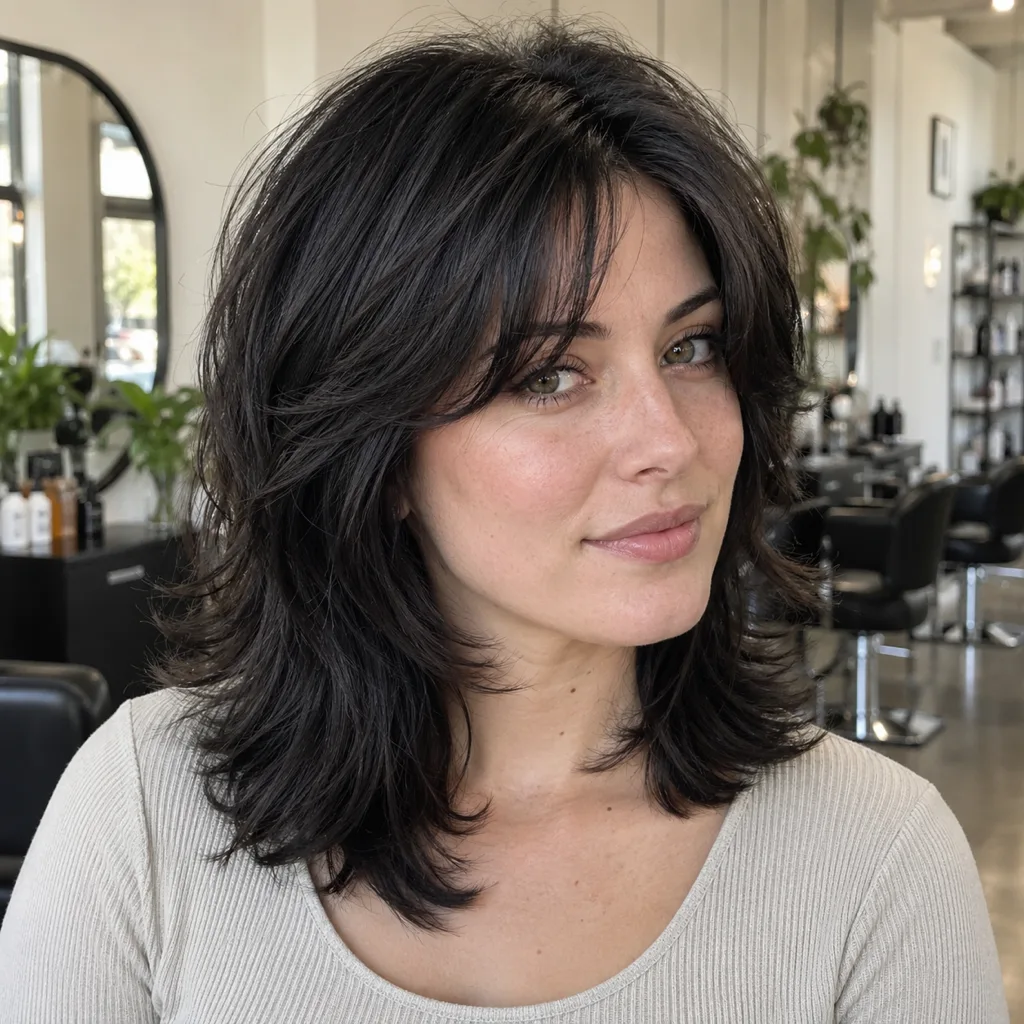
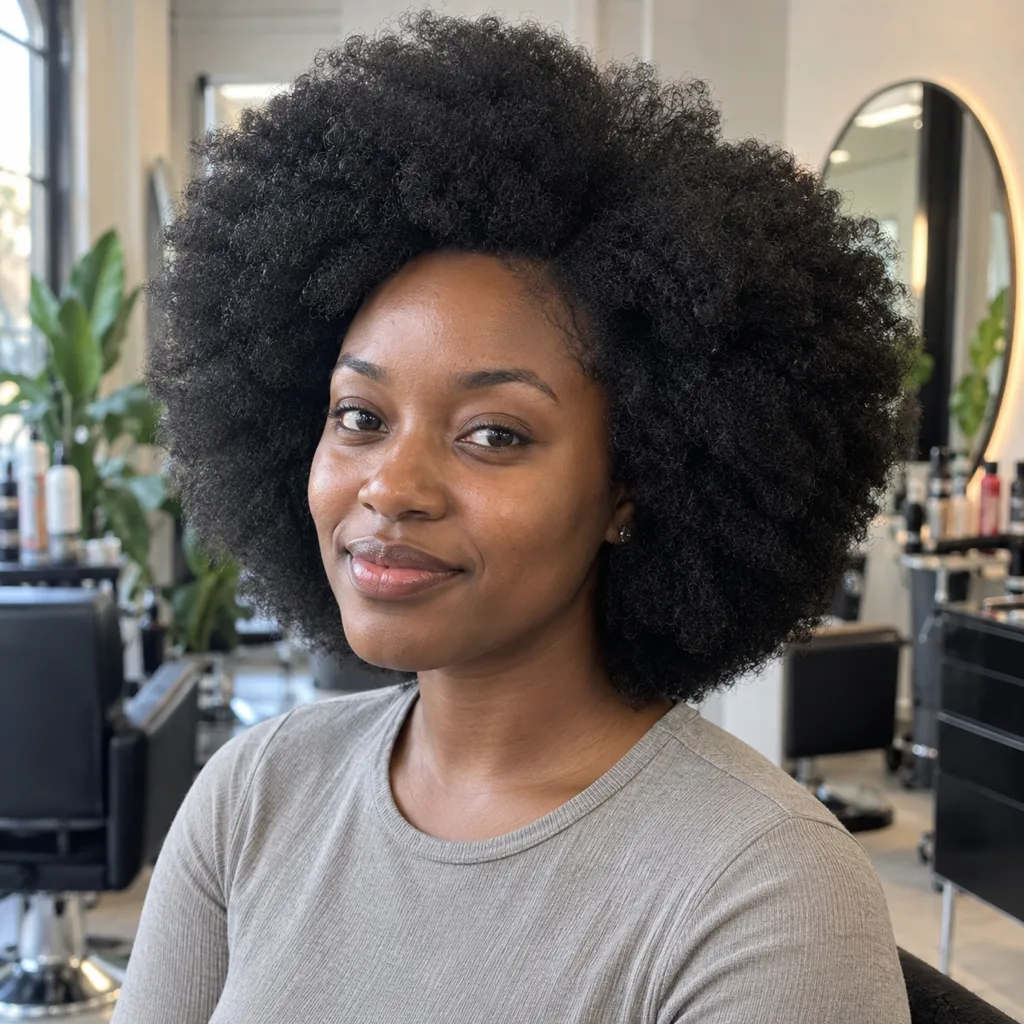
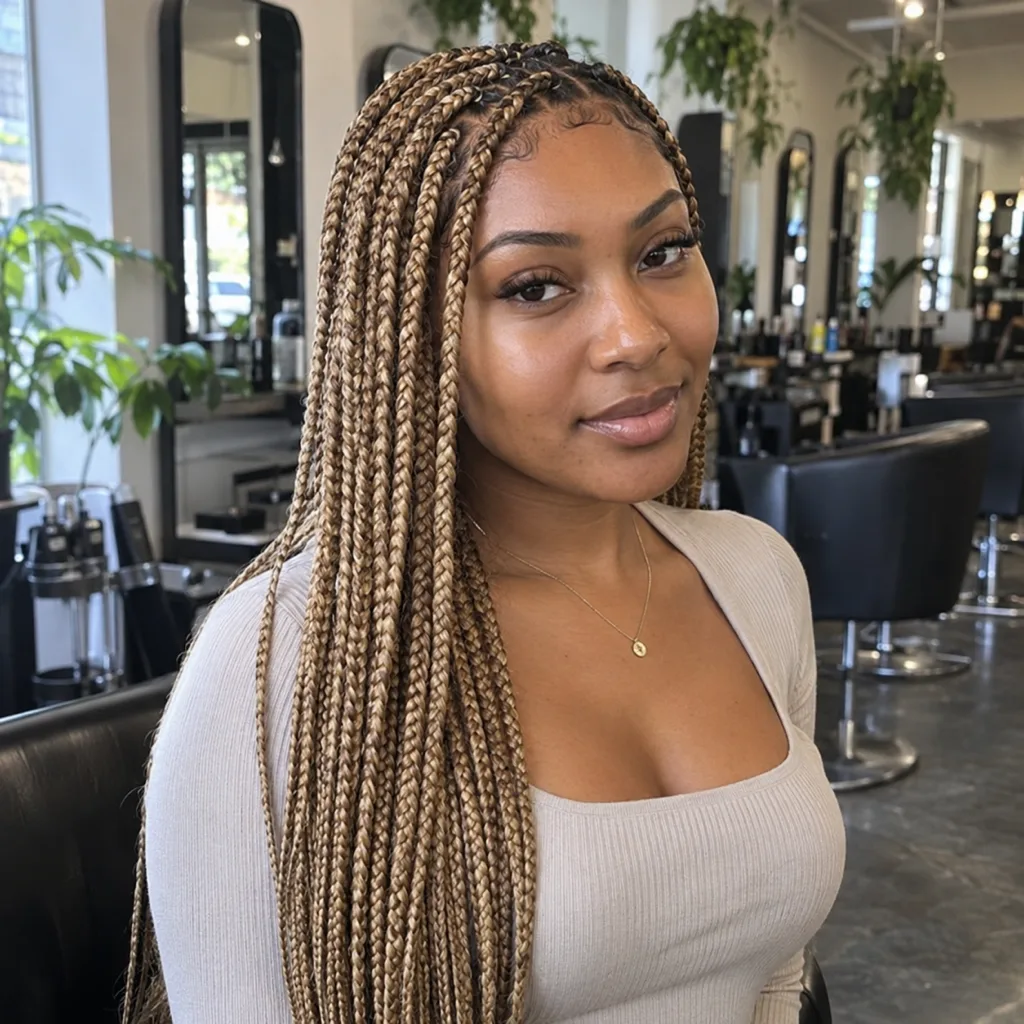
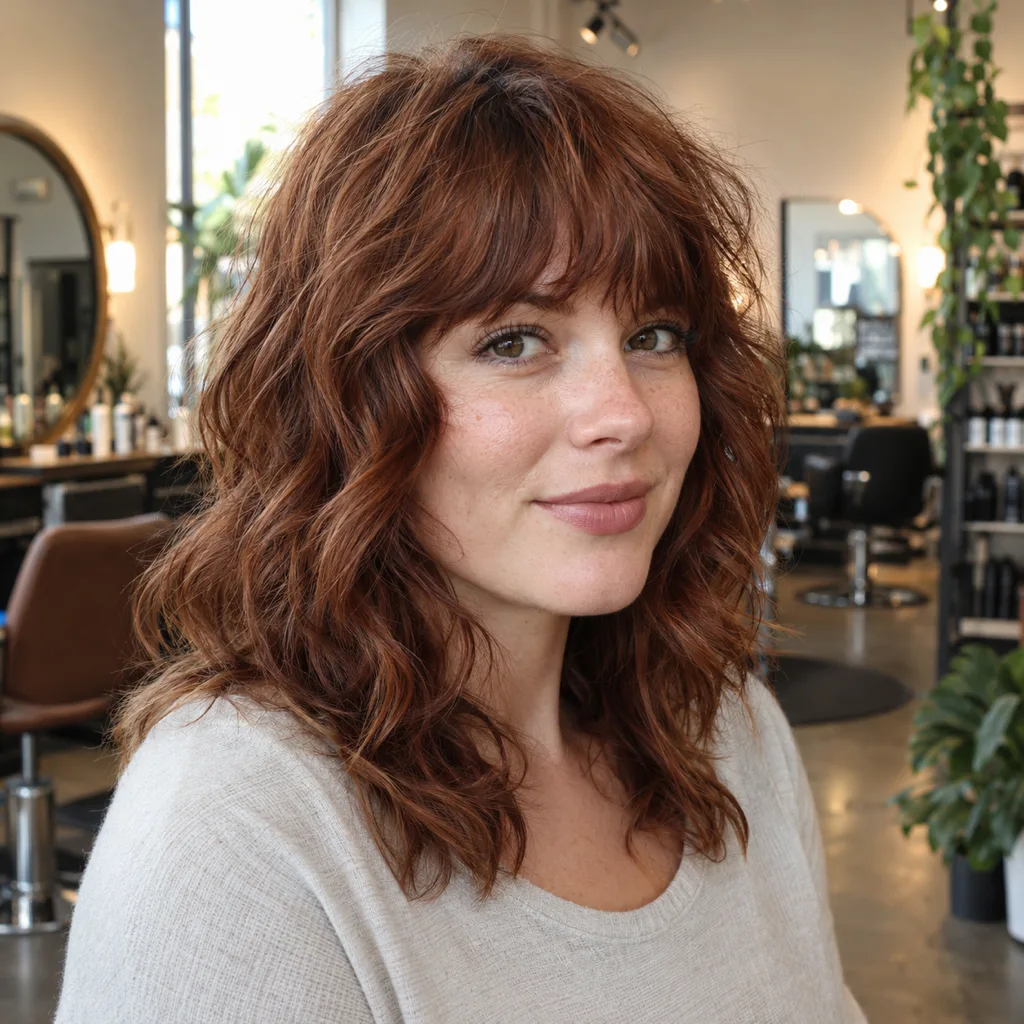
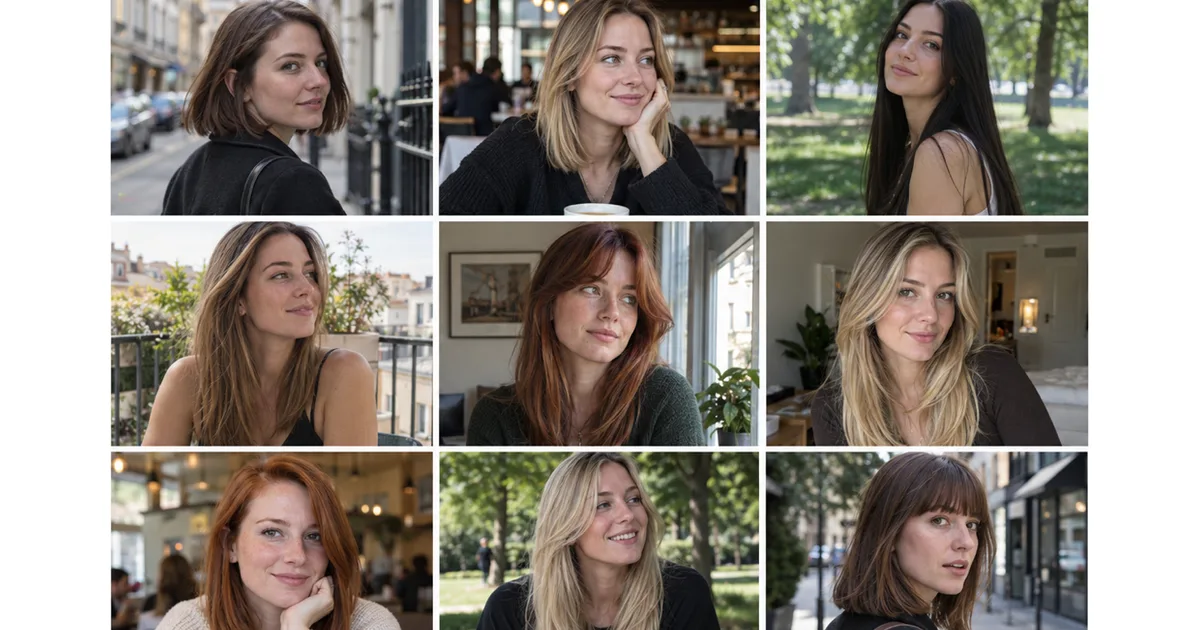
These are the cuts women most often try on before committing. Same salon, same framing, same light: only the hairstyle and the woman change, so you compare shapes rather than photos. Every one is in the HairstyleAtlas women's catalog, and most are in YouCam too.
Gallery14 photos · tap to enlarge
 Try this on me
 Try this on me
 Try this on me
 Try this on me
 Try this on me
 Try this on me
 Try this on me
 Try this on me
 Try this on me
 Try this on me
 Try this on me
 Try this on me
 Try this on me
 Try this on me
The cuts that most need a try-on are the ones you cannot undo quickly: a pixie, a blunt bob, full bangs. Long layers grow out gracefully. A chin-length bob takes a year to get back past your shoulders. If you want ideas for something in between, our guide to medium layered haircuts is a good place to start.
Yours could be here.
Start with one selfie.
One photo, twenty seconds, and you'll know. Free account, no card for your first render.
Which app fits your hair?
Choose by your hair type and the decision you are making, not by the app's rating.
| Your situation | Use this | Why |
|---|---|---|
| Straight or fine hair, thinking of a big cut | HairstyleAtlas | Keeps your face and works from your hair, so a bob ends where it would |
| You want to see bangs before committing | HairstyleAtlas or FaceApp | Bangs as their own look, on your real forehead |
| Curly or coily hair | HairstyleAtlas or Hair Fairy | Both have presets built for curls and coils |
| Braids or a silk press | HairstyleAtlas | Box braids, knotless, braided bob and silk press as separate looks |
| You want the most presets to scroll | YouCam Makeup | 250+ preset styles in the app |
| You want one free look, today | Krea or Google Gemini | Free, but you write the prompt and check your face |
| You hate subscriptions | Hair Fairy or Hairstyle Try On | One-time packs instead of a monthly plan |
Straight and fine hair
This is where apps flatter you most. Many generators add volume, so a shag or butterfly cut looks fuller than your hair will. Choose an app that starts from your own hair, then judge the result on its outline, not its thickness. A blunt bob or a long layered cut is usually the safer bet on fine hair.
Curly and coily hair
Ask whether the app has your texture before you upload. YouCam's web generator asks whether your hair is straight, wavy, curly or coily, but its preset page shows no afro, locs, box braid or twist styles, and we found no YouCam statement that it covers them. Hair Fairy has separate categories for curls and coils and for braids, twists and locs. The HairstyleAtlas curly and coily try-on asks for your texture during setup and cuts the result for it.

Braids and protective styles
Braids are a long appointment and real money, so they are worth previewing. Length and color matter most: honey blonde knotless to mid back looks very different from black box braids to the shoulder. The braids try-on covers box braids, knotless, loose boho pieces and a braided bob, and our knotless braids guide covers sizes and lengths.
Bangs
Bangs are the most common regret, and they are cheap to test. Try them on a photo with your hair pulled off your forehead, so the app draws the bangs on your real hairline. The bangs filter shows curtain, blunt, wispy and side-swept bangs on your own forehead.
The best hairstyle apps for women, reviewed
1. HairstyleAtlas
HairstyleAtlas puts a specific cut or color on a photo of you, from a catalog of 120+ cuts and colors across 14 hair textures, including bobs, bangs, layers, braids, afros and silk presses. It runs in the browser.
- Free: try any look on sample faces without an account. Your own photo needs a free account, no card: one cut plus one color on it.
- Paid: Plus is $9.99 a week or $60 a year for 150 credits, with a before and after sheet for your stylist. Pro is $21.99 a week for 480 credits each week or $160 a year and adds front, three-quarter, side and back views. Details are on the pricing page.
- Weak spots: no native app and no live camera, and the free look is a single cut.
2. YouCam Makeup
The biggest catalog here: the app lists 250+ preset hairstyles and a custom try-on that copies a style from a reference photo. It has 4.7 stars from over 155,000 App Store ratings.
- Platforms: iOS, Android and web.
- Price: free to download with paid content. Premium is $5.99 to $9.99 a month or $31.99 to $39.99 a year; Pro is $19.99 a month or $79.99 a year. The web tool gives 5 free credits after sign-up.
- Not so good: ads, and thin coverage of braids and coily styles. See HairstyleAtlas vs YouCam Makeup.
3. Google Gemini
Gemini's image editor restyles a selfie from a written request, and Google's Gemini image help page names trying different hairstyles as a use case. Free, with limits Google does not publish; you need to be 18 or older to edit images, and free images carry a visible watermark. Be precise: "chin-length blunt bob, no bangs, same face and lighting" works far better than "shorter".
4. Krea
Krea's AI hairstyle changer is free and its page says you can use it without signing up. You describe the cut, it edits the photo. It has no catalog, and like any general image model it can drift your face, so compare the result with your original.
5. Hair Fairy
A browser tool with 105 women's styles, including curls, coils, braids, twists and locs. You get one watermarked preview per browser for free, then one-time packs of 30 images for $5.99 or 100 for $10.99. No subscription, which Reddit users clearly want. Its own privacy text says it runs on Google's Gemini image model.
6. FaceApp
FaceApp's women's filters include Bob Cut, Bangs, Long, Wavy and a Transfer filter that copies a hairstyle from a reference photo. Free filters, with Pro purchases from $10 to $100 on the US App Store. Fast, but these are filters, so check that your face survived.
7. Facetune
A selfie editor with 20+ hair styles, such as a sleek bun and a butterfly cut. 4.6 stars from about 379,000 ratings. Good if you already edit photos there. A small hair catalog, and retouching sits right beside try-on, which makes it easy to judge a smoothed version of yourself.
8. HairLook
An iPhone app with 500+ styles that also transfers a cut from any inspiration photo onto your selfie. Transfers need a subscription from the start, listed at $6.99 to $9.99 a week.
9. Glowify
A newer iPhone app with 4.7 stars from about 12,000 ratings that combines try-on with face-shape and skin-tone suggestions. Subscription only: $9.99 a week, $16.99 a month or $39.99 a year.
10. Hairstyle Try On (KBMSoft)
An older iPhone app with 33 free styles and one-time packs from $0.99, or all packs for $4.99. It places styles over your photo rather than rebuilding your hair, so results look pasted on, but it is the cheapest way to browse shapes without a subscription.
Apps we would skip
- Hair Zapp still shows up in App Store results, but its listing has not been updated since April 2020 and it sits at 3.4 stars. One reviewer says recoloring is "limited to non existent depending on the style".
- MyEdit on iPhone has 2.9 stars from about 100 ratings.
- HairTry is reasonably priced at $4.99 a month, but its listing does not state a free tier.
Mistakes that waste a try-on
- Trusting a result that changed your face. A slimmer jaw or bigger eyes makes any cut look good. Put the result next to your original and compare the face first.
- Judging volume on fine hair. If the preview looks thicker than your hair, judge the outline and length, not the fullness.
- Skipping the color. A cut and a color change the look together. Test a cut, then the hair color try-on on top of it, rather than imagining it.
- Testing on styled hair. Hair over your forehead hides your hairline, which is exactly what bangs and face-framing layers change.
- Bringing only the picture. Learn the cut's name too. "Chin-length blunt bob, no layers, center part" gets you that cut. "Like this but shorter" gets you a guess.
How to take your result to the salon
Save the front view at full size, and a side view if your app offers one. Show it at the start of the consultation, say the name of the cut, and ask your stylist whether your hair will hold it. If the answer is no, ask for the closest version that will, then test that one too. There are more free ways to preview a cut before your appointment, including a few that need no app.

The short version
For a real haircut decision, use an app that keeps your face and starts from your hair: that is what HairstyleAtlas is built for, with one free look on your photo. YouCam Makeup has the most presets. Krea and Gemini are the best free options for one look. If your hair is curly, coily or braided, start with HairstyleAtlas or Hair Fairy, because most apps simply do not have your texture.
Frequently asked questions
For deciding on a real cut, use an app that edits your own photo and keeps your face unchanged, such as HairstyleAtlas, which gives one free look with no card. YouCam Makeup has the biggest preset catalog, and Krea and Google Gemini are the best free options for a single edit.
Krea's hairstyle changer is free and its page says no account is needed. Google Gemini edits photos free within limits. HairstyleAtlas gives one free cut plus one color on your photo with a free account and no card, and Hairstyle Try On for iPhone includes 33 free styles.
Yes. Glowify suggests cuts by face shape on iPhone, and our free face shape detector measures your face from a selfie and suggests cuts. Then test two or three of them on your own photo.
Pick one with presets built for your texture. HairstyleAtlas covers curls, coils, afros, braids and silk presses, and Hair Fairy has categories for curls, coils, braids, twists and locs. YouCam does not show afro, locs or braid presets on its generator page.
Yes. YouCam Makeup, FaceApp's Transfer filter and HairLook all copy a style from a reference photo. Check that the result keeps your face and is realistic for your hair density.
Yes. ChatGPT can edit an uploaded selfie from a written request, and so can Google Gemini. Neither has a hairstyle catalog, so describe length, bangs and part exactly, and check that your face did not change.
Read each app's retention policy before you upload. FaceApp says photos are removed from its cloud within 24 to 48 hours, and HairLook says it deletes images 72 hours after generation. Photos you upload to ChatGPT or Gemini stay in your history until you delete them.
Yes. A picture of the cut on your own head is clearer than a photo of someone else. Bring it to the consultation, name the cut, and ask whether your hair type will hold it.
Preview it on your own photo: Virtual Hair Color Try-On.
Share article
About the author
Related posts
Women's Haircuts · 13 min
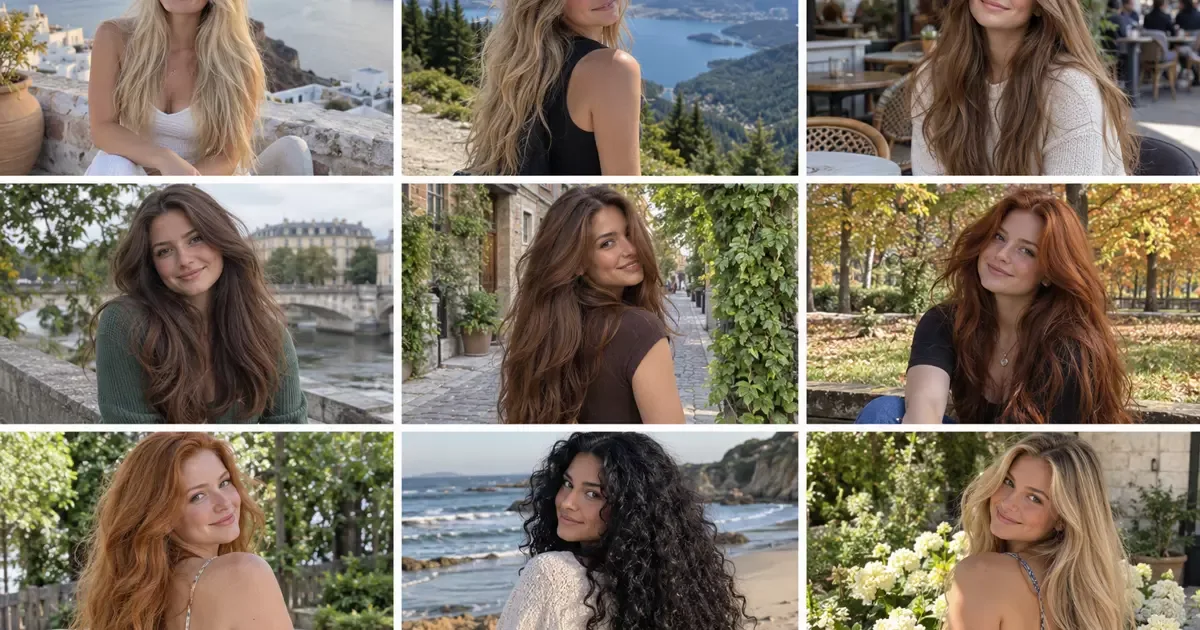
Thick Hair: What It Is, the Cuts That Work and How to Manage It
Thick hair is a weight problem before it is a frizz problem. How to tell dense from coarse, 13 cuts that handle the bulk, how to thin it without ruining it, and the words to say to your stylist.
Women's Haircuts · 13 min
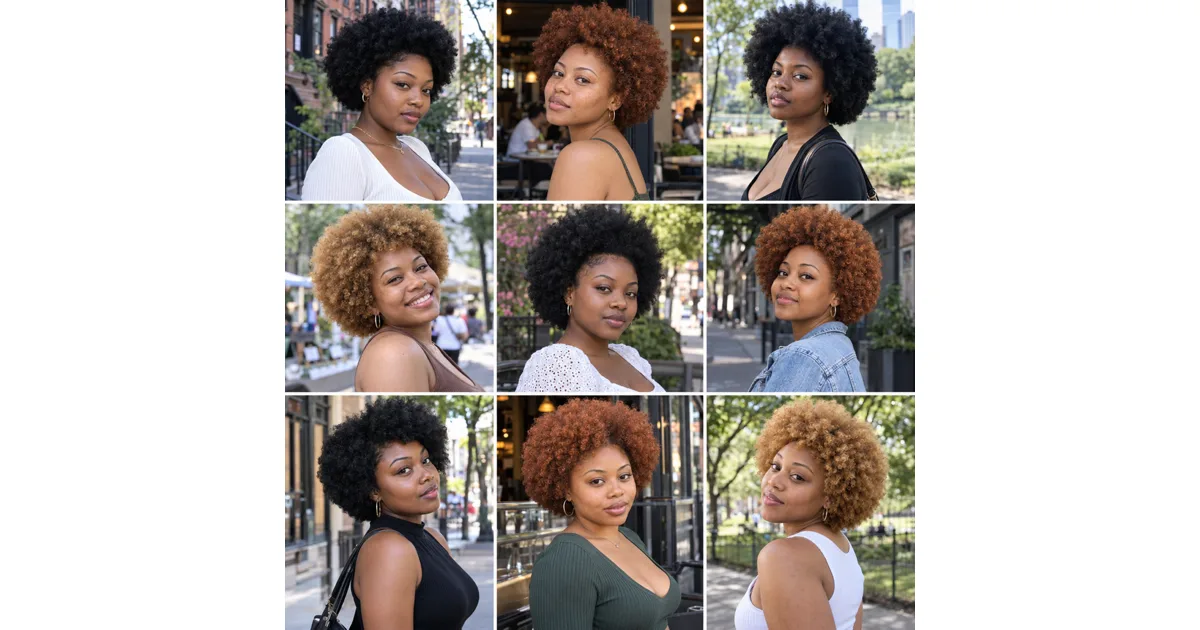
Coily Hair: Types, Care and a Routine That Fits You
Understand coily hair without getting stuck on a subtype. Learn how to detangle, wash and style your coils, plan for shrinkage, and choose an afro shape.
Women's Haircuts · 14 min
1B Hair: How to Tell If You Have It + 14 Cuts That Suit It
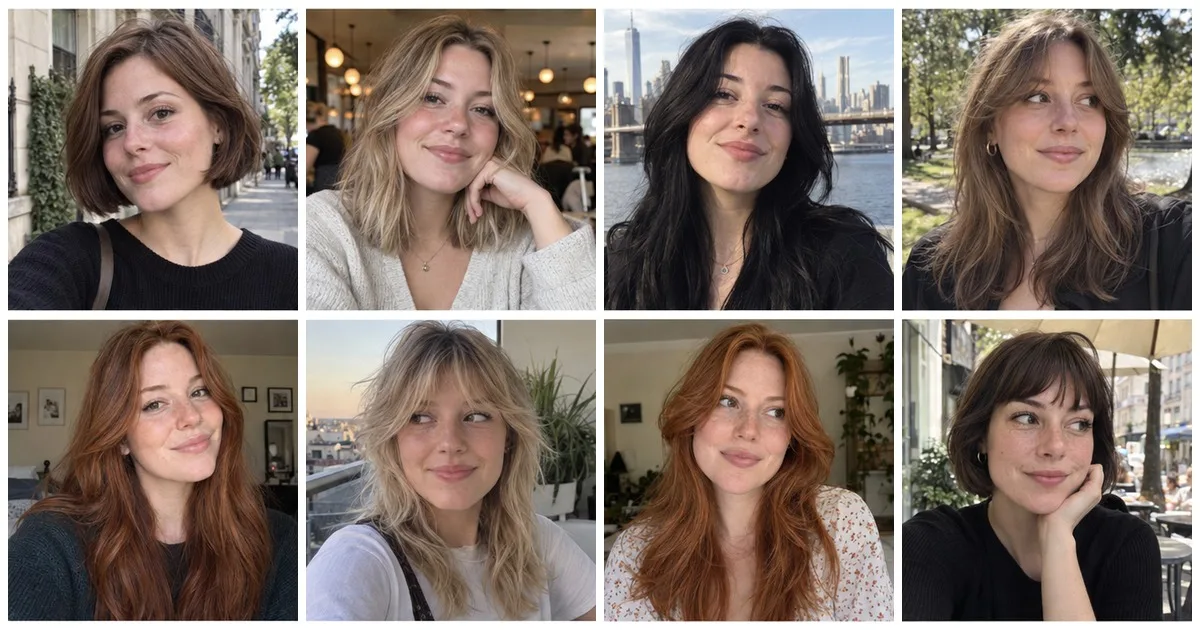
1B hair is straight with some body at the crown and a slight turn at the ends. How to tell it from 1A and 1C, why the length of your cut matters most, 14 cuts that suit it and how to style it.
Women's Haircuts · 16 min
1C Hair: How to Tell If You Have It + 14 Cuts That Tame It
1C hair is straight at the root with a loose bend through the lengths, coarse strands and frizz on top. How to tell it from 1B and 2A, why it puffs, 14 cuts that suit it and how to style it.
Women's Haircuts · 17 min
Long Hair With Bangs: 14 Styles and Which One Suits Your Face
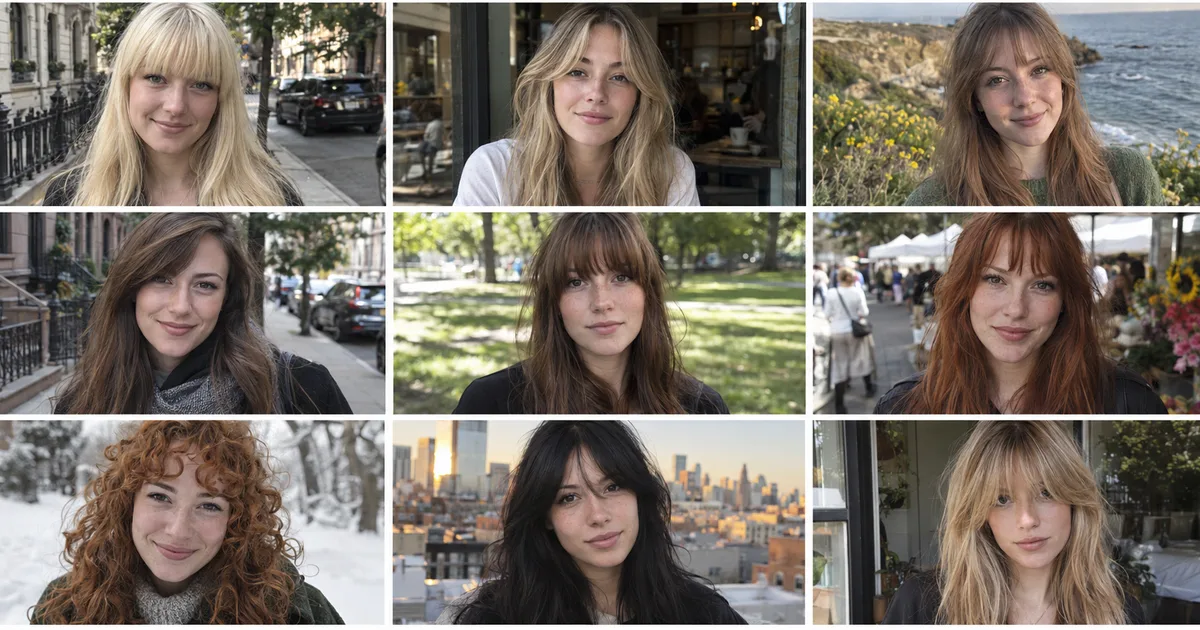
Long hair with bangs suits almost every face, and the bangs matter more than the length. 14 bang styles on long hair, a face shape table, the mistakes to avoid and the exact sentence to say in the chair.
Women's Haircuts · 13 min
Heat Protectant for Curly Hair: Which One for Each Heat Tool
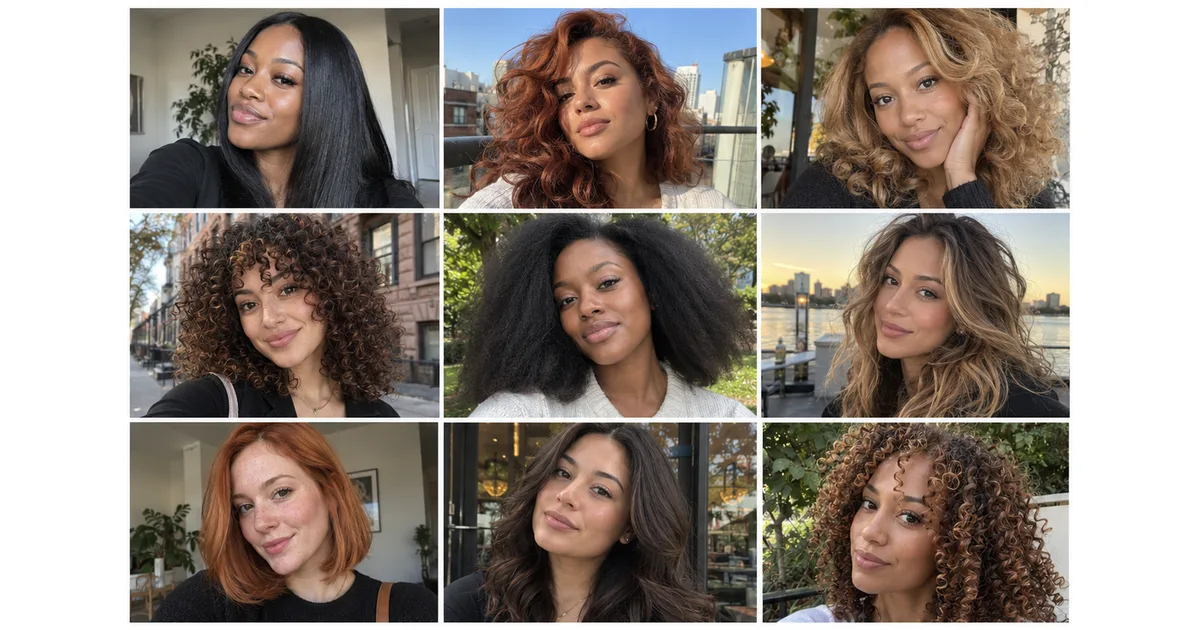
Curly hair needs a different heat protectant for a diffuser, a blowout and a flat iron. Match the product to your tool and curl type, apply it the right way, and keep your curl pattern.